Python Float to Int: Truncation, Rounding, and Edge Cases
python float to int: Learn how to convert Python floats to ints: truncation with int(), rounding with round(), floor/ceil, and handling NaN, infinity, and precision li...
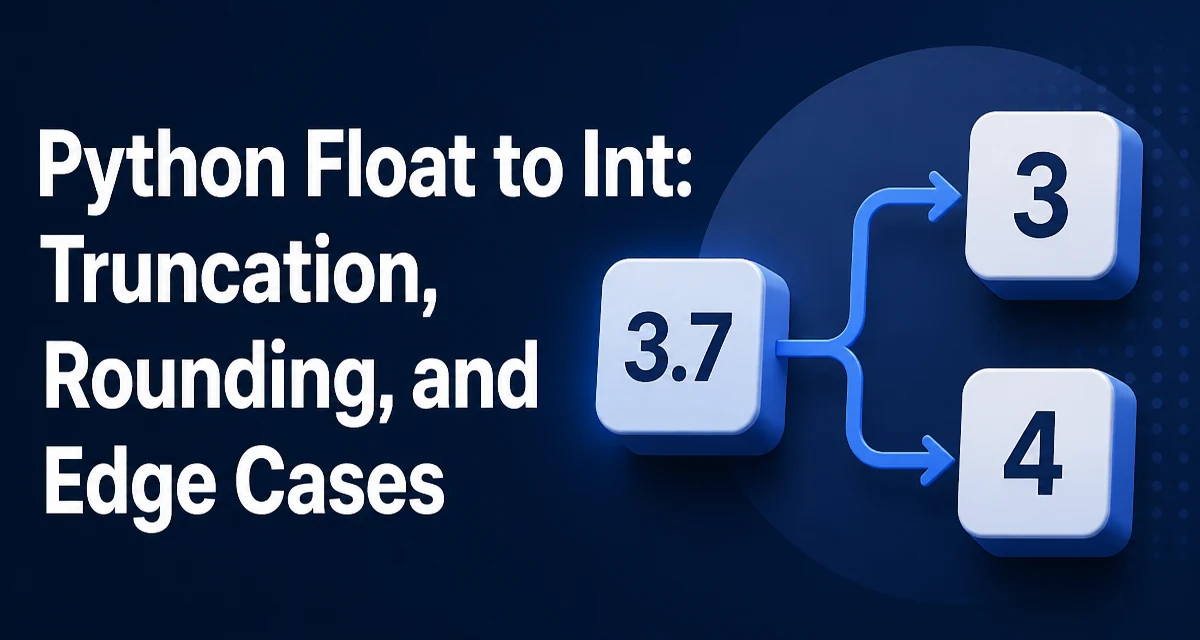
Converting a Python float to int is a common operation, but the behavior of int() might surprise you if you expect rounding. The built-in int() function truncates the fractional part, effectively rounding toward zero. This article explains the core syntax, the difference between truncation and rounding, and how to handle edge cases like NaN, infinity, and large floats.
The Core Conversion: int() Truncates Toward Zero
The simplest way to convert a float to an int is to call int() with the float as an argument:
value = 3.7
result = int(value)
print(result)  # Output: 3
The function removes the decimal part and returns the integer part. For positive numbers, this is equivalent to math.floor(). For negative numbers, it truncates toward zero, so int(-3.7) returns -3, not -4. This is a common source of confusion because many developers mistakenly assume int() rounds to the nearest integer.
print(int(-3.7)) # Output: -3
This behavior is defined by the Python language specification: int() for a float argument performs truncation toward zero. If you need rounding, you must use an explicit rounding function.
Rounding to the Nearest Integer with round()
To round a float to the nearest integer, use the built-in round() function. By default, round() returns an integer when called with a single argument:
print(round(3.7))   # Output: 4
print(round(3.2))   # Output: 3
print(round(-3.7))  # Output: -4
round() uses banker's rounding (round half to even) for values exactly halfway between two integers. For example, round(2.5) returns 2, while round(3.5) returns 4. This is different from the rounding taught in many school systems (round half away from zero). If you need the latter, you can implement it manually or use the decimal module.
print(round(2.5))  # Output: 2
print(round(3.5))  # Output: 4
round() also accepts a second argument for decimal places, but when that argument is omitted or None, it returns an int. When you pass a second argument, the return type is still a float if the input is a float, unless the result is exact.
Floor and Ceiling with math.floor and math.ceil
The math module provides floor() and ceil() functions that round down and up respectively, regardless of the sign of the number.
import math

print(math.floor(3.7))  # Output: 3
print(math.ceil(3.2))   # Output: 4
print(math.floor(-3.7)) # Output: -4
print(math.ceil(-3.7))  # Output: -3
math.floor() returns the largest integer less than or equal to the input, while math.ceil() returns the smallest integer greater than or equal to the input. These functions always return an int (in Python 3, they return an int; in Python 2, they returned a float).
Use floor() when you need to round down (e.g., for pagination counts) and ceil() when you need to round up (e.g., to ensure enough capacity).
Handling NaN, Infinity, and Very Large Floats
Converting special floating-point values to integers raises exceptions. float('nan') and float('inf') cannot be represented as an int because they are not finite numbers.
import math

# These will raise ValueError
# int(float('nan'))
# int(float('inf'))
If your code may encounter NaN or infinity, check the value before conversion using math.isnan() and math.isinf():
def safe_float_to_int(value):
    if math.isnan(value) or math.isinf(value):
        return None  # or raise a custom exception
    return int(value)
Very large floats can also cause issues. When a float exceeds the range of a Python int (which is arbitrary precision), int() will still work because Python automatically converts to a long integer. However, the conversion may lose precision because the float itself cannot represent all digits exactly. For example, int(1e20) returns 100000000000000000000, but the float 1e20 is actually stored as a binary approximation. This is a fundamental limitation of floating-point representation, not a bug in int().
Precision and Floating-Point Representation
Floating-point numbers are stored as binary fractions, which means many decimal values cannot be represented exactly. For example, 0.1 is an infinite binary fraction. When you convert such a float to an int, you are converting an approximation, not the exact decimal value you wrote in source code.
value = 0.1 + 0.2
print(value)          # Output: 0.30000000000000004
print(int(value))     # Output: 0
If you need exact decimal arithmetic, use the decimal module. For conversions that must be exact, consider using Decimal objects and then converting to int after rounding or truncation.
from decimal import Decimal, ROUND_DOWN

d = Decimal('0.1') + Decimal('0.2')
print(int(d))  # Output: 0
When precision matters, avoid relying on float-to-int conversion directly. Instead, work with Decimal or Fraction until you have the final integer result.
Choosing the Right Conversion for Your Use Case
The choice between int(), round(), floor(), and ceil() depends on the semantic you need:
| Function | Behavior | Typical Use Case |
|---|---|---|
int() | Truncate toward zero | Index math, array slicing, removing fractional part |
round() | Round to nearest, ties to even | Statistical calculations, display values |
math.floor() | Round down (toward negative infinity) | Pagination, counting items that fit in a block |
math.ceil() | Round up (toward positive infinity) | Allocating resources, ensuring minimum capacity |
For example, if you are calculating how many pages are needed to display 10 items per page and you have 37 items, you would use math.ceil(37 / 10) to get 4 pages. If you are converting a pixel coordinate to a grid index, int() truncation is likely what you want.
Common Pitfalls When Converting Floats to Ints
A frequent mistake is assuming int() rounds. Always verify the behavior with negative numbers. Another pitfall is using round() when you need truncation, or vice versa. The round() function's banker's rounding can produce unexpected results for values exactly at .5, especially in financial applications.
Also, be aware that round() returns an int only when called with one argument. If you pass a second argument, the result is a float when the input is a float, even if the value is integral:
print(type(round(3.0, 0))) # Output: <class 'float'>
When you need to ensure an int type, you can wrap the result with int():
result = int(round(3.0, 0))
Finally, when converting a float that is the result of a division, consider using integer division // if you only need the quotient. 7 // 2 returns 3, which is the same as int(7 / 2) but avoids creating a float in the first place. This is more efficient and avoids floating-point representation issues.
# Instead of int(7 / 2)
quotient = 7 // 2  # Output: 3
For performance-sensitive code, // is faster than division followed by int(), but the difference is negligible for most applications. Choose based on clarity and correctness first.
When you need to convert a float to an int in Python, the key is to know exactly which rounding behavior you need. int() truncates, round() rounds to nearest, and math.floor/math.ceil round in a specific direction. Handle special values like NaN and infinity explicitly, and be aware of the precision limits of floating-point numbers. With these tools, you can convert floats to ints safely and predictably in your code.