Python Int to String: Convert and Format Integers
python int to string: Understand how to convert Python int to string with str(), f-strings, and format(). Compare behavior, formatting options, and edge cases.
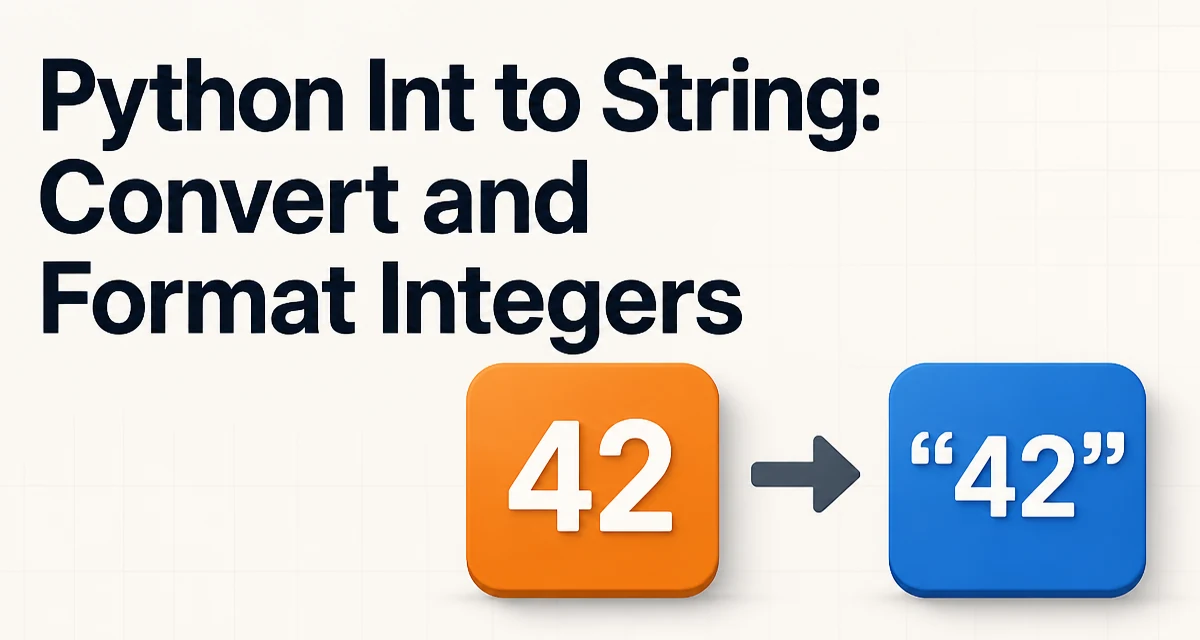
The most direct way to perform a python int to string conversion is the built-in str() function. It accepts any integer and returns a decimal string representation. For example, str(42) returns "42". This function is implemented in C and is the fastest conversion method for simple cases. It also works with negative numbers: str(-7) returns "-7". The returned string is always in base 10 unless you use a different conversion function like hex(), oct(), or bin().
The Basic Conversion: str()
str() is the foundation of integer-to-string conversion in Python. It is unambiguous and handles all integer types, including int and bool (since bool is a subclass of int). When you need a plain decimal string without any formatting, str() is the correct choice.
value = 12345
result = str(value)
print(result)  # "12345"
The function does not modify the original integer; it creates a new string object. This matters when you are converting many integers in a loop or building a large list of strings. Each call allocates memory for the new string, but the overhead is minimal for typical workloads.
One common use is building file names or log messages:
for i in range(10):
    filename = "data_" + str(i) + ".csv"
    print(filename)
Here str() ensures that the integer i is concatenated with other strings. Without it, Python raises a TypeError because you cannot directly concatenate an int and a str.
F-Strings: The Modern Default
Since Python 3.6, f-strings provide a more readable and often more convenient way to convert integers to strings while embedding them in larger text. An f-string is a string literal prefixed with f or F, and it evaluates expressions inside curly braces.
user_id = 1001
message = f"User {user_id} has logged in"
print(message)  # "User 1001 has logged in"
The expression {user_id} is automatically converted to a string using the same underlying mechanism as str(). You can also apply format specifiers directly inside the braces, which is useful when you need padding, alignment, or numeric formatting.
order_number = 42
formatted = f"Order {order_number:05d}"
print(formatted)  # "Order 00042"
The :05d specifier pads the integer with leading zeros to a width of 5. This is a common requirement for invoice numbers, batch identifiers, or any fixed-width output.
F-strings are not just syntactic sugar; they are evaluated at runtime and can contain any valid Python expression. This makes them more flexible than the older % formatting or the format() method, especially when you need to combine multiple values or call functions inline.
Using format() for Explicit Control
The built-in format() function and the str.format() method offer another way to convert integers to strings with precise control over the output. While f-strings are often more readable, format() is still useful when you need to build a format string dynamically or when you are working with a template defined elsewhere.
value = 255
# Binary representation
binary = format(value, 'b')
print(binary)  # "11111111"

# Hexadecimal with prefix
hex_str = format(value, '#x')
print(hex_str)  # "0xff"
The format() function takes a value and a format specifier. The specifier can include width, alignment, sign, and base conversion. For example, format(42, 'd') returns "42", and format(42, '5d') returns " 42" (right-aligned by default).
When you have a format string that you reuse, str.format() is appropriate:
template = "ID: {:06d} - Status: {}"
print(template.format(123, "active"))
This approach separates the format definition from the data, which can improve maintainability when the format appears in multiple places or is read from a configuration file.
Converting Integers in Collections and Loops
When you need to convert a list of integers to strings, you have several options. The most Pythonic is a list comprehension with str():
numbers = [1, 2, 3, 4]
string_numbers = [str(n) for n in numbers]
print(string_numbers)  # ['1', '2', '3', '4']
If you need a single string that joins the numbers, combine map() with str.join():
numbers = [10, 20, 30]
result = ", ".join(map(str, numbers))
print(result)  # "10, 20, 30"
map(str, numbers) applies str() to each element, and join() concatenates the resulting strings with the separator. This pattern is efficient because it avoids an intermediate list if you are only joining once.
In loops, be careful not to repeatedly convert the same integer. If you need the string form multiple times, store it in a variable:
value = 12345
value_str = str(value)
# Use value_str in multiple operations
This avoids redundant conversion work and makes the code clearer.
Handling Negative Numbers and Non-Decimal Bases
str() and f-strings handle negative integers naturally, including the minus sign. For example, str(-42) returns "-42". When you use format specifiers, you can control how the sign appears:
num = -42
print(f"{num:+d}")  # "-42" (explicit sign)
print(f"{num: d}")  # "-42" (space for positive, minus for negative)
For non-decimal bases, Python provides hex(), oct(), and bin() functions. They return strings with prefixes 0x, 0o, and 0b respectively. If you need a plain binary or hexadecimal string without the prefix, use format() with the appropriate specifier:
value = 255
print(format(value, 'b'))  # "11111111"
print(format(value, 'x'))  # "ff"
print(format(value, 'o'))  # "377"
These conversions are useful for bit manipulation, color codes, or low-level protocols. The resulting strings are still Python strings and can be used anywhere a string is expected.
Performance and Maintainability Tradeoffs
All conversion methods ultimately call the same underlying C routine in CPython, so the raw performance difference is negligible for typical use. The main tradeoff is not speed but readability and flexibility.
str() is the simplest and fastest for plain conversions. F-strings are almost as fast and offer inline formatting, making them the preferred choice for most new code. format() is slightly more verbose but allows dynamic format strings, which is essential when the format is not known at compile time.
A common performance mistake is converting integers to strings repeatedly in a hot loop when the result could be reused. For example, building a large string by concatenation in a loop is O(n^2) because each concatenation creates a new string. Instead, collect parts in a list and join them at the end:
parts = []
for i in range(1000):
    parts.append(str(i))
result = "".join(parts)
This is both faster and more readable. The same principle applies when you need to convert many integers: do the conversion once and store the string if you will use it multiple times.
From a maintainability perspective, f-strings reduce the chance of type errors because you do not have to remember to call str() explicitly. They also make the output format visible at the point of use, which is easier to review than a separate format string.
Common Mistakes and Their Fixes
One frequent error is trying to concatenate an integer with a string directly:
# Wrong
print("Value: " + 42)  # TypeError: can only concatenate str (not "int") to str
The fix is to convert explicitly: print("Value: " + str(42)) or use an f-string: print(f"Value: {42}"). F-strings eliminate this class of error entirely.
Another mistake is assuming that str() always produces a decimal string. For large integers, the conversion is exact, but if you need a specific format like leading zeros or a thousands separator, str() alone is insufficient. Use format specifiers instead:
amount = 1234567
print(f"{amount:,}")  # "1,234,567"
The comma specifier adds grouping separators, which is useful for financial or statistical output. Note that this uses the locale-independent grouping; if you need locale-specific separators, you must use the locale module.
A third mistake is ignoring the fact that bool is a subclass of int. str(True) returns "True", not "1". If you need "1" or "0", convert explicitly: str(int(True)).
Finally, when using format() with a base specifier, remember that the # option adds a prefix only for non-decimal bases. For decimal, # has no effect. If you need a consistent prefix for all bases, you must add it manually.
Choosing the Right Conversion Method for Your Code
Selecting among str(), f-strings, and format() depends on the context. For a one-off conversion where you only need the plain decimal string, str() is the clearest. When you are embedding the integer in a larger string, an f-string is the most readable and concise. When you need a format string that is reused or dynamically constructed, format() or str.format() is appropriate.
Consider the following decision criteria:
- Use
str()when you need a simple, unformatted decimal string and are not embedding it in other text. - Use f-strings when you are building a string that mixes literal text and integer values, especially with formatting like padding or alignment.
- Use
format()when the format specification is stored in a variable, comes from a configuration file, or is applied to many values with the same template.
In all cases, be aware of the output you need. If you require a specific base, sign handling, or grouping, choose the method that supports that specifier directly. This keeps the code explicit and avoids surprising output.
The conversion itself is rarely a bottleneck, but the way you assemble strings can affect performance. Prefer joining a list of converted strings over repeated concatenation. And always convert an integer to a string once if you plan to use it multiple times, rather than calling str() repeatedly in a loop or expression.