Python Intersection Operator for Sets
Learn the python intersection operator & for sets, its syntax, behavior, and when to prefer it over the intersection() method.
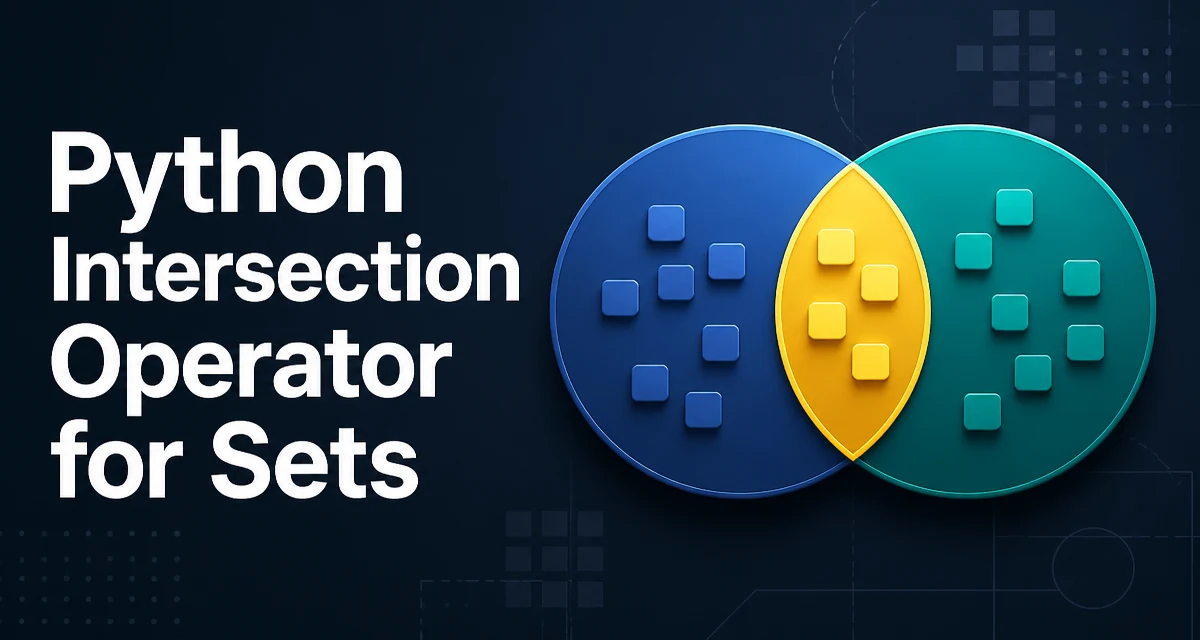
The & operator is the python intersection operator for sets. It returns a new set containing only the elements that appear in both operands. For example, {1, 2, 3} & {2, 3, 4} evaluates to {2, 3}. This operator is concise, readable, and directly expresses the set operation without requiring a method call.
The Python Intersection Operator Syntax
The intersection operator is a binary operator that works on two set-like objects. The general syntax is:
set1 & set2
Both set1 and set2 must be instances of set or frozenset. The result is a new set of the same type as the left operand. If the left operand is a frozenset, the result is a frozenset; otherwise, it is a regular set.
a = {1, 2, 3}
b = {2, 3, 4}
print(a & b)  # {2, 3}
The operator is commutative: a & b produces the same result as b & a. It is also associative, so a & b & c is equivalent to (a & b) & c.
How the Intersection Operator Works on Sets
The operator computes the set intersection by iterating over the smaller of the two sets and checking membership in the other. This is an implementation detail, but it explains why the time complexity is O(min(len(a), len(b))) on average, assuming hash-based sets. The result contains only elements present in both sets, with no duplicates.
If one of the operands is empty, the result is an empty set. If both sets share no elements, the result is also an empty set.
empty = set()
print({1, 2} & empty)  # set()
print({1, 2} & {3, 4})  # set()
Using the Operator vs. the intersection() Method
Python also provides the intersection() method on sets. The operator and the method behave similarly, but there is a key difference: the method can accept any iterable as an argument, while the operator requires both sides to be sets.
a = {1, 2, 3}
b = [2, 3, 4]  # list, not a set

# This works:
print(a.intersection(b))  # {2, 3}

# This raises TypeError:
print(a & b)  # TypeError: unsupported operand type(s) for &: 'set' and 'list'
When you have two sets, the operator is more readable and often preferred. When you need to intersect a set with a list, tuple, or other iterable, the method is necessary. You can also convert the iterable to a set first, but that adds overhead.
| Operation | Syntax | Accepts iterables? | Returns new set? |
|---|---|---|---|
& operator | a & b | No, both must be sets | Yes |
intersection() method | a.intersection(b) | Yes | Yes |
Intersecting More Than Two Sets
The intersection operator can be chained to intersect multiple sets in a single expression. Because the operator is associative, the order does not affect the result.
a = {1, 2, 3, 4}
b = {2, 3, 4, 5}
c = {3, 4, 5, 6}
result = a & b & c
print(result)  # {3, 4}
This is equivalent to calling intersection() with multiple arguments: a.intersection(b, c). The chained operator is often more readable for a fixed number of sets, while the method can accept a variable number of iterables.
What Happens When Sets Do Not Overlap
When two sets have no common elements, the intersection operator returns an empty set. This is a common edge case that can affect logic that expects at least one element. For example, if you are checking whether two groups share members, an empty result is a valid outcome.
admins = {"alice", "bob"}
moderators = {"carol", "dave"}
shared = admins & moderators
print(shared)  # set()
You can use the truthiness of the result to branch: if shared: will be False for an empty set. This is idiomatic and avoids an explicit length check.
Performance and Memory Behavior of Set Intersection
The intersection operator creates a new set containing the result. It does not modify the original sets. This means the memory footprint is proportional to the size of the result, not the input sets. The time complexity is O(min(n, m)) on average, where n and m are the sizes of the two sets.
If you are performing many intersections on large sets, the cost of creating a new set each time can become significant. In such cases, you might consider reusing sets or using intersection_update() if you want to modify a set in place. However, the operator itself is efficient for typical use cases.
a = {1, 2, 3}
b = {2, 3, 4}
a.intersection_update(b)  # a becomes {2, 3}
Note that intersection_update() returns None and modifies the set in place. The & operator always returns a new set.
Common Mistakes When Using the Intersection Operator
One common mistake is using & on lists or tuples. Since & is not defined for those types, you will get a TypeError. To intersect lists, convert them to sets first, then convert back if order matters.
list1 = [1, 2, 3]
list2 = [2, 3, 4]
common = list(set(list1) & set(list2))
print(common)  # [2, 3]
Another mistake is assuming the operator modifies the original set. It does not. If you need the original set to be updated, use intersection_update().
Finally, remember that the operator works on frozenset as well. If you have a frozenset and a regular set, the result is a frozenset if the left operand is a frozenset. This can affect type expectations in code that later tries to modify the result.
fs = frozenset([1, 2, 3])
s = {2, 3, 4}
result = fs & s
print(type(result))  # <class 'frozenset'>
When to Use the Operator vs. Other Set Operations
The intersection operator is the clearest way to express the common operation of finding common elements between two sets. Use it when both operands are sets or frozensets and you want a new set as a result. If you need to accept any iterable, use intersection(). If you need to modify an existing set, use intersection_update().
For simple, one-off intersections, the operator is the most readable choice. For code that must be generic over iterable types, the method is more flexible. The operator also works well in chained expressions where multiple sets are intersected in a single line.
Understanding these distinctions helps you write code that is both efficient and clear, and avoids the type errors that come from mixing set and non-set operands.