Python itertools.accumulate: Running Totals and More
python itertools accumulate: Learn how itertools.accumulate works in Python, including the func parameter, initial value, common use cases, and runtime behavior.
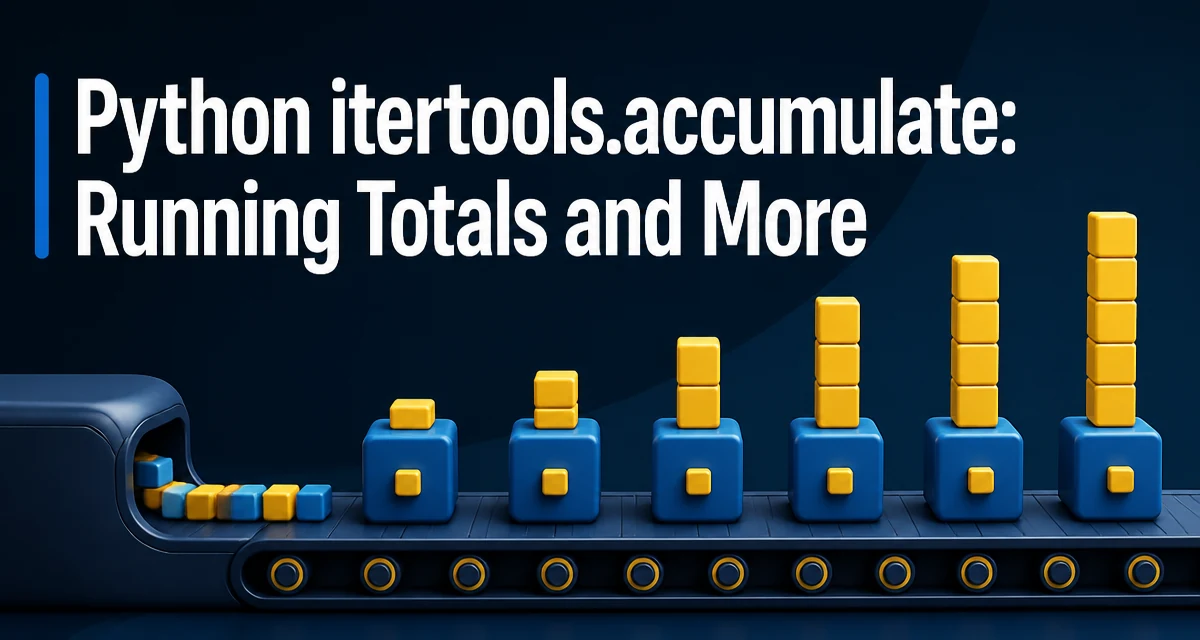
python itertools accumulate requires a clear understanding of the core syntax, runtime behavior, and practical implementation patterns demonstrated in the examples below.
The itertools.accumulate function in Python computes running totals or any cumulative reduction over an iterable. It is part of the itertools module, which provides fast, memory-efficient tools for working with iterators. Unlike reduce, which returns only the final result, accumulate yields every intermediate value as it processes the input. This makes it ideal for scenarios where you need both the running state and the final outcome, such as tracking cumulative sums, products, or maxima in a single pass.
How accumulate Works
At its core, accumulate takes an iterable and returns an iterator that yields accumulated values. By default, it performs addition. Consider a simple list of integers:
from itertools import accumulate

numbers = [1, 2, 3, 4]
result = list(accumulate(numbers))
print(result)  # [1, 3, 6, 10]
The first yielded value is the first element unchanged. Each subsequent value is the sum of the previous accumulated result and the next input element. The function is lazy: it does not compute all values until you iterate over the returned iterator. This is important when working with large or infinite iterables.
The default behavior is equivalent to a running sum, but accumulate is not limited to addition. You can supply any binary function via the func parameter, as described next.
The func Parameter
The func parameter lets you define the operation applied at each step. It must be a callable that accepts two arguments and returns a single value. The first argument is the accumulated result so far, and the second is the next item from the input iterable.
For example, to compute a running product:
from itertools import accumulate
import operator

numbers = [1, 2, 3, 4]
products = list(accumulate(numbers, operator.mul))
print(products)  # [1, 2, 6, 24]
You can also use built-in functions like max or min to track the largest or smallest value seen so far:
from itertools import accumulate

values = [3, 1, 4, 1, 5, 9, 2, 6]
running_max = list(accumulate(values, max))
print(running_max)  # [3, 3, 4, 4, 5, 9, 9, 9]
The func parameter accepts any callable, including lambdas or custom functions. However, the operation should be associative for predictable results. If the operation is not associative, the order of application matters, and accumulate applies the operation left-to-right. This is fine for many use cases, but be aware of the semantics when using subtraction or division.
Using the initial Value
Python 3.8 added the initial keyword argument to accumulate. When provided, the first yielded value is initial itself, and the accumulation starts from there. This is useful when you want to include a starting point that is not part of the input iterable.
from itertools import accumulate

numbers = [1, 2, 3]
result = list(accumulate(numbers, initial=0))
print(result)  # [0, 1, 3, 6]
With initial=0, the output has one more element than the input. If the input iterable is empty, accumulate with initial yields just the initial value. Without initial, an empty iterable produces an empty iterator.
This parameter is particularly helpful when you need a baseline for a running total, such as starting a balance at a fixed amount before applying transactions.
Common Use Cases
accumulate shines in data processing and algorithm implementation. Here are a few practical scenarios.
Running Totals and Cumulative Sums
The most common use is computing a running total from a list of numbers, such as daily sales or page views:
from itertools import accumulate

sales = [120, 85, 90, 110]
cumulative = list(accumulate(sales))
print(cumulative)  # [120, 205, 295, 405]
Cumulative Product for Growth Calculations
When modeling compound growth, you need a running product:
from itertools import accumulate
import operator

growth_rates = [1.05, 1.02, 1.08]
indices = list(accumulate(growth_rates, operator.mul))
print(indices)  # [1.05, 1.071, 1.15668]
Tracking Maximum or Minimum Values
In streaming data, you often need to know the peak value up to the current point. accumulate with max gives you that in one pass:
from itertools import accumulate

sensor_readings = [22, 25, 19, 31, 28]
peaks = list(accumulate(sensor_readings, max))
print(peaks)  # [22, 25, 25, 31, 31]
Building Prefix Sums for Algorithmic Problems
Prefix sums are a fundamental technique in competitive programming and array manipulation. accumulate provides a clean, readable way to build them without a manual loop:
from itertools import accumulate

array = [1, 3, 5, 7]
prefix = list(accumulate(array))
print(prefix)  # [1, 4, 9, 16]
Memory and Runtime Behavior
accumulate returns an iterator, so it processes elements lazily. This means it does not build the entire result list in memory unless you explicitly call list() on it. The memory footprint is O(1) for the iterator itself, aside from the input iterable's own storage. This is a significant advantage when dealing with large datasets or infinite sequences.
Time complexity is O(n) for n input elements, assuming the func operation is O(1). Each step involves one function call and one arithmetic operation. In practice, the overhead of calling a Python function for each element can be noticeable for very large inputs, but it is usually acceptable. If you need maximum performance and are only computing a sum, a simple loop or the built-in sum() might be faster because it avoids per-element function call overhead. However, accumulate gives you intermediate results, which a plain sum cannot provide.
One subtle point: if you call list(accumulate(...)), you store all results, which uses O(n) memory. If you only need to iterate over the running values once, keep the iterator and avoid materializing it.
Common Mistakes and Edge Cases
Using Non-Associative Operations
accumulate applies the operation left-to-right. If the operation is not associative, the result may differ from what you expect if you think of it as a fold. For example, subtraction is not associative:
from itertools import accumulate

numbers = [10, 3, 2]
print(list(accumulate(numbers, lambda a, b: a - b)))  # [10, 7, 5]
Here, 10 - 3 = 7, then 7 - 2 = 5. This is the correct left-to-right behavior, but it is not the same as 10 - (3 - 2) = 9. If you need a different association, you must implement it manually.
Empty Iterables
Without initial, accumulate on an empty iterable returns an empty iterator. With initial, it returns an iterator containing just the initial value. This is often the desired behavior, but be careful not to assume a default initial value exists.
Type Mismatches
The func must handle the types of the input elements and the accumulated value. For example, if you try to add strings, it works because + concatenates strings, but the result may not be what you intend if you mix types. Always verify that the operation is valid for your data.
Using accumulate with Infinite Iterables
Because accumulate is lazy, you can use it with infinite iterators like itertools.count or itertools.cycle. You must break out of the iteration manually, for example by using itertools.islice or a for loop with a condition.
from itertools import accumulate, count, islice

running = accumulate(count(1))
first_ten = list(islice(running, 10))
print(first_ten)  # [1, 3, 6, 10, 15, 21, 28, 36, 45, 55]
When to Use accumulate Instead of Alternatives
Choosing between accumulate, a manual loop, reduce, or a library-specific function depends on what you need.
| Approach | Returns | Use when |
|---|---|---|
accumulate | All intermediate results | You need running values, not just the final one |
reduce (functools) | Only the final result | You only care about the final accumulated value |
| Manual loop | Full control | You need complex logic that does not fit a simple binary function |
pandas.cumsum | Series/DataFrame | You are already using pandas and need vectorized operations on tabular data |
Use accumulate when you need a cumulative view of a sequence and the operation can be expressed as a binary function. It is especially effective when combined with other itertools tools like islice, chain, or tee to build pipelines. For example, you can compute the difference between consecutive running totals by pairing the iterator with itself using tee.
If you only need the final sum, sum() is more direct and often faster because it is implemented in C. If you need the final product, math.prod is available in Python 3.8+. But for any scenario where intermediate values matter, accumulate is the idiomatic choice.
One practical pattern is to use accumulate with operator.add to generate prefix sums, then combine it with zip to compute sliding-window sums efficiently. This avoids recomputing sums from scratch and keeps the code concise and readable.