python joblib vs pickle: Choosing the Right Serializer
python joblib vs pickle: Compare Python's pickle and joblib for object serialization. Learn how joblib handles large numpy arrays, compression, and memory mapping to d...
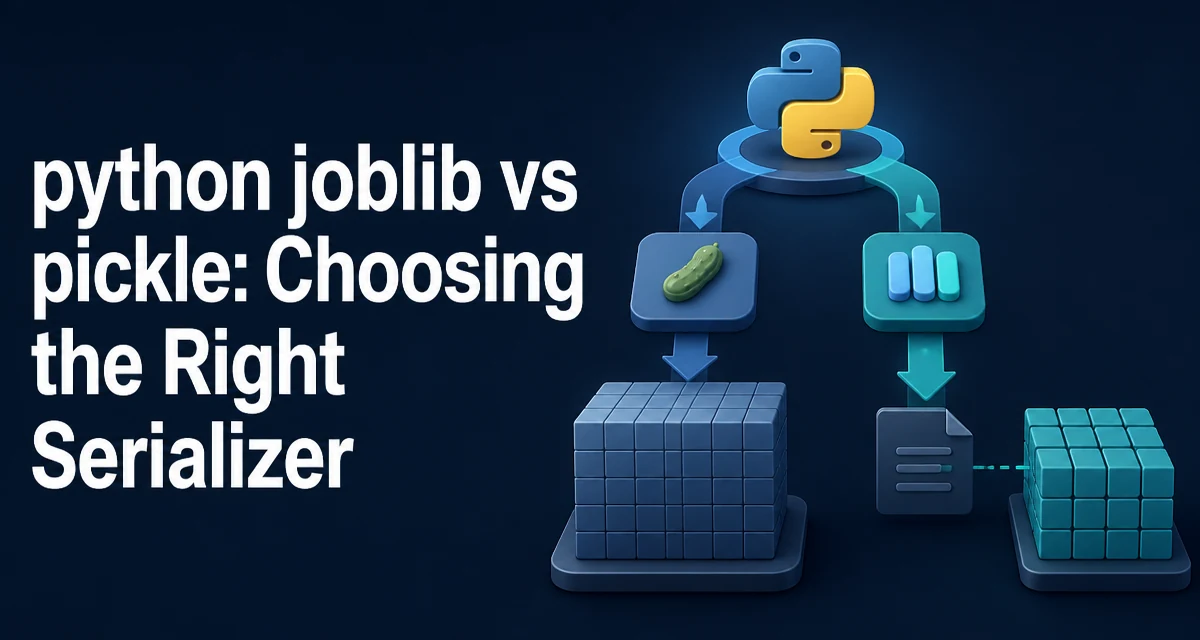
When you need to persist Python objects to disk, the standard library's pickle is the default choice. But for large numerical arrays, joblib often works better. This article compares python joblib vs pickle to help you decide which serializer fits your use case, especially when numpy arrays and machine learning models are involved.
What pickle provides
pickle is Python's built-in serialization module. It converts arbitrary Python objects into a byte stream and back. The dump and load functions handle the core workflow:
import pickle

data = {'model': 'linear', 'coefficients': [1.2, 3.4, 5.6]}

with open('model.pkl', 'wb') as f:
    pickle.dump(data, f)

with open('model.pkl', 'rb') as f:
    loaded = pickle.load(f)
Pickle works with most Python objects, including custom classes, functions, and complex nested structures. It uses a protocol system that has evolved over Python versions; protocol=4 and protocol=5 are common for modern code. The default protocol depends on your Python version, but you can specify it explicitly.
Pickle is not secure against malicious data, so you should only unpickle data you trust. That limitation applies to joblib as well, since joblib uses pickle internally.
What joblib adds on top of pickle
joblib is a library focused on efficient serialization of Python objects that contain large numpy arrays. It is part of the scientific Python ecosystem and is used by scikit-learn for model persistence. Joblib's dump and load functions are drop-in replacements for pickle in many cases:
import joblib

model = {'weights': np.array([1.2, 3.4, 5.6])}

joblib.dump(model, 'model.joblib')
loaded = joblib.load('model.joblib')
The key difference is how joblib handles numpy arrays. Instead of pickling the array data as a single large byte string, joblib stores the array in a separate file (or a memory-mapped file) and uses a reference in the pickle stream. This avoids copying the array into memory during serialization and deserialization, which is a major advantage for large arrays.
Joblib also supports compression out of the box. You can pass compress=3 (or any integer 0–9) to dump, and joblib will compress the array files using zlib or lz4, depending on availability. This reduces disk usage at the cost of CPU time.
Core differences in usage
Pickle and joblib share similar APIs, but there are important differences in how they handle file paths and options.
| Feature | pickle | joblib |
|---|---|---|
| Standard library | Yes | No (third-party) |
| numpy array handling | Serializes as one big object | Stores arrays separately, optionally memory-mapped |
| Compression | Manual (e.g., gzip) | Built-in via compress parameter |
| Memory mapping | Not supported | Supported via mmap_mode in load |
| Caching | No | Yes, via joblib.Memory |
| Protocol control | protocol parameter | Uses pickle internally, but also has its own format |
Joblib's dump accepts a filename or file object. When given a filename, it creates a .pkl file for the object graph and additional .npy files for numpy arrays. If you pass a file object, joblib falls back to a pure pickle behavior, which loses the array optimization. So always pass a path, not a file object, when you want the memory-mapping benefits.
For load, joblib provides a mmap_mode parameter. Setting mmap_mode='r' loads numpy arrays as read-only memory-mapped arrays, meaning the data is not fully loaded into RAM. This is extremely useful for large models that would otherwise exhaust memory.
Performance and memory behavior
The main performance difference comes from how numpy arrays are handled. Pickle serializes a numpy array by creating a Python bytes object that holds the raw array data. For a 10 GB array, that means an extra 10 GB copy in memory during dump. Joblib writes the array directly to a separate file using numpy's own save function, which streams the data without making a full in-memory copy.
On load, pickle reads the entire byte stream and reconstructs the array, again requiring a full copy. Joblib can memory-map the array file, so the array is loaded lazily as pages are accessed. This reduces initial load time and allows multiple processes to share the same underlying file without duplicating memory.
Compression also affects performance. Joblib's compress option reduces disk usage but increases CPU usage during dump and load. The tradeoff is usually worthwhile for large arrays that compress well, such as sparse or repetitive data. For dense random arrays, compression may be slower than uncompressed I/O.
Joblib also has a caching mechanism (joblib.Memory) that can cache the results of expensive function calls to disk. This is not directly related to serialization, but it uses the same efficient storage format. If you are already using joblib for caching, using its dump/load for model persistence keeps the dependency consistent.
When to use pickle
Pickle is the right choice when:
- You need to serialize objects that are not numpy-heavy, such as dictionaries, lists, strings, or custom class instances.
- You want to avoid adding a third-party dependency to your project.
- You are working in an environment where joblib is not installed and you cannot install it.
- You need to serialize objects that joblib does not handle well, such as objects that rely on lambda functions or other unpicklable constructs. Joblib's array optimization only applies to numpy arrays; for everything else, it uses standard pickle, so there is no functional advantage.
Pickle also gives you explicit control over the protocol version, which can be important for cross-version compatibility. Joblib does not expose the protocol directly; it uses the default protocol of the Python version it runs on.
When to use joblib
Joblib is the better choice when:
- You are persisting scikit-learn models or other objects that contain large numpy arrays.
- You want to reduce disk usage with built-in compression.
- You need to load a large model without consuming all available RAM, using
mmap_mode='r'. - You are already using joblib for parallel processing or caching and want a consistent I/O interface.
Joblib is not a replacement for pickle in every scenario. It adds a dependency and has its own file format. If you only have small, non-array objects, pickle is simpler and has no external dependencies.
Compatibility and limitations
Joblib's file format is not guaranteed to be stable across major versions. While joblib maintains backward compatibility for reading older files, writing new files with a newer version may produce a format that an older joblib cannot read. Pickle has a similar issue with protocol versions, but the standard library guarantees that a newer Python can read older protocols.
Another limitation is that joblib's array optimization only works when you pass a file path to dump. If you pass a file-like object, joblib falls back to standard pickle, losing the memory-mapping and streaming benefits. This is a common mistake that silently degrades performance.
Joblib also depends on numpy for the array handling. If you are not using numpy, joblib provides no advantage over pickle. The library is designed for the scientific Python stack, and using it outside that context adds unnecessary complexity.
Finally, both pickle and joblib are unsafe to use on untrusted data. Deserializing malicious data can execute arbitrary code. Always validate the source of the file before loading it, and consider using a safe alternative like shelve or a database if security is a concern.