Python Kafka Offsets, Partitions, and Manual Commits
python kafka offsets partitions and manual commits: Learn how Kafka offsets and partitions work, and how to implement manual offset commits in Python consumers for rel...
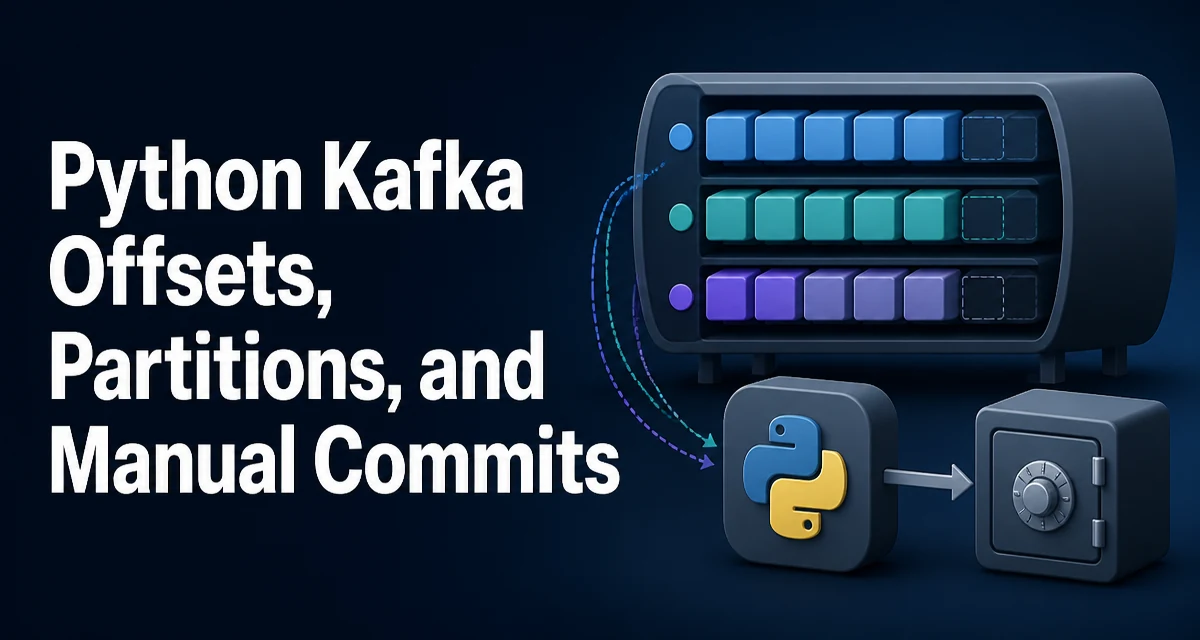
When you work with python kafka offsets partitions and manual commits, the central question is how a consumer knows where to resume after a failure. Kafka tracks position per partition using an offset, and the consumer decides when to record that position. Auto-commit hides this mechanism, but manual commit gives you control over exactly when a message is considered processed. This article explains how partitions and offsets relate, how to switch from auto to manual commit, and what to watch out for when committing manually in Python.
How Kafka Tracks Position Within a Partition
A Kafka topic is split into partitions, and each partition is an ordered, immutable log of records. Every record gets a monotonically increasing offset within its partition. A consumer group reads from one or more partitions, and the group's current position in each partition is stored as an offset. The offset is not a global sequence number; it is meaningful only within a specific partition.
When a consumer reads a record, it advances its local position. But the offset stored in Kafka is only updated when the consumer commits. If the consumer crashes before committing, the next consumer that takes over the partition will start from the last committed offset, not from the last record read. This is the core reason manual commit exists: it lets you align the stored offset with the actual point where your processing is durable.
Auto Commit vs Manual Commit
By default, the Python Kafka consumers (both kafka-python and confluent-kafka) enable auto-commit. With auto-commit, the consumer periodically commits the highest offset it has returned to your application, even if you have not finished processing that record. The interval is controlled by auto_commit_interval_ms (default 5000 ms in kafka-python).
Auto-commit is convenient for simple scripts, but it can cause data loss or duplication. If your application crashes after the offset is committed but before the record is fully processed, that record is lost. If the commit happens after processing but before the next poll, a rebalance could cause the same record to be processed twice. Manual commit moves the decision from a timer to your code.
Enabling Manual Commit in a Python Consumer
To disable auto-commit, set enable_auto_commit=False when creating the consumer. In kafka-python, the parameter is enable_auto_commit; in confluent-kafka, it is enable.auto.commit. The rest of this article uses kafka-python for examples, but the concepts apply to both libraries.
from kafka import KafkaConsumer

consumer = KafkaConsumer(
    'orders',
    bootstrap_servers='localhost:9092',
    group_id='order-processors',
    enable_auto_commit=False
)
With auto-commit disabled, the consumer will not update the stored offset unless you explicitly call commit(). This gives you the opportunity to commit after your processing logic has completed successfully.
Committing After Processing: Sync vs Async
Once you have processed a batch of records, you need to commit the offset. The commit() method in kafka-python is synchronous; it blocks until the broker acknowledges the commit. There is also commit_async(), which sends the request without waiting for a response.
for message in consumer:
    process_message(message)
    consumer.commit()  # synchronous
The synchronous call is simpler and guarantees that the commit succeeded before you continue. The async version is faster because it does not block the polling loop, but you must handle the callback to detect failures. If an async commit fails, the consumer will not retry it automatically, and you may end up reprocessing records after a rebalance.
A common pattern is to commit after processing a batch, not after every record. This reduces the number of commit requests and is often more efficient.
batch_size = 100
count = 0

for message in consumer:
    process_message(message)
    count += 1
    if count % batch_size == 0:
        consumer.commit()
When you call commit() without arguments, it commits the offsets returned by the last poll() call. If you want to commit a specific offset, you can pass a dictionary of TopicPartition to offset mappings.
Handling Rebalance and Offset Reset
A consumer group rebalances when a member joins or leaves. During a rebalance, partitions are reassigned. If you have been committing manually, the new owner of a partition will start from the last committed offset. If you have not committed for a while, the new owner will reprocess all records since the last commit.
This is where manual commit becomes a trade-off. Committing frequently reduces reprocessing but increases commit overhead. Committing rarely reduces overhead but increases the window for duplicate processing. You need to choose a commit frequency that matches your application's tolerance for duplicates and its processing cost.
Another concern is what happens when there is no committed offset for a partition. The consumer uses the auto_offset_reset configuration (default latest in kafka-python). If your consumer starts fresh and no offset is committed, it will start from the latest or earliest offset depending on this setting. With manual commit, you should be aware that the first run of a new consumer group has no committed offsets, so the reset policy applies.
Seeking Offsets for Reprocessing
Manual commit also enables you to seek to a specific offset when you need to reprocess data. The seek() method lets you set the consumer's position for a given partition. This is useful for replaying a failed batch or for implementing exactly-once processing semantics with an external transaction.
from kafka import TopicPartition

partition = TopicPartition('orders', 0)
consumer.assign([partition])
consumer.seek(partition, 42)
After seeking, the next poll() will return records starting at offset 42. Note that seek() does not change the committed offset; it only changes the local position. If you want the new position to be persisted, you must commit after seeking.
Common Pitfalls with Manual Commits
One common mistake is committing the offset before the processing is actually durable. For example, if you write to a database and then commit, a crash between the database write and the commit will cause the record to be processed again. That is acceptable in many systems, but if you need exactly-once, you must make the commit and the processing atomic. This usually involves storing the offset in the same transaction as the processing result.
Another pitfall is committing an offset that is ahead of the records you have actually processed. If you call commit() after poll() returns a batch, but you only process part of that batch, the committed offset will skip the unprocessed records. Always commit only the offsets for records that have been fully processed.
Finally, remember that commit() can raise an exception if the broker is unavailable or the group has rebalanced. In a rebalance, the consumer may lose ownership of a partition before the commit is sent. You should catch commit errors and decide whether to retry or log and continue. The commit_async callback receives the error and can help you track failures.
Manual offset management in Python Kafka consumers is a deliberate choice that gives you precise control over message delivery semantics. By understanding how partitions and offsets interact, disabling auto-commit, and committing at the right point in your processing pipeline, you can build consumers that behave predictably under failures and rebalances.