Python **kwargs Unpacking: Syntax, Usage, and Pitfalls
python **kwargs unpacking: Learn how Python **kwargs unpacking works in function definitions and calls, with practical examples and common mistakes to avoid.
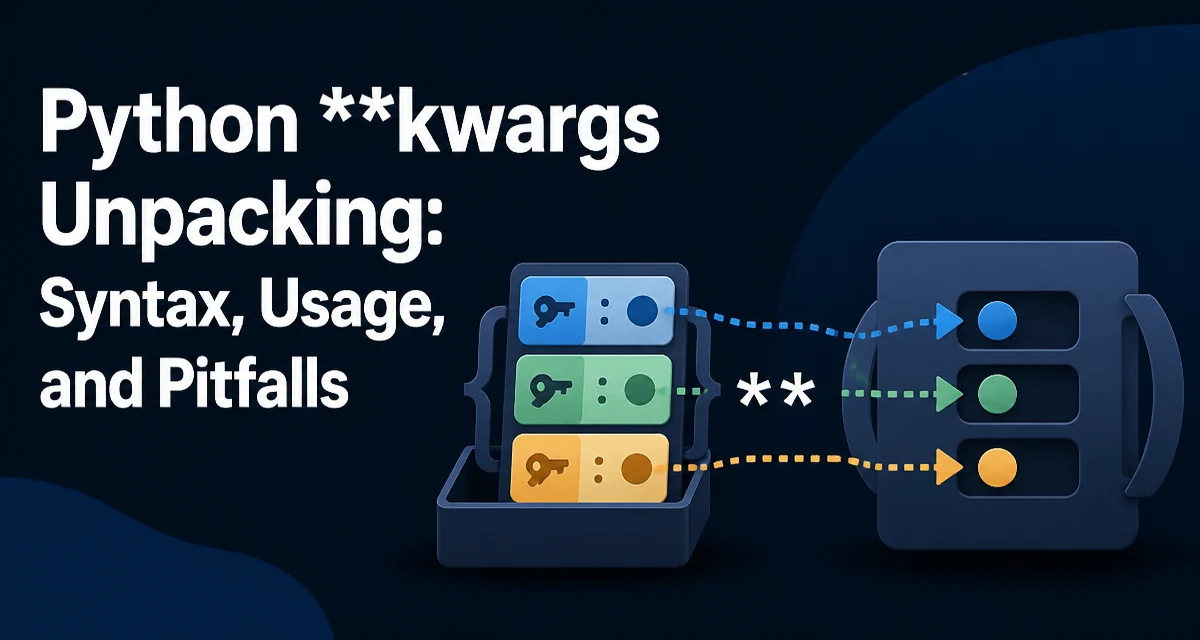
Python **kwargs unpacking appears in two distinct but related places: collecting extra keyword arguments in a function definition, and expanding a dictionary into keyword arguments when calling a function. Both rely on the same double-asterisk syntax, but they serve opposite purposes. Confusing the two is a common source of bugs, especially for developers moving from other languages.
Consider a function that accepts a variable number of keyword arguments. The **kwargs parameter in the definition collects any unmatched keyword arguments into a dictionary. On the calling side, **some_dict expands that dictionary so each key becomes a named argument. This symmetry makes the syntax powerful, but it also means you need to know which side you are on.
How **kwargs Works in Function Definitions
When you define a function with **kwargs, Python collects all keyword arguments that do not match a declared parameter into a dictionary. The name kwargs is conventional, not required; any name after ** works, but kwargs is widely understood.
def log_event(message, **kwargs):
    print(f"Event: {message}")
    for key, value in kwargs.items():
        print(f"  {key}: {value}")

log_event("start", user="alice", level="info")
Here, user and level are not declared parameters, so they land in kwargs as a dictionary. The function can then iterate over them, pass them along, or use them to configure behavior. This is useful for optional metadata, configuration overrides, or when the exact set of options is not known at definition time.
The keys in kwargs are always strings, because Python only allows valid identifiers as keyword argument names. This is an important constraint when you later try to unpack a dictionary into a function call.
Unpacking a Dictionary into Keyword Arguments
The other half of python **kwargs unpacking is the call-site expansion. If you have a dictionary whose keys are strings, you can pass it to a function using **dict:
def create_user(name, age, active=True):
    return {"name": name, "age": age, "active": active}

user_data = {"name": "Alice", "age": 30, "active": False}
user = create_user(**user_data)
print(user)
This is equivalent to writing create_user(name="Alice", age=30, active=False). The dictionary keys must match the function's parameter names exactly. If a key does not match any parameter, Python raises a TypeError: unexpected keyword argument. If a required parameter is missing from the dictionary, you get a TypeError: missing required positional argument (or keyword argument, depending on the signature).
This pattern is common when you receive configuration from a file, a database, or an external API and want to pass it to a function without manually listing each field.
Combining *args and **kwargs
Many functions use both *args and **kwargs to accept any positional and keyword arguments. The standard signature is def func(*args, **kwargs). The order matters: *args collects positional arguments into a tuple, and **kwargs collects keyword arguments into a dictionary.
def flexible(*args, **kwargs):
    print("Positional:", args)
    print("Keyword:", kwargs)

flexible(1, 2, 3, name="Alice", role="admin")
This is the backbone of decorators, wrappers, and frameworks that need to forward arbitrary arguments. When you write a decorator, you typically define it with *args, **kwargs so it can wrap any function regardless of its signature.
def log_calls(func):
    def wrapper(*args, **kwargs):
        print(f"Calling {func.__name__}")
        return func(*args, **kwargs)
    return wrapper

@log_calls
def add(a, b):
    return a + b
The *args, **kwargs in the wrapper accepts everything, and the same syntax forwards them to the original function. This is one of the most practical uses of python **kwargs unpacking.
Common Mistakes and Pitfalls
A frequent error is using ** on a dictionary that has non-string keys. Since keyword argument names must be strings, a dictionary like {1: "one"} cannot be unpacked with **. Python raises TypeError: keywords must be strings. This often happens when you build a dictionary from user input or JSON with integer keys.
Another mistake is forgetting that **kwargs in a function definition collects all extra keyword arguments, not just the ones you expect. If a caller misspells a parameter name, it silently becomes part of kwargs instead of raising an error. This can hide bugs. For example:
def connect(host, port, **kwargs):
    print(host, port, kwargs)

connect("localhost", 8080, timeout=5, retries=3)
If you intended retries to be a named parameter but forgot to declare it, the function still runs, but you might not notice the typo. To avoid this, explicitly declare parameters you expect and reserve **kwargs only for truly optional or extensible behavior.
On the call side, passing a dictionary with extra keys raises an error. This is usually desirable because it catches mismatches early. But if you want to ignore extra keys, you need to filter the dictionary first.
Performance and Maintainability Considerations
Using **kwargs has a small runtime cost compared to fixed parameters because Python has to build a dictionary and then unpack it again. For most applications this is negligible, but in hot loops or high-frequency calls, it can add up. The bigger cost is often maintainability: a function with a huge **kwargs signature is harder to understand and document. The reader cannot see the full set of accepted arguments without reading the body.
When you need to pass many optional parameters, consider using a dedicated configuration object or a dataclass instead of a loose **kwargs bag. This gives you type checking, autocompletion, and explicit documentation. For example:
from dataclasses import dataclass

@dataclass
class Config:
    timeout: int = 5
    retries: int = 3

def connect(host, port, config: Config):
    print(host, port, config.timeout, config.retries)
This is not always better, though. When you are writing a decorator or a framework that must forward arbitrary arguments, **kwargs is the only practical way. The decision depends on whether the argument set is fixed and known ahead of time, or dynamic and open-ended.
Advanced Patterns: Forwarding Arguments and Wrappers
Beyond simple decorators, python **kwargs unpacking is essential for building APIs that accept flexible options. For instance, a function that wraps another library call might use **kwargs to pass through settings without enumerating them.
def make_request(url, method="GET", **kwargs):
    # kwargs may contain headers, params, auth, etc.
    return http_client.request(url, method=method, **kwargs)
Another pattern is merging dictionaries before unpacking. If you have default values and overrides, you can combine them:
def defaults():
    return {"timeout": 5, "retries": 3}

def run(**overrides):
    options = {**defaults(), **overrides}
    execute(**options)
The {**defaults(), **overrides} syntax merges two dictionaries, with overrides taking precedence. This is a concise way to handle configuration layering.
Edge Cases and Compatibility
Python's ** unpacking works in function calls and definitions, but it also appears in dictionary literals (as shown above) and in some other contexts. In Python 3.5+, ** in a dictionary literal merges keys from multiple dictionaries. This is separate from function calls but uses the same visual syntax.
One subtle limitation is that you cannot use ** unpacking in a function call with a dictionary that has keys that are not strings. Even if the function accepts positional arguments, ** always maps to keyword arguments, so the keys must be valid identifiers or at least strings.
Another compatibility note: the order of keyword arguments is preserved in Python 3.6+ for dictionaries, which means **kwargs preserves the order in which arguments were passed. This can matter when you forward them to another function that relies on order, though keyword arguments are conceptually unordered.
When working with type hints, you can annotate **kwargs as **kwargs: int to indicate all values are integers, but the keys remain strings. This is a relatively new feature and may require a recent Python version. Always check the documentation for your target Python version before relying on it.