Python LangChain Document Loaders and Text Splitters Explained
python langchain document loaders and text splitters: Learn how LangChain document loaders ingest files and how text splitters prepare content for embeddings, with pra...
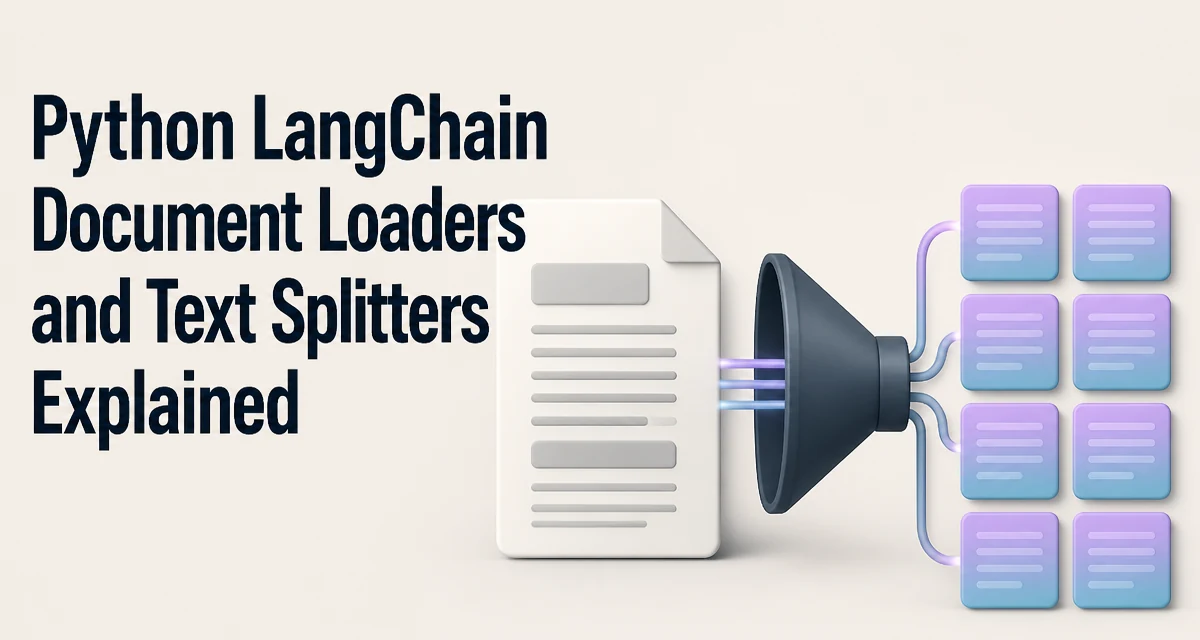
When building a retrieval pipeline with LangChain, the first step is turning raw files into structured documents, then splitting them into chunks that can be embedded and stored in a vector database. The combination of python langchain document loaders and text splitters forms the ingestion layer that determines how well your retrieval system performs. This article explains how loaders and splitters work, how to choose the right ones, and what operational factors matter in production.
How Document Loaders Fit Into a LangChain Pipeline
Document loaders in LangChain convert various sources—local files, web pages, PDFs, databases—into a list of Document objects. Each Document has two fields: page_content (the text) and metadata (source, page number, URL, etc.). This uniform structure lets downstream components like text splitters and embedding models work with any source type.
The typical flow is: load documents → split into chunks → embed chunks → store in a vector index. The loader and splitter choices directly affect the quality of retrieved context. A loader that drops metadata or a splitter that breaks sentences mid-thought can degrade retrieval results even if the embedding model is strong.
Common Loaders and When to Use Them
LangChain provides loaders for many formats. Three that cover most use cases are TextLoader, PyPDFLoader, and WebBaseLoader. Here is a minimal example of each.
from langchain_community.document_loaders import TextLoader, PyPDFLoader, WebBaseLoader

# Load a plain text file
text_loader = TextLoader("notes.txt")
docs = text_loader.load()

# Load a PDF (requires pypdf)
pdf_loader = PyPDFLoader("report.pdf")
pdf_docs = pdf_loader.load()

# Load a web page (requires beautifulsoup4)
web_loader = WebBaseLoader("https://example.com/article")
web_docs = web_loader.load()
TextLoader is the simplest: it reads a file and returns a single Document with the file's content. PyPDFLoader splits the PDF by pages, so each page becomes a separate Document with page metadata. WebBaseLoader fetches a URL and extracts the main text, discarding navigation and scripts.
Choose a loader based on the source format and the metadata you need. For example, if you need to cite page numbers in retrieved answers, PyPDFLoader preserves that. If you only need raw text, TextLoader is sufficient. For structured formats like JSON or CSV, LangChain has specific loaders that convert rows into documents, but those are less common for general RAG.
How Text Splitters Work
Text splitters take the loaded Document objects and break them into smaller chunks. The splitter must balance two goals: keep each chunk small enough to fit within the embedding model's token limit, and preserve semantic boundaries so that each chunk is a coherent unit of meaning.
LangChain's RecursiveCharacterTextSplitter is the default choice for many applications. It recursively tries to split on a list of separators—starting with double newlines, then single newlines, then spaces—until the resulting chunks are under the specified size. This preserves paragraph and sentence boundaries when possible.
from langchain.text_splitter import RecursiveCharacterTextSplitter

splitter = RecursiveCharacterTextSplitter(
    chunk_size=500,
    chunk_overlap=50,
    separators=["\n\n", "\n", " ", ""],
)
chunks = splitter.split_documents(docs)
The chunk_size is measured in characters by default, not tokens. If you are using a model with a token limit, you may prefer TokenTextSplitter, which counts tokens using a tokenizer. The chunk_overlap creates a sliding window between chunks, so that context that falls near a boundary is not lost.
Choosing the Right Splitter for Your Content
Different content types benefit from different splitting strategies. The table below summarizes the main options.
| Splitter | Splitting Basis | Best For | Limitations |
|---|---|---|---|
RecursiveCharacterTextSplitter | Characters with recursive separators | General text, markdown, code | May split mid-sentence if separators are rare |
TokenTextSplitter | Token count | Models with strict token limits | Requires a tokenizer; can split mid-word |
CharacterTextSplitter | Fixed character count | Simple text without structure | Often splits awkwardly |
MarkdownHeaderTextSplitter | Markdown headers | Documentation, articles | Only works with Markdown |
PythonCodeTextSplitter | Python syntax | Code files | Only for Python code |
For most RAG applications, RecursiveCharacterTextSplitter is a safe starting point because it respects natural boundaries. If your documents are Markdown with clear headers, MarkdownHeaderTextSplitter can preserve section structure, which improves retrieval when users ask about specific sections. For code, a language-aware splitter keeps functions and classes intact.
The choice also depends on the embedding model. If the model has a 512-token limit, set chunk_size accordingly. If you are unsure, start with 500 characters and measure retrieval quality on your data.
Chunk Size and Overlap: The Retrieval Quality Tradeoff
Chunk size has a direct impact on retrieval. Small chunks (e.g., 200 characters) are precise but may lack context. Large chunks (e.g., 2000 characters) provide more context but can dilute the relevance of a specific answer and may exceed the model's token limit.
Overlap mitigates the boundary problem. Without overlap, a sentence that spans two chunks is split, and the embedding for each half may not capture the full meaning. With overlap, the second chunk includes the tail of the previous one, so the model sees the complete sentence. However, overlap increases the number of chunks and storage cost.
A common pattern is to set overlap to 10–20% of chunk size. For example, with a 500-character chunk, use 50–100 characters of overlap. This is a heuristic, not a rule. Test on your corpus to find the sweet spot.
Operational Considerations for Production Pipelines
When moving from a script to a production pipeline, several practical issues arise.
Memory usage: Loading a large PDF or a long web page into memory as a single string can be expensive. Some loaders support lazy loading—for example, PyPDFLoader can be iterated page by page. If you process a huge corpus, consider streaming loaders or splitting files before loading.
Error handling: File paths may be wrong, URLs may be unreachable, and PDFs may be corrupt. Loaders raise exceptions on failure. Wrap loading in try/except and log the source so you can retry or skip problematic files without stopping the whole pipeline.
Performance: Splitting is CPU-bound and can be slow for very large documents. RecursiveCharacterTextSplitter is efficient, but if you have millions of characters, the splitter will take time. Parallelize loading and splitting across workers if your infrastructure allows it.
Metadata preservation: When you split a document, the splitter copies the original Document's metadata to each chunk. This is useful for tracing a chunk back to its source. But if you load a PDF page by page, each page's metadata includes the page number. After splitting, every chunk from that page carries the same page number, which is fine. However, if you split across pages, the metadata may become misleading. Consider splitting each page separately if page-level attribution matters.
Putting It Together: A Minimal End-to-End Ingestion Script
The following script loads a text file, splits it, and prints the resulting chunks. This is the core of an ingestion pipeline before embedding.
from langchain_community.document_loaders import TextLoader
from langchain.text_splitter import RecursiveCharacterTextSplitter

loader = TextLoader("knowledge_base.txt")
documents = loader.load()

splitter = RecursiveCharacterTextSplitter(
    chunk_size=500,
    chunk_overlap=50,
    separators=["\n\n", "\n", " ", ""],
)
chunks = splitter.split_documents(documents)

for i, chunk in enumerate(chunks[:5]):
    print(f"Chunk {i}: {chunk.page_content[:80]}...")
In a real application, you would replace the print with embedding calls and a vector store insert. The key point is that the loader and splitter produce a list of Document objects that are ready for the next stage. You can also use split_text directly on a string if you already have the text and do not need metadata.
One subtlety: split_documents preserves metadata from the original document, while split_text returns only strings. If you need metadata, use split_documents; otherwise, split_text is lighter.
Handling Splitting Edge Cases in Real Data
Real-world documents often contain irregularities that break naive splitting. For example, a PDF may have headers and footers that repeat on every page. If you load a PDF page by page, those repeated elements become part of the content and can pollute chunks. You may need to clean the text before splitting, either by using a loader that strips headers or by post-processing the page_content.
Another edge case is very long single-line text, such as minified JavaScript or a huge paragraph without line breaks. RecursiveCharacterTextSplitter will fall back to splitting on spaces, and if there are no spaces, it will split on the empty separator, breaking the text into arbitrary character chunks. In such cases, consider a different strategy, like splitting on punctuation or using a token-based splitter that respects word boundaries.
Finally, be aware that chunk_size is a target, not a strict maximum. The splitter will create a chunk that exceeds chunk_size if a single separator is longer than the limit. For example, a very long paragraph without line breaks will be split at the space level, but each space-separated word might be longer than chunk_size if the limit is very small. Set a reasonable minimum and test on your data.
These edge cases are why you should validate your splitting output on a sample of your actual documents before running a full ingestion job. Print a few chunks and check whether they are coherent and contain the expected metadata. Adjust the separators and chunk size until the output looks right for your content type.