Python LangChain OpenAI Integration
python langchain openai integration: Set up the Python LangChain OpenAI integration with ChatOpenAI, prompt templates, streaming, error handling, and production consid...
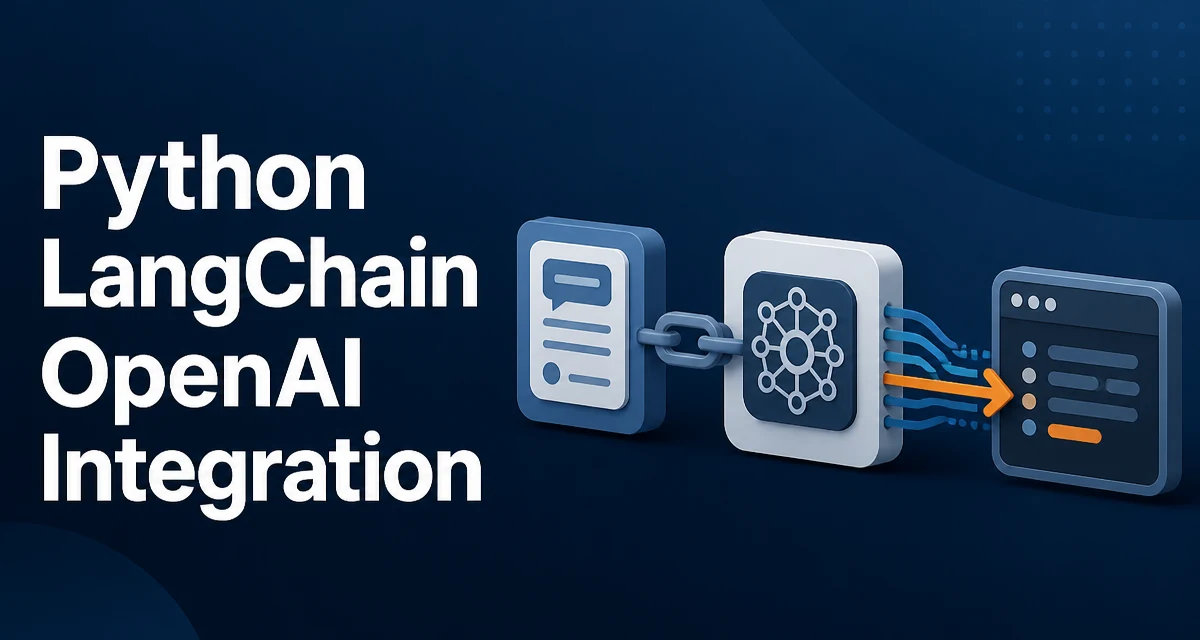
The python langchain openai integration starts with the langchain-openai package, which provides the ChatOpenAI model class used to call OpenAI's chat models from Python. The integration is not part of the core langchain library, so it must be installed separately, and the OpenAI API key must be available to the process at runtime.
Installing the LangChain OpenAI Package
Install the integration package alongside the core LangChain libraries:
pip install langchain langchain-openai
The langchain-openai package is the maintained integration layer. It wraps the OpenAI Python SDK and exposes LangChain's model interface, so you can swap the model provider without changing the rest of your chain code. Keeping it separate from core langchain means the core library does not carry provider-specific dependencies, and the OpenAI integration can be released on its own schedule.
If you use ChatOpenAI from langchain_community instead, you are pulling the community version, which is not the maintained path. Prefer langchain_openai for new code.
Configuring the OpenAI API Key
ChatOpenAI reads the API key from the OPENAI_API_KEY environment variable by default. The simplest setup for local development:
export OPENAI_API_KEY="sk-..."
For a script, you can load it from a .env file:
from dotenv import load_dotenv

load_dotenv()
Hardcoding the key in source code is a common mistake. It leaks through version control, logs, and any place the source is shared. Environment variables or a secrets manager keep the key out of the codebase.
You can also pass the key directly to the constructor:
from langchain_openai import ChatOpenAI

model = ChatOpenAI(api_key="sk-...", model="gpt-4o-mini")
This is convenient for a quick test, but it makes rotation harder because the key is now in code.
Creating a Minimal Chat Model
The core object is ChatOpenAI. A minimal call:
from langchain_openai import ChatOpenAI

model = ChatOpenAI(model="gpt-4o-mini", temperature=0)

response = model.invoke("Explain the difference between a list and a tuple in Python.")
print(response.content)
invoke sends a single message and returns an AIMessage object. The generated text is in response.content. The temperature parameter controls randomness; 0 gives more deterministic output, which is usually what you want for code explanation or structured tasks.
The model argument names the OpenAI model. The exact set of available models depends on your OpenAI account and region, so check the current model list rather than assuming a specific name is always valid.
Building a Prompt Template and Chain
A raw model call is rarely enough. You typically want a system prompt and a user input slot. LangChain's ChatPromptTemplate handles that:
from langchain_core.prompts import ChatPromptTemplate
from langchain_core.output_parsers import StrOutputParser

prompt = ChatPromptTemplate.from_messages([
    ("system", "You are a Python tutor. Answer concisely."),
    ("human", "{question}")
])

chain = prompt | model | StrOutputParser()

result = chain.invoke({"question": "What is a decorator?"})
print(result)
The pipe operator composes the prompt, the model, and the output parser into a single runnable. StrOutputParser converts the AIMessage into a plain string, which is convenient when you do not need the message metadata. The chain.invoke call passes a dictionary that fills the {question} placeholder.
This is the pattern used for most LangChain work: a prompt template, a model, and an output parser composed into a chain.
Handling Responses and Errors
The AIMessage returned by invoke carries more than text. response.content is the main output, but the message may also include response_metadata with details such as token usage and the model that produced the response. When you need token counts for cost tracking, read them from response_metadata or from usage_metadata if your LangChain version exposes it.
Errors from the underlying OpenAI SDK propagate through LangChain. The most common ones:
from openai import AuthenticationError, RateLimitError, APIConnectionError

try:
    response = model.invoke("Hello")
except AuthenticationError:
    print("Check the API key.")
except RateLimitError:
    print("Slow down or raise the quota.")
except APIConnectionError:
    print("Network problem.")
The langchain-openai package uses the OpenAI Python SDK internally, so these exceptions come from the openai package. Catch them at the point where you call the chain, and decide whether a retry is safe. RateLimitError is often transient; AuthenticationError will not resolve on retry.
Streaming Responses
For long outputs, streaming avoids waiting for the full response. ChatOpenAI supports streaming through the same interface:
for chunk in model.stream("Write a short poem about Python."):
    print(chunk.content, end="")
Each chunk is an AIMessageChunk whose content holds the next piece of text. Streaming matters for interactive applications where the user sees tokens appear as they are generated, and it also reduces perceived latency for long completions.
The same streaming behavior works inside a chain:
for chunk in chain.stream({"question": "Explain recursion."}):
    print(chunk, end="")
Because StrOutputParser is part of the chain, each yielded value is already a string fragment.
Production Considerations
Three concerns dominate when this integration moves past a prototype: rate limits, cost, and observability.
OpenAI applies rate limits per account and per model. A burst of concurrent invoke calls can trigger RateLimitError. The OpenAI SDK retries certain failures automatically, but you should still add your own backoff for calls that fail after the SDK's retries are exhausted. Keep the retry logic at the chain boundary so it applies to every model call.
Cost is driven by token count. The model charges separately for input and output tokens, so long system prompts and verbose outputs cost more. ChatOpenAI does not truncate output for you; set max_tokens when you want to bound the response length:
model = ChatOpenAI(model="gpt-4o-mini", max_tokens=200)
For observability, LangChain's callback system can forward events to tracing tools. Even without a tracing backend, logging the prompt and the response at the call site helps debug what the model actually received and returned. Token usage from response_metadata belongs in that log line.
Choosing Between LLM and ChatOpenAI
Older LangChain code uses the OpenAI class from langchain_community for text completion models. The maintained langchain_openai package provides both ChatOpenAI and an OpenAI LLM class. The distinction matters:
| Class | Model type | Typical use |
|---|---|---|
ChatOpenAI | Chat completion | Conversational and instruction tasks |
OpenAI | Text completion | Legacy completion endpoints |
OpenAI's current models are chat models. New code should use ChatOpenAI. The OpenAI LLM class exists for compatibility with older completion-style models and for code that explicitly needs the non-chat interface. If you are starting a new integration, ChatOpenAI is the correct choice, and it works with the same prompt templates and chains shown above.
The model class is the main decision point in the integration. Everything else — prompt templates, chains, output parsers, streaming — behaves the same regardless of which class you pick.