Python LangChain Prompt Templates and Chat Models
python langchain prompt templates and chat models: Learn how to combine LangChain prompt templates with chat models in Python to build structured, maintainable LLM int...
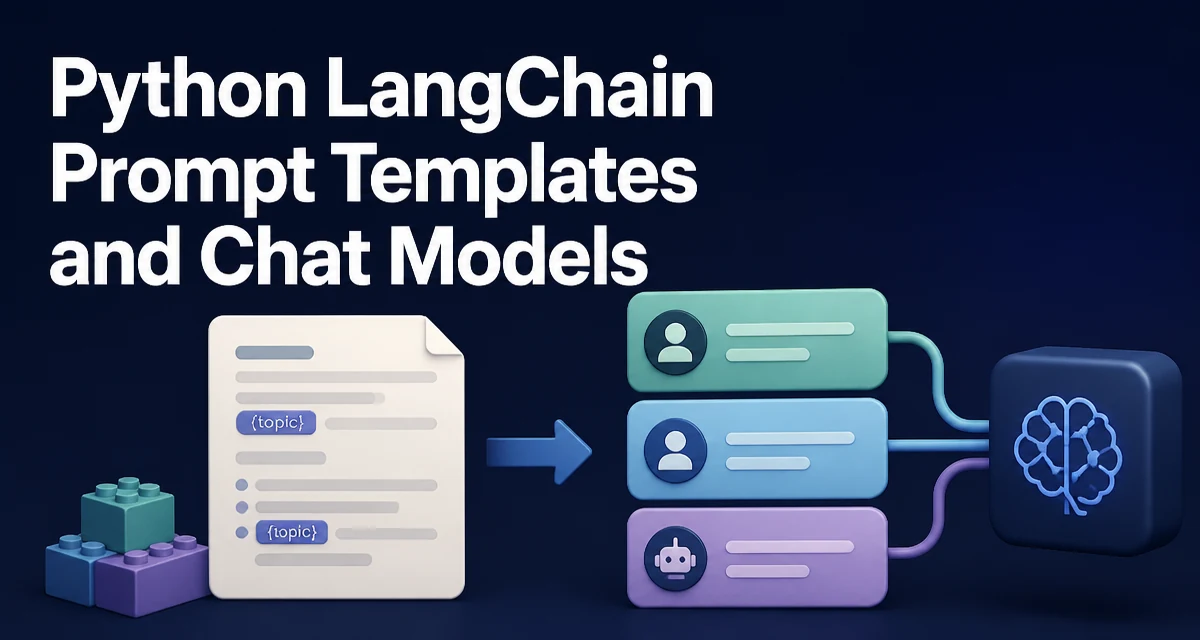
python langchain prompt templates and chat models requires a clear understanding of the core syntax, runtime behavior, and practical implementation patterns demonstrated in the examples below.
When building LLM-powered applications in Python, LangChain's prompt templates and chat models are two pieces that often appear together. The prompt template defines the structure of the input, while the chat model turns that structure into a conversation. Understanding how they interact is essential for writing maintainable code that doesn't hardcode every request.
Why Prompt Templates and Chat Models Work Together
Prompt templates are designed to generate strings from a set of variables. Chat models, on the other hand, expect a list of messages with roles like system, human, and assistant. These two concepts serve different purposes, but they complement each other in practice. A prompt template can produce the content of a message, but a chat model needs that content wrapped in the appropriate message type. Using them together lets you separate the structure of your prompts from the mechanics of calling the model.
Creating a Basic PromptTemplate and Calling a Chat Model
The simplest way to use a prompt template with a chat model is to format the template into a string and pass it directly to the model's invoke method. Here is a minimal example:
from langchain_core.prompts import PromptTemplate
from langchain_openai import ChatOpenAI

template = PromptTemplate.from_template("Tell me a short fact about {topic}")
prompt = template.format(topic="Python")

model = ChatOpenAI(model="gpt-4o-mini")
response = model.invoke(prompt).content
print(response)
This works because ChatOpenAI.invoke accepts a plain string as a convenience. Under the hood, LangChain wraps that string in a HumanMessage. For a one-off call, this is fine. However, when you need more control over the conversation, you should build messages explicitly.
Understanding Message Types in Chat Models
Chat models rely on a sequence of messages, each with a role. The three most common roles are SystemMessage, HumanMessage, and AIMessage. The system message sets the behavior of the assistant, the human message represents the user's input, and the assistant message holds the model's previous response. Here is how you construct a conversation manually:
from langchain_core.messages import SystemMessage, HumanMessage

messages = [
    SystemMessage(content="You are a helpful assistant that explains concepts clearly."),
    HumanMessage(content="What is the difference between a list and a tuple in Python?"),
]

response = model.invoke(messages).content
print(response)
Passing a list of messages gives the model full context. You can also include previous AIMessage objects to maintain a multi-turn conversation. This is the foundation of any chat-based application.
Using ChatPromptTemplate for Multi-Message Conversations
ChatPromptTemplate is the prompt template designed specifically for chat models. Instead of producing a single string, it produces a list of messages. You define the template as a list of role-and-content pairs, where each content can contain variables. Here is an example:
from langchain_core.prompts import ChatPromptTemplate

chat_template = ChatPromptTemplate.from_messages([
    ("system", "You are an expert on {subject}."),
    ("human", "Explain {concept} in simple terms."),
])

messages = chat_template.format_messages(
    subject="Python",
    concept="decorators"
)

response = model.invoke(messages).content
print(response)
The format_messages method returns a list of message objects. You can pass that list directly to the chat model. This approach keeps your prompt structure in one place and avoids manually assembling message lists every time.
Passing Variables and Handling Partial Prompts
Both PromptTemplate and ChatPromptTemplate support partial variables. This is useful when some variables are fixed for a session or a request. For example, you might want to set the tone of a response once and reuse it across multiple calls:
from langchain_core.prompts import PromptTemplate

template = PromptTemplate.from_template(
    "Write a {tone} summary of {topic}"
)
partial_template = template.partial(tone="concise")

prompt = partial_template.format(topic="Python context managers")
ChatPromptTemplate also supports partial. You can pre-fill a system message variable and then supply only the user-specific variables at call time. This reduces duplication and makes your code more readable.
Parsing Structured Output from Chat Models
Raw text responses are often not enough. You may want the model to return JSON or a specific object. LangChain provides output parsers and the with_structured_output method for this. A simple chain can combine a template, a model, and a parser:
from langchain_core.output_parsers import StrOutputParser

parser = StrOutputParser()
chain = chat_template | model | parser

result = chain.invoke({
    "subject": "Python",
    "concept": "generators"
})
print(result)
The pipe operator creates a RunnableSequence. For structured data, you can use PydanticOutputParser to define a schema and have the model fill it. This keeps your prompt and parsing logic together and reduces the chance of malformed output.
Common Pitfalls When Mixing Templates and Chat Models
One frequent mistake is using format on a ChatPromptTemplate instead of format_messages. format returns a string, which loses the role information. Always use format_messages for chat templates. Another issue is variable name mismatches: if the template expects {topic} but you pass subject, the call fails with a KeyError. Also, some chat models require the system message to be first. If you reorder messages, the model may behave unexpectedly. Finally, be careful with token limits. Long prompts consume more tokens and increase cost, so keep your templates as short as possible while retaining necessary context.
Performance and Cost Considerations
Every call to a chat model incurs token usage and latency. Prompt templates themselves are cheap to format, but the resulting prompt length directly affects the cost and speed of the model call. Reusing a template with partial variables can reduce the amount of text you send, but the dominant cost is the model inference itself. When building a pipeline, consider caching formatted prompts if they are reused frequently, but do not assume that template formatting is the bottleneck. Measure your actual token usage and latency before optimizing. Also, some models have different pricing for input and output tokens, so a verbose system prompt may cost more than you expect. Keep your prompts concise and only include information the model actually needs.
By understanding how prompt templates and chat models interact, you can build LLM applications that are both flexible and maintainable. The key is to use the right template type for your message structure, handle variables consistently, and be aware of the operational costs of each model call.