Building Python LangChain Tools and Agents
python langchain tools and agents: Learn how to build Python LangChain tools and agents: defining tools, structuring arguments, running the agent loop, handling errors...
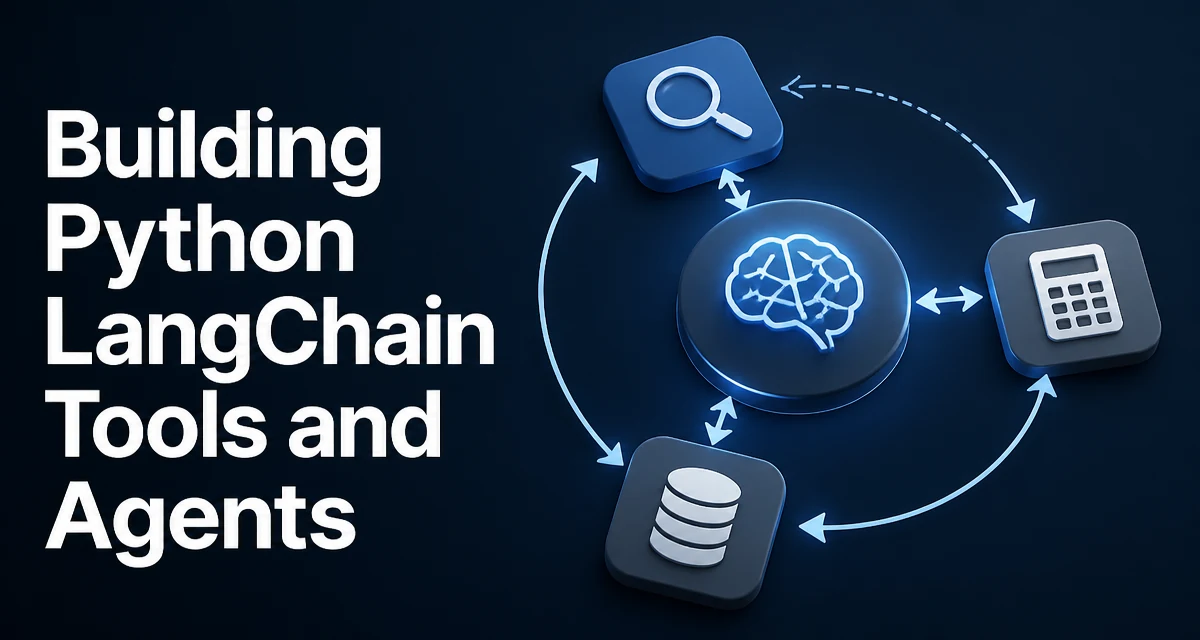
When you build with python langchain tools and agents, you separate two concerns. A tool is a function the model can call, and an agent is the loop that decides when to call it. The model never executes code directly; it emits a structured request that names the tool and supplies arguments, and your Python code performs the actual work and returns a result the model can reason about.
This separation matters because an LLM has no way to run arbitrary code. It can only produce text. Tools give it a controlled interface to your system, and the agent loop decides which tool to call, in what order, and when to stop.
What Tools and Agents Do in LangChain
A tool in LangChain is a callable wrapped with metadata: a name, a description, and an argument schema. The model sees this metadata and uses it to decide whether the tool is relevant and how to fill its arguments. The agent is the runtime that orchestrates the conversation between the model and your tools.
The key distinction is that the model does not execute anything. When the model decides to use a tool, it returns a structured tool call. Your process runs the corresponding function and feeds the result back to the model as an observation. This loop continues until the model produces a final answer or the executor stops it.
Creating a Tool with the @tool Decorator
The simplest way to define a tool is the @tool decorator from langchain_core.tools:
from langchain_core.tools import tool

@tool
def get_weather(city: str) -> str:
    """Return the current weather for the given city."""
    return f"Weather in {city}: 22C, partly cloudy"
The function name becomes the tool name, and the docstring becomes the description the model sees. The type annotation on city tells LangChain what argument schema to send to the model. If the model calls get_weather with a city argument, your function runs and the returned string is passed back as the observation.
Keep the description specific. The model chooses tools based on the description, so a vague docstring like "gets weather" causes the model to guess when it should use this tool.
Structured Tools for Multiple Arguments
When a tool needs several arguments with distinct types, StructuredTool gives you explicit control over the schema:
from langchain_core.tools import StructuredTool

def estimate_shipping(items: list[str], destination: str) -> str:
    """Estimate shipping cost for a list of items."""
    return f"Shipping {len(items)} items to {destination}: $12.50"

shipping_tool = StructuredTool.from_function(
    func=estimate_shipping,
    name="estimate_shipping",
    description="Estimate shipping cost for an order",
)
The items and destination parameters are converted into a JSON schema that the model can fill in. If you need validation beyond what type annotations provide, define a Pydantic model and pass it as args_schema.
For tools with state, authentication, or custom serialization, subclass BaseTool instead:
from langchain_core.tools import BaseTool
from pydantic import BaseModel, Field

class SearchInput(BaseModel):
    query: str = Field(description="Search query to run")

class KnowledgeSearch(BaseTool):
    name: str = "knowledge_search"
    description: str = "Search the internal knowledge base"
    args_schema: type[BaseModel] = SearchInput

    def _run(self, query: str) -> str:
        # perform the search
        return f"Top result for {query}"
BaseTool is the right choice when the tool needs a client, a connection, or cleanup logic that a plain function cannot hold cleanly.
How the Agent Loop Executes Tools
An agent is not a single LLM call. It is a loop:
- The model receives the user input plus the list of available tools.
- The model either answers directly or emits a tool call with arguments.
- Your code runs the tool and appends the result as an observation.
- The model sees the observation and decides whether to call another tool or produce a final answer.
This loop continues until the model produces a final answer or the executor stops it. In the langchain package, AgentExecutor manages this loop:
from langchain.agents import create_react_agent, AgentExecutor
from langchain_core.prompts import PromptTemplate
from langchain_openai import ChatOpenAI

llm = ChatOpenAI(model="gpt-4o")
tools = [get_weather, shipping_tool]

prompt = PromptTemplate.from_template(
    "You are a helpful assistant. Use the tools to answer the user's question.\n"
    "Question: {input}\n"
    "{agent_scratchpad}"
)

agent = create_react_agent(llm, tools, prompt)
executor = AgentExecutor(agent=agent, tools=tools)

result = executor.invoke({"input": "What is the weather in Berlin?"})
Each iteration is a separate LLM call, so a three-step agent costs three model invocations. That is the main reason agent design affects your API bill.
Choosing Between ReAct and Tool-Calling Agents
create_react_agent follows the ReAct pattern: the model writes a thought, an action, and an observation in text form. It works with any chat model that can follow instructions, but the text protocol is verbose and can fail on models that do not format their reasoning correctly.
create_tool_calling_agent relies on the model's native tool-calling capability, where the model returns a structured tool call instead of free-form text. This is more reliable on models that support function calling, such as OpenAI and Anthropic models, and it produces fewer tokens per step.
| Approach | Model requirement | Reliability | Token cost per step |
|---|---|---|---|
| ReAct | Any chat model | Depends on formatting | Higher (text reasoning) |
| Tool calling | Native tool-calling support | Higher on supported models | Lower (structured call) |
Use tool calling when your model supports it. Use ReAct when you are stuck with a model that lacks native tool calling or when you need the reasoning text for debugging.
Handling Tool Errors Without Breaking the Loop
A tool that raises an exception terminates the agent run unless you handle it. The cleanest approach is to return an error message as the observation so the model can recover:
@tool
def divide(a: float, b: float) -> str:
    """Divide a by b."""
    if b == 0:
        return "Error: division by zero. Ask the user for a nonzero divisor."
    return str(a / b)
When the model receives that observation, it can adjust its next action instead of failing the whole run. For unexpected exceptions, AgentExecutor accepts handle_tool_error:
executor = AgentExecutor(
    agent=agent,
    tools=tools,
    handle_tool_error="The tool failed. Try a different approach.",
)
The error string is passed back to the model as the observation, and the loop continues. This keeps a single bad tool call from aborting the entire conversation.
Production Concerns: Cost, Observability, and Limits
The biggest operational risk with agents is unbounded looping. A model can keep calling tools indefinitely, especially when a tool returns ambiguous results. Set max_iterations on the executor:
executor = AgentExecutor(
    agent=agent,
    tools=tools,
    max_iterations=5,
    handle_tool_error="Tool failed. Try a different approach.",
)
When the limit is reached, the executor returns the last observation rather than looping forever.
For observability, attach a callback handler to trace each step:
from langchain_core.callbacks import BaseCallbackHandler

class TraceHandler(BaseCallbackHandler):
    def on_tool_start(self, serialized, input_str, **kwargs):
        print(f"Tool call: {serialized.get('name')} {input_str}")

    def on_tool_end(self, output, **kwargs):
        print(f"Tool result: {output}")
Pass the handler to invoke so you can see which tools ran, with what arguments, and what they returned. This is essential in production because the model's reasoning is not visible otherwise.
When an Agent Is the Wrong Choice
An agent is the right tool when the sequence of operations cannot be known in advance. If the flow is fixed, such as "look up the user, then fetch their orders, then summarize," a plain chain or a direct tool call is cheaper, faster, and easier to test. Every agent step adds latency and token cost, and the model can make a wrong tool choice that a hard-coded flow would never make.
A reasonable rule: use an agent when the branching depends on the content of the input, and use a deterministic chain when the steps are always the same.