Python Left Shift: How the << Operator Works
python left shift: Learn how Python's left shift operator shifts bits, its practical uses, edge cases, and performance implications for integer manipulation.
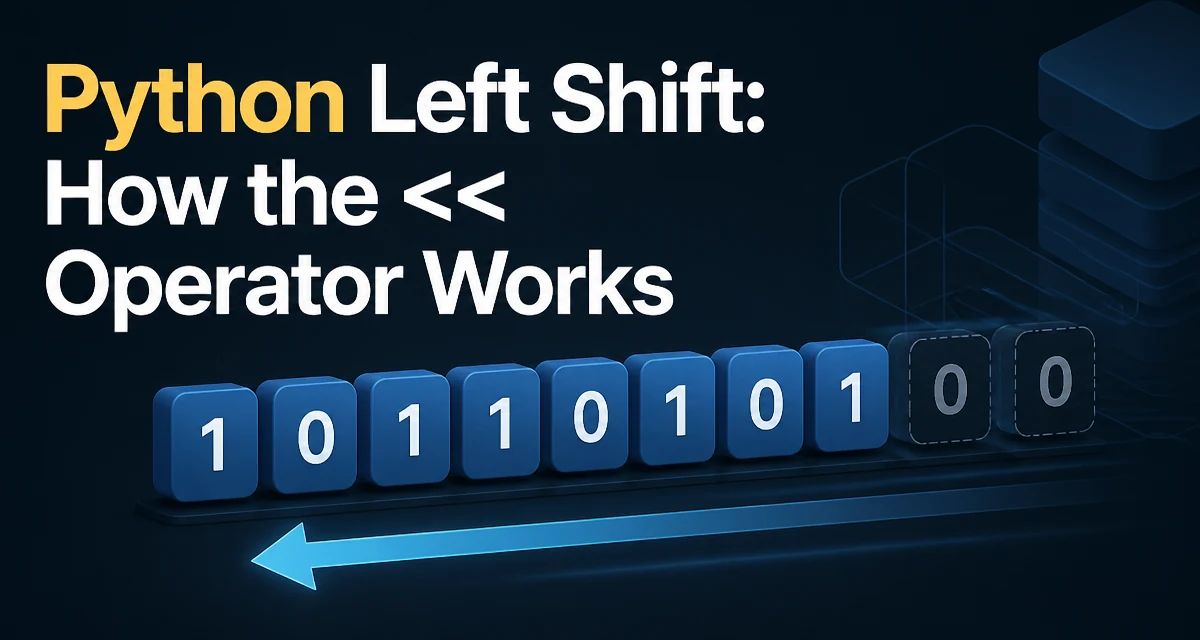
python left shift requires a clear understanding of the core syntax, runtime behavior, and practical implementation patterns demonstrated in the examples below.
How the Left Shift Operator Works
In Python, the left shift operator << takes two operands: an integer and a shift count. It returns a new integer whose binary representation is the original bits shifted left by the specified number of positions. For example, 5 << 2 shifts the binary 101 to 10100, which is 20 in decimal. This operation is equivalent to multiplying the integer by 2 raised to the power of the shift count, but it works directly on the binary representation.
>>> 5 << 2
20
The left shift operator is a bitwise operator, meaning it operates on the binary representation of integers. Python integers are arbitrary precision, so shifting does not overflow in the traditional sense; instead, it simply adds more bits as needed.
What Happens to the Bits
When you shift left, each bit moves to a higher position, and zeros are filled in on the right. The leftmost bits that exceed the original bit length are discarded, but because Python integers are unbounded, new bits are added as needed. For a positive integer, this is straightforward. For negative integers, the behavior is defined by two's complement representation, but Python's implementation uses an infinite sign extension. In practice, -1 << 1 results in -2, which is the same as multiplying by 2.
>>> -1 << 1
-2
This behavior is consistent with the mathematical definition of left shift as multiplication by a power of two, even for negative numbers.
Practical Use Cases for Left Shift
The left shift operator is commonly used in scenarios where you need to set or test individual bits in a bitmask, encode multiple flags into a single integer, or implement algorithms that rely on binary representation. For example, in graphics programming, you might pack RGB color channels into a single integer using shifts and OR operations.
r, g, b = 255, 128, 64
packed = (r << 16) | (g << 8) | b
Here, r << 16 shifts the red value into the high 16 bits, g << 8 places green in the middle, and b occupies the low byte. This is a compact way to store color data.
Another common use is in bitmask flags, where each bit represents a boolean option. For example, permission systems often use powers of two:
READ = 1 << 0
WRITE = 1 << 1
EXECUTE = 1 << 2
permissions = READ | WRITE
if permissions & EXECUTE:
    print("Can execute")
Left Shift on Negative Numbers and Overflow
Because Python integers are arbitrary precision, left shift never causes overflow in the sense of wrapping around. However, it can produce very large integers that consume more memory. For negative numbers, the shift operation maintains the sign and effectively multiplies by the power of two. This is different from languages like C or Java where integer overflow leads to undefined behavior or truncation. In Python, you can shift by any non-negative integer, but shifting by a negative count raises a ValueError.
>>> 5 << -1
Traceback (most recent call last):
  File "<stdin>", line 1, in <module>
ValueError: negative shift count
Performance and Memory Considerations
Left shift is a fast operation because it directly manipulates the binary representation. For small integers, the cost is constant. For very large integers, shifting allocates a new integer object and copies bits, which is O(n) where n is the number of bits. This matters when you shift a huge integer repeatedly in a loop. In such cases, consider whether you can avoid repeated shifts by accumulating the result differently. Also, be aware that shifting a large integer by a large amount can create an enormous number, consuming significant memory. For example, 1 << 1000000 creates a number with over 300,000 decimal digits, which may be impractical.
Common Mistakes and Edge Cases
One common mistake is confusing left shift with exponentiation. 2 << 3 is 16, not 8. Another is forgetting that the shift count must be an integer; using a float raises a TypeError. Also, shifting by a negative number is invalid. When working with bitmasks, ensure that the shift count does not exceed the bit width you intend, otherwise you may unintentionally set bits beyond your mask. For example, if you only have 8-bit flags, shifting a value by 16 places it outside the expected range.
Alternatives and When Not to Use Left Shift
For simple multiplication by powers of two, you can use * or ** for clarity. Left shift is most appropriate when the binary representation is the actual concern, such as in protocol parsing, compression, or cryptographic algorithms. In high-level application code, using shifts can reduce readability, so reserve them for performance-critical or low-level sections. If you need to shift bits on a byte array or a custom object, consider using the bitarray library or converting to an integer first.