Python List Indexing: Syntax, Slicing, and Edge Cases
python list indexing: Understand Python list indexing rules, negative indices, slicing with step, error handling, and performance characteristics for reliable code.
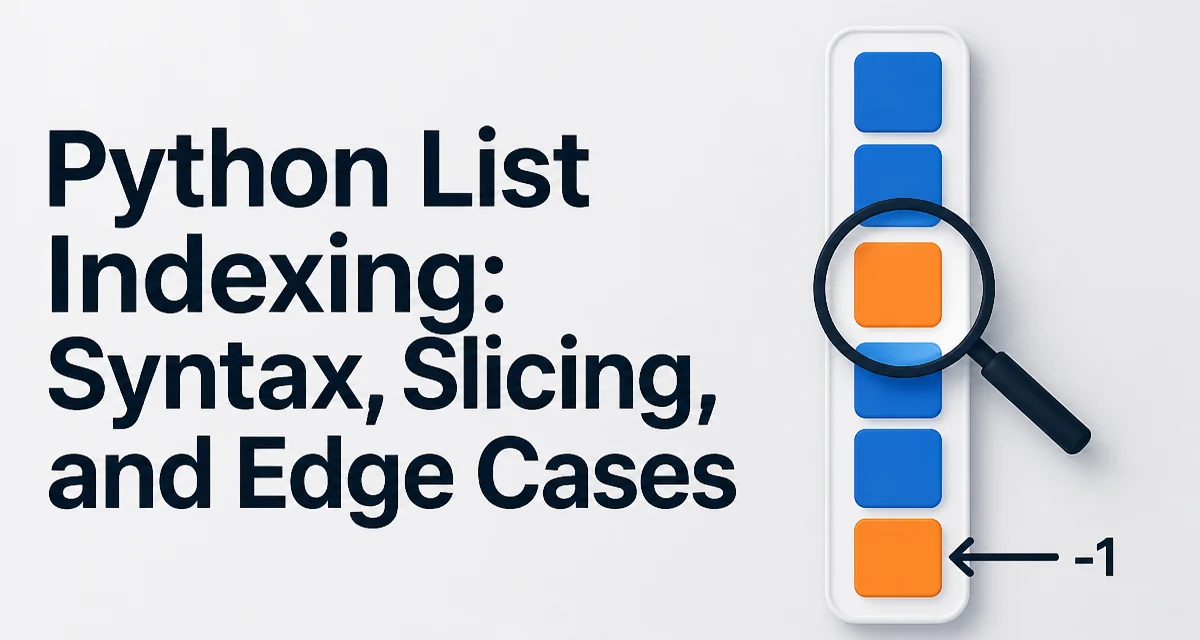
Python list indexing is the mechanism by which you access individual elements in a list using a zero-based integer position. It is one of the most frequently used operations in Python, yet its edge cases still trip up experienced developers. This article explains the exact rules, the behavior of negative indices, slicing, and the runtime cost you can expect.
How Python List Indexing Works
A list in Python is an ordered, mutable collection. Each element is assigned an integer position starting at zero. To retrieve an element, you place the index in square brackets after the list variable:
fruits = ["apple", "banana", "cherry", "date"]
print(fruits[0])  # apple
print(fruits[2])  # cherry
The index must be an integer within the valid range. Valid positive indices go from 0 to len(list) - 1. Accessing an index beyond that range raises an IndexError:
print(fruits[4]) # IndexError: list index out of range
This behavior is intentional: Python does not silently wrap around like some languages. It forces you to handle out-of-range access explicitly, which prevents subtle off-by-one bugs from going unnoticed.
Negative Indexing: Counting from the End
Python extends indexing with negative integers, which count from the end of the list. The last element is at index -1, the second-to-last at -2, and so on:
print(fruits[-1])  # date
print(fruits[-2])  # cherry
Negative indexing is a concise way to access trailing elements without computing the length first. It works because Python internally maps a negative index -k to len(list) - k. The valid range for negative indices is -len(list) to -1. Using an index like -5 on a four-element list raises the same IndexError.
A common mistake is assuming that -0 is a distinct negative index. In Python, -0 evaluates to 0, so it refers to the first element, not the last. If you need the last element, use -1 explicitly.
Slicing: Extracting Subsequences
Slicing allows you to extract a contiguous subsequence of a list. The syntax is list[start:stop], where start is inclusive and stop is exclusive. Both parameters are optional:
numbers = [0, 1, 2, 3, 4, 5]
print(numbers[1:4])  # [1, 2, 3]
print(numbers[:3])   # [0, 1, 2]
print(numbers[3:])   # [3, 4, 5]
print(numbers[:])    # [0, 1, 2, 3, 4, 5] (copy)
When start or stop is omitted, Python uses the beginning or end of the list respectively. A slice always returns a new list, even if it contains the same elements. This is important: numbers[:] creates a shallow copy, not a reference to the original list. Modating the slice does not affect the original.
The Step Parameter: Skipping Elements
Slicing supports a third parameter, step, which controls how many elements to skip between each result. The full syntax is list[start:stop:step]:
even = numbers[0:6:2]   # [0, 2, 4]
odd  = numbers[1:6:2]   # [1, 3, 5]
reversed = numbers[::-1] # [5, 4, 3, 2, 1, 0]
A negative step reverses the traversal direction. When step is negative, start and stop are interpreted in reverse order. The common idiom numbers[::-1] creates a reversed copy of the list. Keep in mind that a negative step with explicit start and stop can be confusing; for example, numbers[5:0:-2] returns [5, 3, 1].
Handling IndexError in Production Code
IndexError is a runtime exception that stops execution unless caught. In production code, you often need to guard against out-of-range access. The idiomatic way is to check the list length before indexing:
if index < len(fruits):
    value = fruits[index]
else:
    value = None  # or handle the missing case
Alternatively, you can use a try/except block when the index comes from an external source and you want to centralize error handling:
try:
    value = fruits[index]
except IndexError:
    value = None
The try approach is useful when the index is computed from user input or a complex expression. However, for simple bounds checking, an if statement is more readable and avoids the overhead of exception handling.
Performance Characteristics of Indexing
List indexing in Python is O(1) in the average case. The list stores references to objects in a contiguous block of memory, and the runtime calculates the memory address of the target element directly from the index. This means that accessing list[0] and list[1000000] take roughly the same time, assuming the index is valid.
Slicing, on the other hand, is O(k) where k is the length of the slice, because Python must allocate a new list and copy references. This is a fundamental difference: indexing returns a single object, while slicing returns a new list. If you only need one element, use indexing; if you need a subsequence, slicing is the natural tool.
Memory usage also differs. A slice duplicates the references, not the objects themselves. The objects are shared, but the new list has its own reference array. For large lists, frequent slicing can create many temporary lists, which may impact memory usage in long-running processes.
Common Edge Cases and Pitfalls
One subtle edge case is indexing with a boolean. In Python, True and False are subclasses of int, so list[True] is equivalent to list[1]. This is rarely intentional and can cause bugs when a boolean is accidentally used as an index.
Another pit is using a slice with a start greater than stop. In that case, the slice returns an empty list unless step is negative:
print(numbers[4:2])   # []
print(numbers[4:2:-1]) # [4, 3]
Finally, remember that lists are mutable, but indexing does not change the list. If you need to replace an element, you assign to the index: fruits[0] = "apricot". This is a direct operation that does not create a new list.
Understanding these rules ensures that your code behaves predictably across different data sizes and input sources. The combination of zero-based indexing, negative offsets, and slicing gives you precise control over list access, but each feature has its own contract that you must honor.