Python List Insert: Syntax and Performance
python list insert: Learn how Python's list.insert() works, including index handling, performance implications, and when to use it over append or extend.
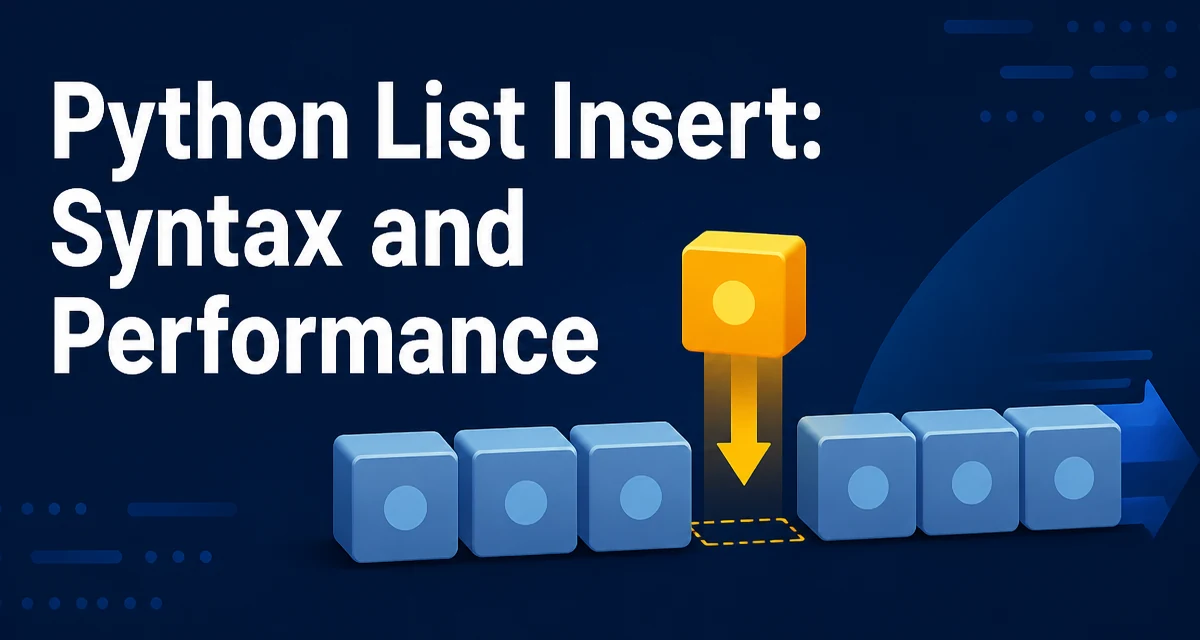
python list insert requires a clear understanding of the core syntax, runtime behavior, and practical implementation patterns demonstrated in the examples below.
The insert Method and Its Signature
In Python, list.insert(index, element) places element into the list at the position given by index. The element is inserted before the item that currently occupies that index, and all elements from that index onward shift one position to the right. The method modifies the list in place and returns None.
fruits = ["apple", "banana", "cherry"]
fruits.insert(1, "blueberry")
print(fruits)  # ['apple', 'blueberry', 'banana', 'cherry']
The index argument is an integer. It can be positive, zero, or negative. The method does not raise an error when the index is out of range; instead, it clamps the insertion point to the nearest valid position. If index is greater than or equal to the list length, the element is appended. If index is a negative number whose absolute value exceeds the list length, the element is inserted at the beginning.
How Insert Behaves With Positive and Negative Indices
Positive indices work as expected: insert(0, x) places x at the front, and insert(len(lst), x) appends. Negative indices count from the end. For example, insert(-1, x) inserts before the last element, while insert(-len(lst), x) inserts at the front. This behavior is consistent with how slicing and other list operations treat negative indices.
numbers = [1, 2, 3, 4]
numbers.insert(-1, 99)
print(numbers)  # [1, 2, 3, 99, 4]

numbers.insert(-10, 0)
print(numbers)  # [0, 1, 2, 3, 99, 4]
Understanding this clamping behavior is useful when you write generic code that may receive an index from user input or a configuration value. You do not need to guard against out-of-range indices unless you want to treat them as errors. If you need strict validation, you must check the index yourself before calling insert.
Insert vs Append vs Extend: When to Use Which
append adds a single element to the end of the list. extend adds all elements from an iterable to the end. insert is the only one of the three that places an element at a specific position. The choice depends on where the new element must go and whether you are adding one item or many.
| Method | Position | Input | Time Complexity |
|---|---|---|---|
| append | End of list | Single element | O(1) amortized |
| extend | End of list | Iterable | O(k) for k items |
| insert | Any valid index | Single element | O(n) worst case |
Use append when you are building a list sequentially and the order of arrival is the order you want. Use extend when you have a collection of items to add at once. Use insert when you must place an element at a specific position, such as maintaining a sorted order or inserting a header at the front of a list.
Performance Cost of Inserting Into a List
Python lists are implemented as dynamic arrays, not linked lists. When you insert an element at index i, every element from i to the end must be shifted one position to the right to make room. This shift is an O(n) operation in the worst case, where n is the number of elements after the insertion point. Inserting at the beginning of a large list is therefore expensive because all existing elements move. Inserting at the end is equivalent to append and runs in amortized O(1) time.
This performance characteristic matters when you are processing large datasets. If you find yourself repeatedly inserting at the front of a list, consider whether a different data structure, such as collections.deque, would be more appropriate. A deque supports O(1) append and pop on both ends, but it does not support arbitrary index insertion. If you need frequent insertions in the middle, a balanced tree structure or a linked list implementation may be a better fit, though Python's standard library does not provide one out of the box.
Common Edge Cases and Mistakes
A frequent mistake is assuming that insert returns the modified list. It returns None, so chaining calls like lst.insert(0, x).insert(1, y) will raise an AttributeError. Always call insert as a statement, not as part of an expression.
Another edge case occurs when you use a variable index that changes during iteration. If you insert while iterating over a list, the indices of subsequent elements shift, which can cause you to skip or process the same element twice. It is safer to build a new list or collect insertions and apply them after the loop.
# This loop skips elements because insert shifts indices
lst = [1, 2, 3, 4]
for i, value in enumerate(lst):
    if value % 2 == 0:
        lst.insert(i, 0)  # shifts everything right
If you need to insert multiple elements at the same position, do it in reverse order or use slice assignment. For example, to insert [a, b, c] at index i, you can use lst[i:i] = [a, b, c], which is both clearer and more efficient than calling insert repeatedly.
Inserting Multiple Elements Efficiently
When you need to insert several elements at a specific position, repeated calls to insert are inefficient because each call shifts elements. The slice assignment pattern lst[i:i] = iterable inserts all items at once, shifting existing elements only once.
original = [1, 5, 6]
original[1:1] = [2, 3, 4]
print(original)  # [1, 2, 3, 4, 5, 6]
This approach works for any iterable and is the idiomatic way to insert a block of elements. It also handles the case where the iterable is empty, in which case no change occurs. If you need to insert at the beginning, use lst[0:0] = iterable; at the end, lst[len(lst):] = iterable is equivalent to extend.
Maintaining Order When Building a Sorted List
Inserting into a list to keep it sorted is a common pattern, but it is rarely the most efficient approach for large datasets. Each insertion costs O(n) due to shifting, so building a sorted list of n elements by inserting each one in order results in O(n²) total time. For small lists or when the number of insertions is limited, this is acceptable. For larger data, consider collecting all elements first and sorting once, or using a data structure like bisect.insort from the bisect module, which finds the insertion point in O(log n) time but still requires O(n) for the actual insertion because of the underlying array.
import bisect

sorted_list = []
for value in [3, 1, 4, 1, 5]:
    bisect.insort(sorted_list, value)
print(sorted_list)  # [1, 1, 3, 4, 5]
The bisect module is useful when you need to maintain a sorted list and the list size is moderate. If the list grows very large, a different structure such as a heap or a balanced tree may be necessary to keep insertion and retrieval operations within acceptable bounds.