Python List Unpacking: Syntax and Practical Patterns
python list unpacking: Learn Python list unpacking with practical examples, starred expressions, edge cases, and the runtime behavior behind common destructuring patte...
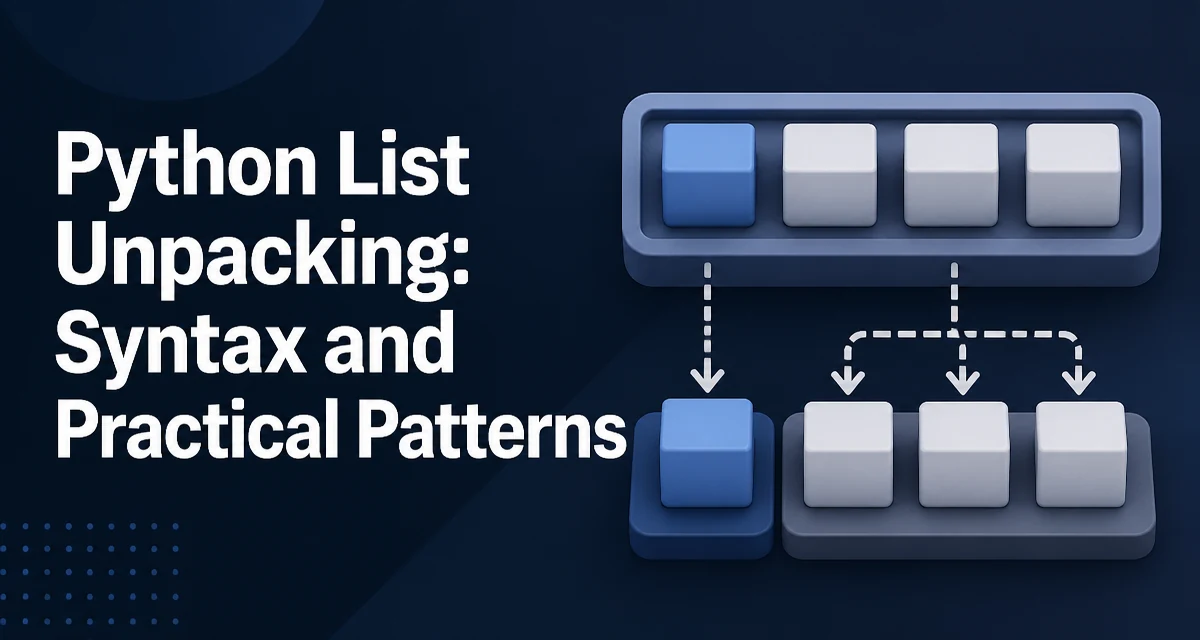
How Python List Unpacking Assigns Values
Python list unpacking assigns the elements of a list to individual variables in a single statement. The syntax is direct:
point = [3, 7]
x, y = point
After this runs, x is 3 and y is 7. The assignment works because the left side contains the same number of targets as the right side has elements. Python evaluates the right side, iterates over it, and binds each value to the corresponding target from left to right.
This is not limited to lists. Any iterable works: tuples, sets, generators, strings, and dicts (which iterate over keys). The same syntax applies to tuples, so x, y = (3, 7) behaves identically. The term "list unpacking" is common, but the mechanism is the iterable unpacking protocol.
Starred Expressions for Variable-Length Lists
When the number of elements is not known in advance, a starred expression captures the remainder:
first, *middle, last = [1, 2, 3, 4, 5]
first becomes 1, last becomes 5, and middle becomes [2, 3, 4]. The starred target collects zero or more elements into a list. If the input has exactly two elements, middle is an empty list, not None:
first, *middle, last = [1, 5]
# middle == []
Only one starred expression is allowed per assignment, because two would make the split ambiguous. The starred target can appear at the start, middle, or end of the left side.
Unpacking in for Loops
The most frequent use of unpacking is in loops over sequences of pairs or records:
entries = [("alice", 42), ("bob", 37)]
for name, age in entries:
    print(f"{name} is {age} years old")
Each iteration unpacks the current tuple into name and age. This works with any iterable of iterables. When the inner elements have variable length, a starred expression handles it:
for name, *scores in [("alice", 90, 95), ("bob", 80)]:
    print(name, scores)
name is a string, and scores is a list of the remaining integers. This pattern is common when processing CSV rows or API responses where trailing fields may be absent.
Practical Patterns: Swapping and Splitting
Swapping two variables without a temporary value uses tuple unpacking:
a, b = b, a
The right side is evaluated first, producing a tuple (b, a), then the unpacking assigns the values back. This is idiomatic Python and avoids a temporary variable.
Splitting a list into head and tail is a common recursive pattern:
head, *tail = items
head is the first element, and tail is a list of the rest. When items is empty, this raises ValueError, so guard the call when emptiness is possible.
Common Errors and Their Causes
The most common failure is a length mismatch. Assigning three variables from a two-element list raises:
a, b, c = [1, 2]
# ValueError: not enough values to unpack (expected 3, got 2)
Assigning two variables from a three-element list raises the inverse error. A starred expression absorbs the excess, so it is the standard fix when the length is variable.
Another subtle issue is unpacking a single-element iterable without a trailing comma:
value = [1]   # value is the list
value, = [1]  # value is 1
The trailing comma creates a one-tuple on the left side, which unpacks the single element. This is easy to miss in code review.
Runtime Behavior and Memory Considerations
Unpacking iterates the right side once. For a list, this is a direct iteration over the existing list object; no copy is created. The starred expression builds a new list for the captured remainder, which copies references, not the elements themselves. For a large list where only the first few elements are needed, head, *tail = items copies the entire tail into a new list, doubling memory usage for that portion. If only the head matters, items[0] avoids that copy.
Unpacking also works on generators, but it consumes them. a, b = gen advances the generator twice. If the generator produces more than two values, the extra values are discarded because the generator is exhausted after b is assigned. This is different from list behavior, where the list still holds its remaining elements.
When Unpacking Hurts Readability
Unpacking is concise, but it can obscure intent when the structure is complex. Deeply nested unpacking, such as a, (b, c), *d = data, forces the reader to reconstruct the expected shape mentally. In those cases, explicit indexing or a dataclass may be clearer.
A starred expression in the middle of a long assignment can also make the code harder to scan. If the remainder is unused, a common convention is to name it _:
first, *_ = items
This signals that the rest of the list is intentionally ignored. The name _ is a convention, not a language rule; any name works.
For records with a fixed, known structure, unpacking into named variables is usually more readable than indexing. For records with many optional fields, a dataclass or dictionary access is often better because it documents each field explicitly.