Python multiprocessing Process: Creating Child Processes
python multiprocessing process: Learn how to create and manage child processes with Python's multiprocessing.Process, pass data, synchronize, and avoid common pitfalls.
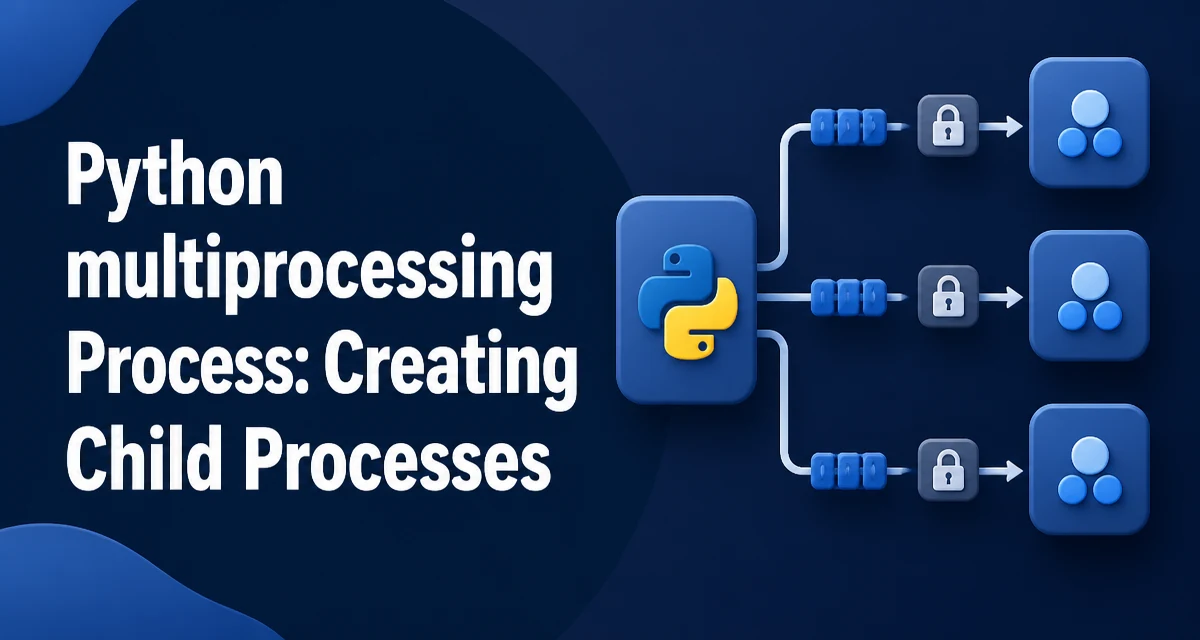
Python's multiprocessing module lets you run independent tasks in separate processes, bypassing the Global Interpreter Lock (GIL) for CPU-bound work. The Process class is the core of this module. This article explains how to use the python multiprocessing process API: creating processes, passing arguments, sharing state, synchronizing, and handling runtime costs.
Creating a Process with multiprocessing.Process
The simplest way to start a child process is to create a Process instance with a target function and call start(). The join() method makes the parent wait for the child to finish.
import multiprocessing

def worker():
    print("Worker running")

if __name__ == "__main__":
    p = multiprocessing.Process(target=worker)
    p.start()
    p.join()
The if __name__ == "__main__" guard is essential on Windows and macOS with the default spawn start method. Without it, the child process re-imports the main module and may execute the process creation code recursively, causing errors.
Process also accepts name, args, kwargs, and daemon parameters. The daemon flag, when True, marks the process as a daemon that will be terminated automatically when the parent exits.
Passing Arguments to a Process
Arguments are passed via args (positional) and kwargs (keyword). They must be picklable because they are serialized and sent to the child process.
def worker(name, count):
    for i in range(count):
        print(f"{name}: {i}")

p = multiprocessing.Process(target=worker, args=("A", 3))
p.start()
p.join()
Pickling works for most built-in types, but not for lambdas, nested functions, or objects that cannot be serialized. If you need to pass a complex object, consider using a multiprocessing.Manager or a custom picklable class.
Getting Results Back from a Process
Process does not return a value from the target function. To collect results, use a Queue or a Pipe. A Queue is the simplest choice for one-way communication.
import multiprocessing

def worker(q):
    q.put(42)

if __name__ == "__main__":
    q = multiprocessing.Queue()
    p = multiprocessing.Process(target=worker, args=(q,))
    p.start()
    p.join()
    print(q.get())  # 42
The Queue is process-safe and internally uses a lock and a pipe. The parent can call get() after the process finishes, or even while it is running, depending on the logic. Be aware that get() blocks until an item is available, so you may want to use get_nowait() or a timeout.
Sharing State Between Processes
Global variables are not shared across processes because each process has its own memory space. To share small values, use multiprocessing.Value or Array. These are allocated in shared memory and come with a lock to prevent concurrent access.
from multiprocessing import Value

def increment(counter):
    with counter.get_lock():
        counter.value += 1

if __name__ == "__main__":
    counter = Value('i', 0)
    processes = [multiprocessing.Process(target=increment, args=(counter,)) for _ in range(10)]
    for p in processes:
        p.start()
    for p in processes:
        p.join()
    print(counter.value)  # 10
The first argument to Value is a type code ('i' for signed integer). The lock is acquired automatically if you use the get_lock() context manager, but you can also pass lock=False to disable locking if you manage access manually.
For more complex shared structures, use multiprocessing.Manager which provides proxies to objects like lists, dicts, and namespaces. Managers are slower than shared memory but more flexible.
Synchronizing Processes with Locks and Events
When multiple processes access a shared resource, race conditions can occur. A Lock ensures that only one process enters a critical section at a time.
import multiprocessing

def worker(lock, name):
    with lock:
        print(f"{name} entered critical section")

if __name__ == "__main__":
    lock = multiprocessing.Lock()
    processes = [multiprocessing.Process(target=worker, args=(lock, i)) for i in range(5)]
    for p in processes:
        p.start()
    for p in processes:
        p.join()
Event is another synchronization primitive. It allows one process to signal others that a certain condition has occurred. set(), wait(), and clear() control the event state. For example, a producer process can set an event to notify consumers that data is ready.
Process Lifecycle and Cleanup
A process goes through several states: created, started, running, and terminated. start() spawns the process, and join() blocks until it exits. If you need to stop a process early, terminate() sends a SIGTERM signal, but it does not run cleanup handlers. Always prefer to let a process finish normally and use join() with a timeout if you are unsure.
Daemon processes are terminated when the parent exits, but they cannot create child processes themselves. They are useful for background tasks that should not prevent the parent from exiting.
After a process finishes, you should call join() to reap its resources. Not doing so can leave zombie processes on Unix-like systems. The multiprocessing module also provides a Pool class for managing a collection of worker processes, which simplifies resource cleanup when you have many tasks.
Performance and Overhead Considerations
Creating a process is expensive because the operating system must allocate a new address space and copy resources. On Linux with the fork start method, the cost is lower than on Windows with spawn, but still significant compared to creating a thread. For CPU-bound tasks that benefit from parallelism, the overhead is often acceptable. For I/O-bound tasks, threading or asyncio may be more efficient because they avoid process creation and IPC costs.
Inter-process communication (IPC) also adds overhead. Each Queue.put() or Pipe.send() serializes data and copies it between memory spaces. The larger the data, the higher the cost. If you are moving large NumPy arrays, consider using shared memory or a library like multiprocessing.shared_memory to avoid serialization.
Another consideration is memory usage. Each process has its own Python interpreter and memory footprint. Spawning hundreds of processes can exhaust system resources. A Pool with a fixed number of workers is often a better choice than creating a process per task.
Common Pitfalls and Debugging
A frequent error is forgetting the if __name__ == "__main__" guard, which leads to RuntimeError or infinite recursion on Windows. Always guard the entry point.
Pickling errors occur when you pass unpicklable objects, such as lambdas or local functions, as arguments. Use top-level functions or custom classes that support pickling.
Deadlocks can happen when a process waits for a queue item that never arrives, or when two processes wait on each other's locks. Use timeouts on Queue.get() and Lock.acquire() to avoid indefinite blocking.
Debugging multiprocessing code is harder than single-process code because stack traces are not combined. Add logging with the logging module and include the process name in log messages. The multiprocessing module provides a log_to_stderr() utility that enables internal logging, which can help diagnose startup issues.
Finally, be aware that the fork start method (default on Linux) can cause problems with threads and certain libraries. If you encounter issues, set the start method to spawn explicitly with multiprocessing.set_start_method("spawn") at the top of the main module.
Understanding the python multiprocessing process API gives you control over how and when child processes run. Use the Process class directly for simple parallel tasks, and consider Pool for larger workloads. Always measure the overhead before committing to a process-based design, and test on the target operating system because start method behavior varies.