Python Namespace Packages: Structure and Usage
python namespace package: Understand Python namespace packages: how they differ from regular packages, how PEP 420 import behavior works, and when to split code across...
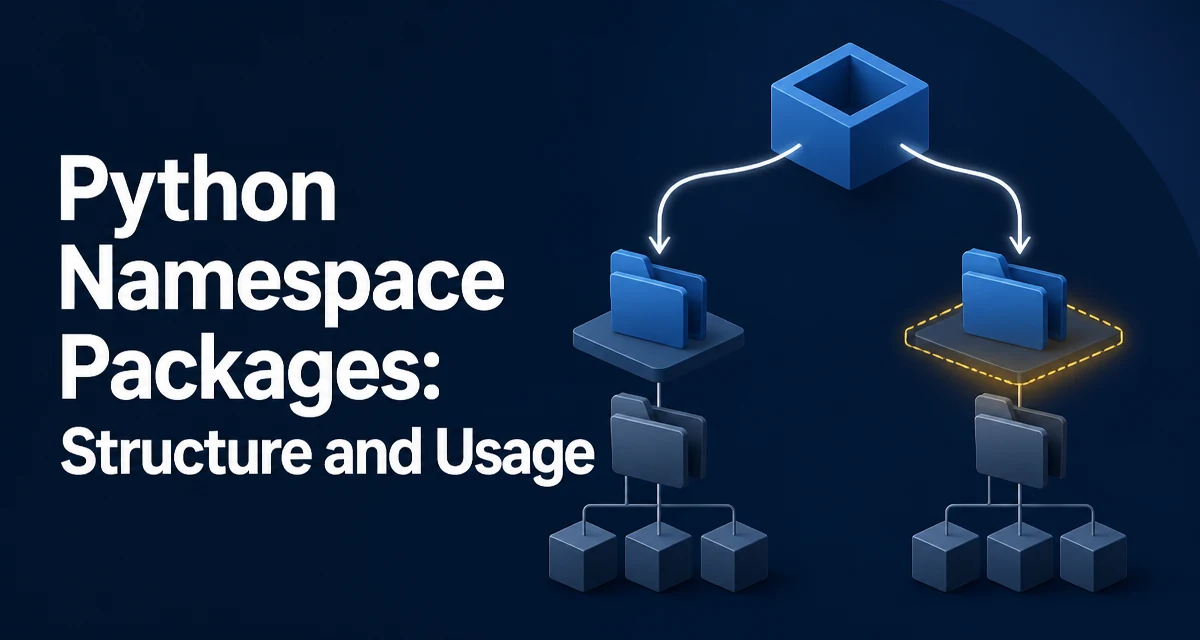
A namespace package in Python is a package that spans multiple directories without requiring a single __init__.py file. It is the mechanism that lets several independently installed distributions contribute modules to one shared import path. The python namespace package concept matters whenever you need to split a logical package across separate codebases or wheels without one distribution owning the package name.
What distinguishes a namespace package from a regular package
A regular Python package is a directory that contains an __init__.py file. That file marks the directory as a package and becomes the package's initialization code. A namespace package is a directory that Python treats as a package even though it has no __init__.py. Instead of owning a single directory, a namespace package can aggregate multiple directories that appear in different locations on sys.path.
The practical consequence is that several separately installed distributions can each place files into the same logical package. When the interpreter imports that package, it collects every matching directory from the search path and merges them into one namespace. No single distribution owns the package, so there is no conflict over who supplies the __init__.py.
How the import machinery resolves namespace packages
When import mypkg runs, the import system walks each entry in sys.path. For each directory, it looks for mypkg. If it finds a directory containing __init__.py, it treats that directory as a regular package and stops searching. If it finds a directory without __init__.py, it records that directory as a namespace portion and continues walking the rest of the path.
This behavior was standardized in PEP 420, which landed in Python 3.3. Before that, namespace packages had to be created explicitly with pkgutil or pkg_resources helpers.
The key runtime difference is visible on the package object itself:
import mypkg

print(mypkg.__path__)
# _NamespacePath(['/path/to/dist_a/mypkg', '/path/to/dist_b/mypkg'])
A regular package has a __path__ that is a single-element list pointing at its own directory. A namespace package has a _NamespacePath that can contain many directories. Because __init__.py is absent, the package object has no initialization code, and mypkg.__file__ is None rather than a path to a file.
Creating a namespace package with PEP 420
Creating an implicit namespace package requires nothing more than a directory without __init__.py:
mypkg/
    module_a.py
With this layout on sys.path, the following import works:
import mypkg.module_a
The interpreter sees mypkg as a directory without __init__.py, creates a namespace package, and imports module_a from it.
The same directory structure works when the namespace is split across multiple locations:
/path/one/mypkg/
    module_a.py
/path/two/mypkg/
    module_b.py
If both /path/one and /path/two are on sys.path, both modules resolve under the same package name:
import mypkg.module_a
import mypkg.module_b
Each directory is a namespace portion. The import system merges them, and mypkg.__path__ contains both directories.
Splitting one namespace across multiple distributions
The main reason to use a namespace package is to let multiple distributions contribute to one import path. A common example is a large product split into separately installable pieces:
acme-core/
    acme/
        __init__.py
        core.py

acme-extra/
    acme/
        extra.py
If acme-core installs acme/__init__.py as a regular package, then acme-extra cannot add acme/extra.py cleanly. The second distribution would overwrite or conflict with the first. Making acme a namespace package removes that conflict: neither distribution owns the package, and each contributes its own modules.
The same pattern works for a plugin ecosystem where the base package ships in one wheel and optional integrations ship in others. The namespace keeps the import path stable while the set of installed modules changes.
Extending a regular package with pkgutil.extend_path
PEP 420 covers new code, but existing projects sometimes need to extend a regular package that already has __init__.py. The pkgutil module provides extend_path for exactly this situation:
# acme/__init__.py
from pkgutil import extend_path

__path__ = extend_path(__path__, __name__)
When another distribution places files under acme/, extend_path scans the import path, finds the additional acme directories, and appends them to __path__. The package remains a regular package, so it still runs its __init__.py, but it can now aggregate modules from other distributions.
This approach predates PEP 420 and still works on older Python versions. It is the right choice when the package must keep initialization logic and also accept contributions from elsewhere.
Common failure modes when namespace packages go wrong
The most common mistake is expecting a regular package and getting a namespace package instead. If you create a directory and forget the __init__.py, Python 3 silently treats it as a namespace package. Imports still work, but package-level initialization never runs, and __file__ is None. Code that relies on __init__.py side effects, such as registering submodules or setting package attributes, will fail in ways that are hard to trace.
The opposite failure is also common: two distributions both ship the same regular package with __init__.py. Whichever directory appears first on sys.path wins, and the other distribution's modules become unreachable. This is the conflict that namespace packages are designed to avoid, so converting the shared package to a namespace package is usually the fix.
A subtler issue is import order. The import system scans sys.path in order, and the first directory containing a matching module wins. If two namespace portions both define module_a.py, the one on the earlier path entry is used. There is no merge at the module level, only at the package level.
Packaging and tooling compatibility
Setuptools does not discover namespace packages with the default find_packages(), because that function only matches directories containing __init__.py. You need find_namespace_packages():
from setuptools import setup, find_namespace_packages

setup(
    name="acme-extra",
    packages=find_namespace_packages(include=["acme*"]),
)
Older tooling that predates PEP 420 may still expect pkg_resources.declare_namespace or explicit namespace_packages entries in setup.py. Modern projects should use the implicit form, but be aware that some build backends and linters lag behind. If you target Python 2 or Python 3.2, implicit namespace packages are not available, and pkgutil.extend_path or pkg_resources is required.