Python Negative Range: Descending Sequences with range()
python negative range: Learn how to use Python's range() with a negative step to generate descending sequences, handle edge cases, and avoid common mistakes.
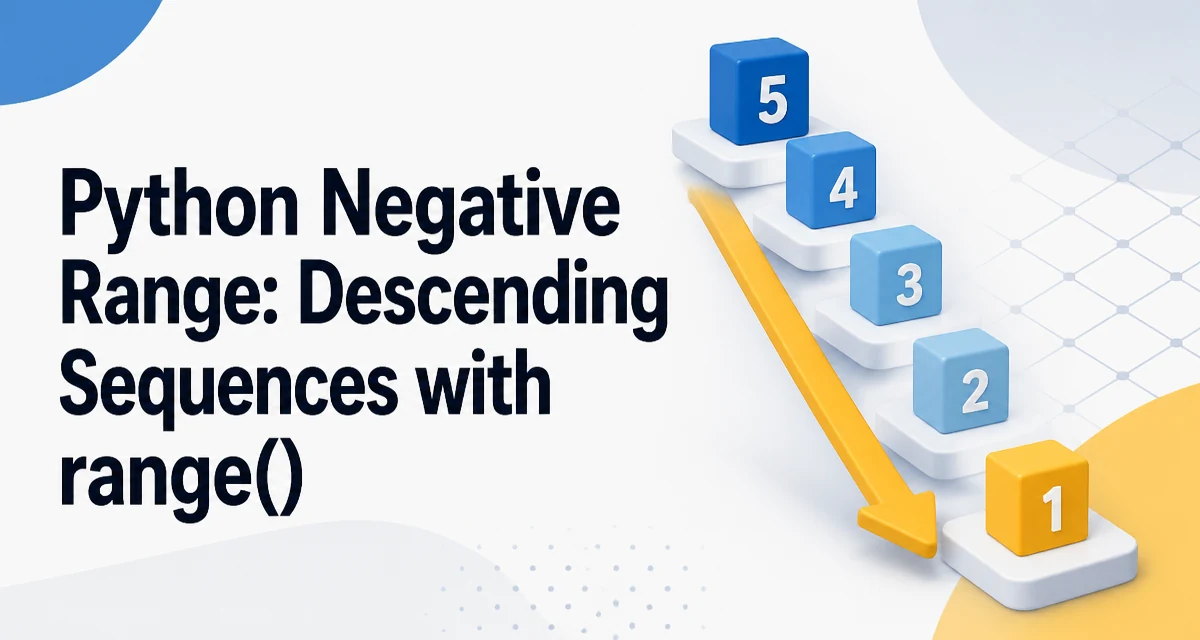
When you need to iterate over a sequence in reverse order in Python, the range() function with a negative step is the most direct tool. This article explains how to use python negative range correctly, including the exact behavior of start, stop, and step, and how to avoid off-by-one errors.
Using range() with a Negative Step
The range() function accepts up to three arguments: start, stop, and step. When step is negative, range() produces a descending sequence. For example:
for i in range(5, 0, -1):
    print(i)
This prints 5 4 3 2 1. The sequence starts at 5 and decreases by 1 until it reaches a value that is less than or equal to 0, which is the stop value. The stop value itself is never included, matching the behavior of a positive step.
A common mistake is to write range(5, -1, -1) expecting 5 4 3 2 1 0. That is correct if you want to include zero. The key is to remember that the stop argument is exclusive, regardless of the sign of step. So range(5, -1, -1) yields 5, 4, 3, 2, 1, 0.
How range() Handles Start, Stop, and Step
Understanding the internal logic of range() prevents confusion. The sequence is generated by repeatedly adding step to start until the value passes stop in the direction of the step. For a negative step, the sequence continues as long as the current value is greater than stop.
The following table summarizes the behavior for common parameter combinations:
start | stop | step | Resulting sequence |
|---|---|---|---|
| 5 | 0 | -1 | 5, 4, 3, 2, 1 |
| 5 | -1 | -1 | 5, 4, 3, 2, 1, 0 |
| 0 | 5 | -1 | (empty) |
| 5 | 0 | -2 | 5, 3, 1 |
If start is less than stop and step is negative, the result is an empty sequence because the starting value is already below the stop boundary. For example, range(0, 5, -1) produces no values.
Common Patterns for Descending Loops
A typical use case is counting down in a loop, such as a countdown timer or iterating over a list from the end. For a list, you can use range(len(lst) - 1, -1, -1) to get indices from the last element down to the first:
items = ["a", "b", "c", "d"]
for i in range(len(items) - 1, -1, -1):
    print(i, items[i])
This prints indices 3, 2, 1, 0 with their corresponding values. The stop value -1 ensures that index 0 is included because the loop stops when i becomes -1, which is not reached.
Another pattern is generating a descending range for a known numeric bound, like a countdown from 10 to 1:
for seconds in range(10, 0, -1):
    print(f"{seconds}...")
Negative Indices vs. Negative Steps in Slicing
Python's slicing syntax also supports a negative step, which is often confused with negative indexing. Negative indices (-1, -2) refer to positions from the end of a sequence. A negative step in a slice reverses the order of the slice. For example:
text = "abcdef"
print(text[::-1])  # "fedcba"
print(text[-2::-1])  # "edcba"
While range() and slicing both use the concept of a negative step, they serve different purposes. range() generates numeric sequences for iteration; slicing extracts a subsequence from an existing sequence. When you need to iterate over indices in reverse, range() with a negative step is the appropriate tool. When you need to reverse a sequence itself, slicing with [::-1] is more concise.
Edge Cases and Off-by-One Errors
Off-by-one errors are the most common source of bugs with negative ranges. Consider these pitfalls:
- Forgetting that
stopis exclusive:range(5, 0, -1)gives5down to1, not0. - Using
range(5, -1, -1)when you only need down to1; this adds an extra0. - Setting
starttoo low orstoptoo high relative to the step direction, resulting in an empty range.
A reliable way to reason about the sequence is to write out the first few values mentally and verify the boundary. For example, range(10, 2, -3) starts at 10, subtracts 3 to get 7, then 4, then 1 (which is less than 2, so it stops). The result is 10, 7, 4.
Another edge case is using a step of 0, which raises a ValueError. Negative steps must be non-zero, just like positive steps.
Performance and Memory Characteristics of range()
range() is lazy: it does not pre‑compute and store all values in memory. It generates each value on demand during iteration. This holds regardless of whether the step is positive or negative. As a result, iterating over a large descending range, such as range(1_000_000, 0, -1), uses a constant amount of memory, not proportional to the number of elements.
This laziness also means that converting a range to a list with list(range(...)) materializes the entire sequence and can consume significant memory for large ranges. If you only need to iterate once, keep the range object as is. If you need random access to the values, a list is appropriate, but be aware of the memory tradeoff.
When to Use range() vs. reversed() vs. Slicing
For iterating over a sequence in reverse, you have several options. The choice depends on whether you need the index or just the value, and whether you already have a sequence object.
- Use
range(len(seq) - 1, -1, -1)when you need both the index and the value, or when you need to modify the sequence in place. - Use
reversed(seq)when you only need the values in reverse order and the sequence supports reversed iteration (lists, tuples, strings, and other sequences).reversed()is more readable and avoids manual index arithmetic. - Use slicing
seq[::-1]when you need a new reversed copy of the sequence. This creates a full copy, so it is not memory‑efficient for large sequences if you only need to iterate.
For a simple countdown that does not involve an existing sequence, range() with a negative step is the most natural fit. For example, for i in range(10, 0, -1): is clearer than trying to use reversed(range(1, 11)).
The following table compares these approaches for common tasks:
| Task | Recommended approach | Memory behavior |
|---|---|---|
| Iterate indices in reverse | range(len(seq)-1, -1, -1) | Lazy, constant memory |
| Iterate values in reverse | reversed(seq) | Lazy, constant memory |
| Create a reversed copy | seq[::-1] | Creates a new sequence (O(n) memory) |
| Generate a numeric countdown | range(start, stop, -1) | Lazy, constant memory |
Choose the tool that matches your intent. If you need a descending numeric sequence, range() with a negative step is the direct and efficient solution. If you are working with an existing sequence and only need the values, reversed() is more idiomatic. Understanding these distinctions helps you write code that is both correct and maintainable.