Python Numeric Types: int, float, and complex Explained
python numeric types: Understand Python's built-in numeric types—int, float, and complex—including precision behavior, conversions, arithmetic rules, and common pitfalls.
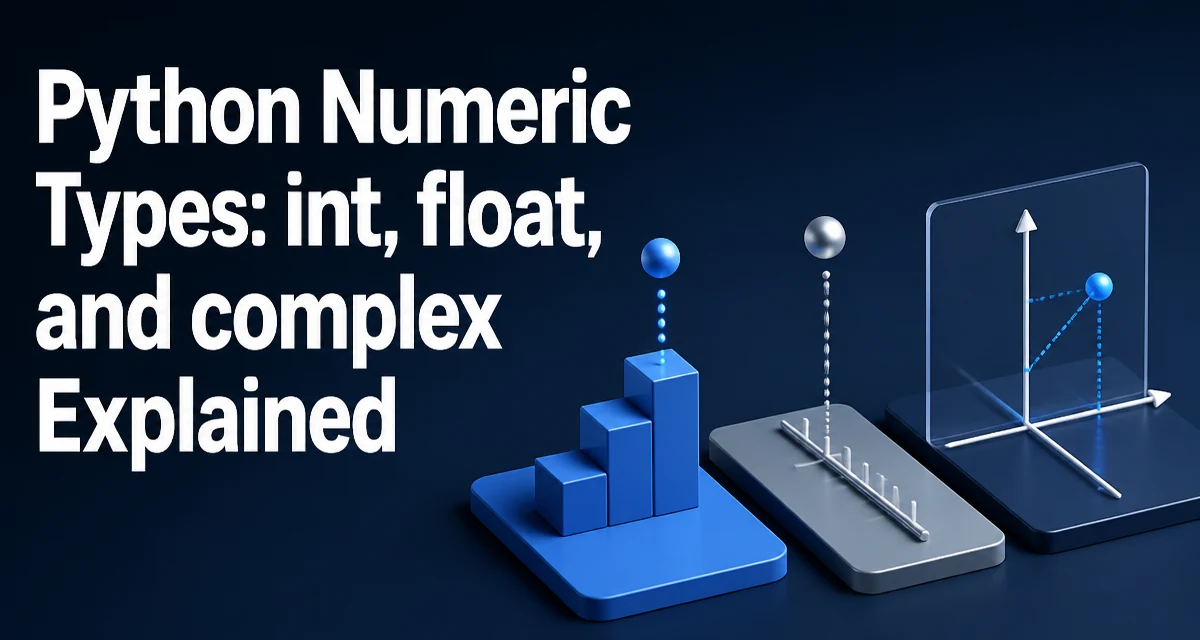
python numeric types requires a clear understanding of the core syntax, runtime behavior, and practical implementation patterns demonstrated in the examples below.
Python's numeric types are int, float, and complex. Each serves a different purpose, and their behavior in arithmetic, conversions, and memory usage differs in ways that affect real code. This article covers how these types behave, where they break down, and how to choose between them.
The Three Built-in Numeric Types
Python provides three numeric types in the standard library: int for integers, float for IEEE 754 double-precision floating-point numbers, and complex for values with real and imaginary parts. The type() function reveals which one a value belongs to:
print(type(42))          # <class 'int'>
print(type(3.14))        # <class 'float'>
print(type(2 + 3j))       # <class 'complex'>
The j suffix in 2 + 3j is the Python syntax for the imaginary unit. There is no separate type for single-precision floats or fixed-point decimals; float always means double precision, and decimal.Decimal is a separate module for exact decimal arithmetic.
Integer Arithmetic and Arbitrary Precision
Unlike many languages where int has a fixed bit width, Python ints grow as needed. You can compute 2**1000 without overflow:
print(2**1000)
This works because Python stores integers as arrays of digits internally, allocating more memory as the value grows. The practical cost is that very large integers use more memory and slower arithmetic than machine-sized integers, but correctness is preserved.
Division is where Python integers surprise developers coming from other languages. The / operator always returns a float, even when the division is exact:
print(10 / 2)   # 5.0
print(10 // 3)  # 3
The // operator performs floor division and returns an int when both operands are ints. The % operator returns the remainder, and it follows the sign of the divisor, which differs from C's behavior for negative operands.
Floating-Point Precision and Representation
Python floats are IEEE 754 double-precision values, meaning they occupy 64 bits with a 53-bit significand. This gives roughly 15–17 significant decimal digits of precision. Values that cannot be represented exactly in binary, such as 0.1, are stored as the nearest representable double:
print(0.1 + 0.2) # 0.30000000000000004
This is not a Python bug; it is inherent to binary floating-point arithmetic. When exact decimal arithmetic is required, such as for financial calculations, use the decimal module:
from decimal import Decimal

print(Decimal("0.1") + Decimal("0.2"))  # 0.3
The decimal module has its own performance cost and configuration for precision and rounding, so it should be used only where exact decimal behavior matters.
Complex Numbers in Python
Complex numbers are built into the language, not an add-on library. You construct them with the j suffix or the complex() constructor:
z = 3 + 4j
print(z.real)    # 3.0
print(z.imag)    # 4.0
print(z.conjugate())  # (3-4j)
Arithmetic on complex numbers follows the usual rules, and the abs() function returns the magnitude:
print(abs(3 + 4j)) # 5.0
Complex numbers are useful in signal processing, scientific computing, and any domain that involves phasors or rotations. They interoperate with float and int in arithmetic; the result is complex whenever either operand is complex.
Type Coercion and Explicit Conversion
Python performs implicit numeric coercion in arithmetic: int + float produces float, and any operation involving complex produces complex. The hierarchy is int < float < complex, and the result type follows the widest operand type.
Explicit conversion is done with the int(), float(), and complex() constructors:
print(int(3.9))     # 3 (truncates toward zero)
print(float(10))    # 10.0
print(complex(2))   # (2+0j)
The int() constructor accepts a string with an optional base, which is useful for parsing:
print(int("ff", 16)) # 255
A common mistake is assuming int() rounds; it truncates toward zero. Use round() first if rounding is needed.
Common Pitfalls with Numeric Operations
Three pitfalls appear frequently in real code. The first is comparing floats for equality. Because of representation error, direct equality checks fail in surprising ways:
print(0.1 + 0.2 == 0.3) # False
Use an epsilon-based comparison or the math.isclose() function instead:
import math
print(math.isclose(0.1 + 0.2, 0.3))  # True
The second pitfall is integer division in Python 3. Code ported from Python 2 or from C often assumes / truncates. It does not; use // for integer division.
The third pitfall is mixing types in a way that silently loses precision. For example, dividing two ints with / gives a float, which may not represent the exact rational result. If exact rational arithmetic is needed, use the fractions module.
Performance and Memory Considerations
Python numeric objects carry overhead beyond the raw value. An int object includes a type pointer, reference count, and the digit array, so a small int uses roughly 28 bytes on a 64-bit system. A float object uses about 24 bytes. This matters when storing millions of numbers in a list.
For large numeric arrays, the array module or NumPy stores raw C values with no per-element object overhead. NumPy also provides vectorized operations that avoid the Python interpreter loop for element-wise arithmetic:
import numpy as np

a = np.array([1, 2, 3], dtype=np.float64)
b = a * 2
The tradeoff is that NumPy introduces a dependency and a fixed dtype per array. For a one-off script with a few hundred values, plain Python lists are fine. For data processing over millions of values, NumPy is the practical choice.
Choosing the Right Numeric Type
The decision between int, float, and complex is usually straightforward. Use int for counts, indices, and any value that must be exact. Use float for measurements, ratios, and scientific values where approximate representation is acceptable. Use complex only when the problem domain actually involves imaginary numbers.
The less obvious choice is between float and decimal.Decimal. Use float when performance matters and the domain tolerates binary representation error. Use Decimal for financial calculations, currency, and any case where the exact decimal value must be preserved. The fractions module is the right choice when exact rational arithmetic is required and denominators are small.
When the same numeric operation runs over large collections, the performance difference between Python object arithmetic and vectorized libraries is substantial. Measure with your actual data before optimizing; the correct type choice depends on the scale of the problem.