Python Octal Integer: Syntax, Conversion, and Pitfalls
Learn the python octal integer syntax in Python 3: the 0o prefix, conversions with oct() and int(), and the leading-zero SyntaxError.
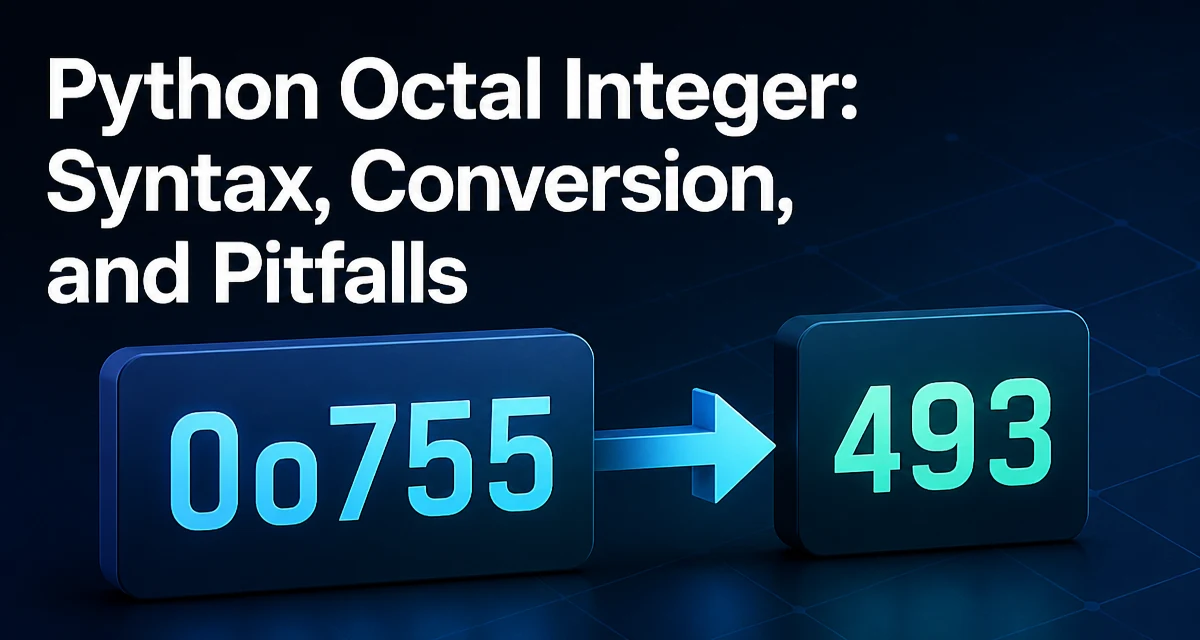
The python octal integer syntax uses a 0o prefix followed by digits from 0 through 7. The literal 0o755 evaluates to the decimal value 493, and the prefix is the only form the language accepts for octal literals. Python 2 allowed a leading zero (0755) to mark octal, but Python 3 removed that form because it was easy to misread and easy to produce accidentally. If you are migrating code or writing new modules that must run on Python 3, the 0o prefix is the syntax you will use everywhere.
The 0o Prefix and Octal Literal Syntax
An octal literal is just an integer literal with a different base. The digits are the same as decimal digits 0 through 7, and the value is computed by multiplying each digit by a power of eight.
mode = 0o755
print(mode)  # 493
The prefix is case-insensitive, so 0O755 is also valid, but the lowercase form is the convention used across the standard library and most codebases. Since Python 3.6, underscores are allowed inside numeric literals, including octal ones, so 0o7_55 is the same value as 0o755. Underscores are purely visual; they do not change the value.
The reason the explicit prefix exists is that the old leading-zero syntax was ambiguous. In Python 2, 0755 was octal and 755 was decimal, which made a single missing digit change the meaning of a constant. Python 3 made the base explicit, and any literal that starts with 0 followed by another digit is now a syntax error.
Converting Between Octal and Decimal
The built-in oct() function converts an integer to an octal string, including the 0o prefix:
oct(493)   # '0o755'
oct(8)     # '0o10'
To go in the other direction, int() accepts a string and a base. When the base is 8, the string may include the 0o prefix or omit it:
int('755', 8)    # 493
int('0o755', 8)  # 493
This behavior is consistent with int('0x10', 16) returning 16: when you pass an explicit base, the corresponding prefix is accepted but not required.
For formatting a value into a string without going through a separate function, format() and f-strings support the o presentation type:
format(493, 'o')   # '755'
f'{493:o}'         # '755'
f'{493:#o}'        # '0o755'
The # flag adds the base prefix, which is useful when the output will be read back by a parser that expects the 0o form.
The following table summarizes the common conversion paths:
| Expression | Result | Notes |
|---|---|---|
0o755 | 493 | Octal literal |
oct(493) | '0o755' | String with prefix |
int('755', 8) | 493 | String without prefix |
int('0o755', 8) | 493 | String with prefix |
format(493, 'o') | '755' | No prefix |
format(493, '#o') | '0o755' | Prefix preserved |
Parsing Octal Strings Safely
The most common mistake when parsing octal input is calling int() without a base. In Python 3, int('0755') raises ValueError because base-10 conversion rejects leading zeros:
int('0755')      # ValueError: invalid literal for int() with base 10: '0755'
int('0755', 8)   # 493
The fix is to pass 8 as the base explicitly. This matters when you are reading octal values from configuration files, environment variables, or command-line arguments, where the value arrives as a string and the leading 0o prefix is often absent.
If the input may include the 0o prefix, int(value, 8) handles both forms:
int('0o755', 8)  # 493
int('755', 8)    # 493
When the input comes from an untrusted source, wrap the conversion in a try/except ValueError block rather than assuming the string is well-formed. A malformed octal string such as '0o8' raises ValueError because 8 is not a valid octal digit.
Why Leading Zeros Fail in Python 3
Writing 0755 in Python 3 produces a SyntaxError:
value = 0755 # SyntaxError: leading zeros in decimal integer literals are not permitted; use an 0o prefix for octal integers
This is one of the more visible differences between Python 2 and Python 3. In Python 2, a literal with a leading zero was interpreted as octal, so 0755 was 493. In Python 3, the same text is rejected at parse time, and the interpreter tells you exactly what to use instead.
Code that was written for Python 2 and contains literals like 0755 must be updated to 0o755 before it will run on Python 3. The same applies to 0664, 0100, and any other literal that relied on the old leading-zero rule. Tools such as 2to3 rewrite these literals automatically, but if you are maintaining a codebase by hand, the syntax error message is specific enough to make the fix straightforward.
Using Octal for File Permissions
The most common real-world use of octal integers in Python is file permissions. The mode argument to os.chmod() is an integer, and it is conventionally written in octal because each digit maps directly to a permission group: owner, group, and others.
import os

os.chmod('deploy.sh', 0o755)
The value 0o755 means the owner has read, write, and execute permissions, while the group and others have read and execute permissions. Writing this as a decimal literal (493) would be far less readable, and writing it as a string would require an extra conversion step. The octal form keeps the permission bits visible in the source.
The same convention applies when constructing permission values programmatically. If you need to combine permissions, bitwise OR works naturally because each octal digit occupies a distinct set of bits:
read_execute = 0o755
read_only = 0o644
Octal in Bitwise Operations
Octal is useful in bitwise code because each octal digit maps to exactly three bits. A value like 0o777 is 0b111_111_111, which makes it easy to reason about which bits are set when you are working with packed flags or hardware registers.
mask = 0o700          # owner bits only: 0b111_000_000
owner_read = 0o400    # 0b100_000_000
When you need to extract a group of bits, the octal representation lets you see the bit layout directly in the literal, which is harder to do with decimal or even hexadecimal in some cases. This is a niche use, but it is the reason octal survives in languages that otherwise prefer decimal and hexadecimal.
Avoiding Octal Pitfalls in Maintainable Code
The practical rules for working with octal integers in Python are straightforward. Always use the 0o prefix in literals; never rely on leading zeros. When parsing strings, pass 8 as the base to int() and handle ValueError for malformed input. When formatting output, decide whether the 0o prefix needs to be preserved, since format(value, 'o') drops it and format(value, '#o') keeps it.
The main compatibility concern is Python 2 code that uses leading-zero literals. Such code will not parse on Python 3, and the fix is mechanical: replace the leading zero with 0o. There is no runtime fallback that makes the old syntax work, so the change must be made in the source.
For code that must support both Python 2 and Python 3, the 0o prefix is accepted in Python 2.7 as well, so using it everywhere is the safest choice. The reverse is not true: a leading-zero literal that works in Python 2 will fail in Python 3.