Python OpenAI Image Input and Multimodal Requests
python openai image input and multimodal requests: Learn how to send images to OpenAI models using Python, including base64 encoding, URL images, and handling multimod...
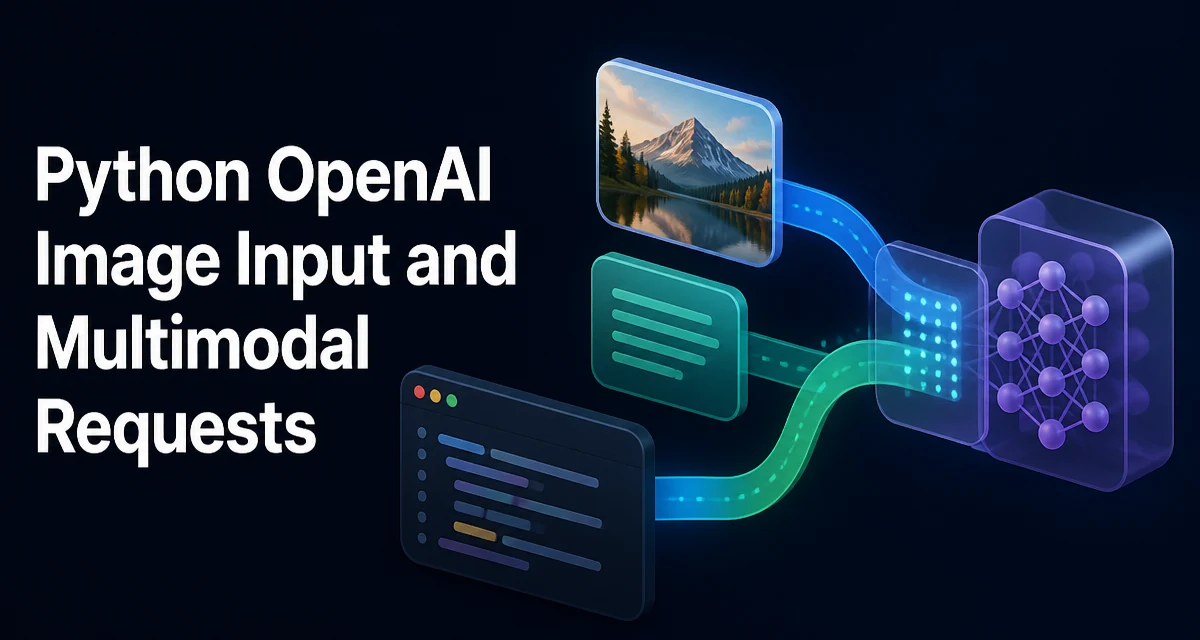
When you need a model to reason about an image, you send a multimodal request: a chat completion that includes both text and image content. In Python, the OpenAI SDK makes this straightforward, but the message structure differs from plain text requests. This article shows how to construct and send python openai image input and multimodal requests using the official openai package, including local files, multiple images, and response handling.
Setting Up the OpenAI Python Client
Install the OpenAI SDK if you haven't already:
pip install openai
Create a client with your API key. The SDK reads the OPENAI_API_KEY environment variable by default, so you can avoid hardcoding secrets:
from openai import OpenAI

client = OpenAI()  # reads OPENAI_API_KEY from environment
If you need to pass the key explicitly, use OpenAI(api_key="sk-..."), but prefer environment variables in production.
Constructing a Multimodal Message with an Image
In a chat completion, the messages list contains objects with role and content. For a user message that includes an image, content becomes a list of parts, each with a type. The two relevant types are text and image_url. The image_url part accepts a URL or a data URI.
Here is a minimal request using a publicly accessible image URL:
response = client.chat.completions.create(
    model="gpt-4o",
    messages=[
        {
            "role": "user",
            "content": [
                {"type": "text", "text": "What is in this image?"},
                {
                    "type": "image_url",
                    "image_url": {
                        "url": "https://example.com/cat.jpg"
                    }
                }
            ]
        }
    ]
)
The image_url object can also include a detail parameter (e.g., "low", "high", "auto") to control how the model processes the image. Lower detail reduces token cost and latency; high detail gives the model more visual information. When omitted, the default is auto, which lets the model decide.
Sending the Request and Parsing the Response
The response object follows the standard chat completion structure. The model's text answer is in response.choices[0].message.content:
answer = response.choices[0].message.content
print(answer)
Because the request is multimodal, the model may also return tool calls or other structured fields, but for typical image understanding tasks you only need the content string.
If you want to stream the response, pass stream=True and iterate over chunks, just as you would for text-only requests. The image is sent in the request; streaming only affects how the text response is delivered.
Working with Local Images and Base64 Encoding
To send an image stored on disk, you must encode it as base64 and embed it in a data URI. The OpenAI API accepts data URIs in the image_url.url field.
import base64

def encode_image(image_path):
    with open(image_path, "rb") as image_file:
        return base64.b64encode(image_file.read()).decode("utf-8")

base64_image = encode_image("local_image.jpg")
data_uri = f"data:image/jpeg;base64,{base64_image}"

response = client.chat.completions.create(
    model="gpt-4o",
    messages=[
        {
            "role": "user",
            "content": [
                {"type": "text", "text": "Describe this image."},
                {
                    "type": "image_url",
                    "image_url": {"url": data_uri}
                }
            ]
        }
    ]
)
Make sure the MIME type in the data URI matches the actual file format (e.g., image/png, image/webp). If you send an incorrect MIME type, the API may reject the request or misinterpret the image.
Handling Multiple Images and Mixed Content
A single user message can contain multiple image parts and multiple text parts. This is useful for comparing images or providing context alongside several visuals.
content_parts = [
    {"type": "text", "text": "Compare these two images."},
    {"type": "image_url", "image_url": {"url": "https://example.com/first.png"}},
    {"type": "image_url", "image_url": {"url": "https://example.com/second.png"}}
]

response = client.chat.completions.create(
    model="gpt-4o",
    messages=[{"role": "user", "content": content_parts}]
)
You can interleave text and images in any order. The model sees them as a sequence, so the position of text relative to images can affect interpretation. For example, placing a question after an image often yields better results than placing it before.
Model Compatibility and Choosing the Right Model
Not all OpenAI models accept image input. As of the current API, the GPT-4o family and GPT-4 Turbo with vision support multimodal requests. GPT-3.5 and older GPT-4 base models do not. Always verify the model's capability in the official documentation, as model availability changes.
For most applications, gpt-4o provides a good balance of reasoning ability, speed, and cost. gpt-4o-mini is cheaper and faster but may produce less accurate descriptions for complex images. If you need detailed visual analysis, prefer gpt-4o with detail: "high".
When you use a model that does not support images, the API returns an error. The error message typically states that the model does not support image input, so you can catch it and fall back to a text-only model if appropriate.
Error Handling and Common Failure Modes
Multimodal requests fail for several reasons. The most common are invalid image URLs, unsupported file formats, oversized images, and authentication issues. The SDK raises openai.APIError subclasses, so you can handle them uniformly:
from openai import APIError, AuthenticationError, BadRequestError

try:\n    response = client.chat.completions.create(...)
except BadRequestError as e:\n    print(f"Invalid request: {e}")\nexcept AuthenticationError as e:\n    print(f"Check your API key: {e}")\nexcept APIError as e:\n    print(f"API error: {e}")
A common mistake is sending a base64 string without the data:image/...;base64, prefix. The API interprets the URL literally and tries to fetch it, which fails. Always include the proper data URI.
Image size also matters. The API has a maximum size limit (currently around 20 MB per image), and very large images may be rejected or require downscaling. For production, consider resizing images before encoding to reduce payload size and token cost.
Performance, Cost, and Token Considerations
Images are converted into tokens by the model. The token cost depends on the image's dimensions and the detail setting. A low detail image costs fewer tokens than a high detail image. This directly affects both latency and cost per request.
For example, a low-detail image might be represented by a fixed number of tokens, while a high-detail image is split into tiles, each costing additional tokens. The exact numbers are documented by OpenAI and can change, so check the pricing page before building a large-scale application.
If you only need a simple classification or a short caption, use detail: "low" to reduce cost. If the task requires reading small text or identifying fine details, use detail: "high". The auto setting lets the model choose based on the image size, which is a reasonable default.
Latency also increases with image complexity. A high-detail request takes longer to process because the model must analyze more visual information. In user-facing applications, you can show a loading state or use streaming to improve perceived performance.
Finally, consider caching image analysis results if you repeatedly send the same image. This avoids redundant API calls and reduces cost. For dynamic images, there is no benefit, but for static assets, a simple cache keyed by image hash can save significant resources.