Python Polars LazyFrame: scan_csv, scan_parquet, and collect
python polars lazyframe scan_csv scan_parquet and collect: Learn how to use Polars LazyFrame with scan_csv and scan_parquet, build lazy query pipelines, and call colle...
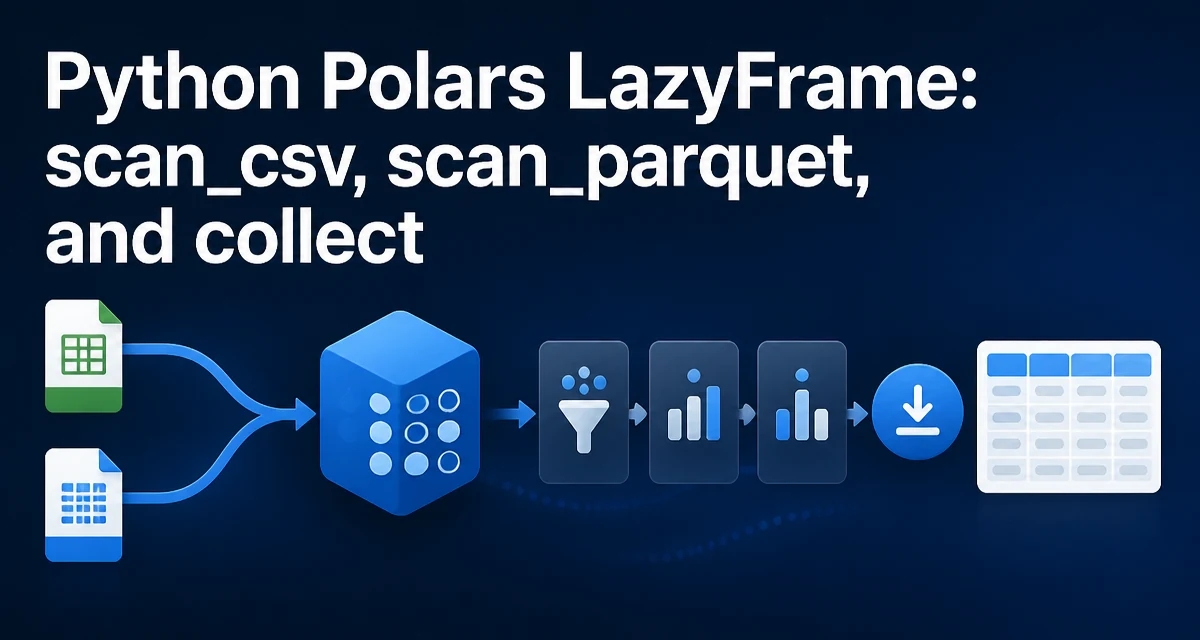
When working with large datasets in Python, Polars offers a lazy execution model that can significantly reduce memory usage and runtime. The core idea is to defer computation until you explicitly request results. The typical pattern is to create a LazyFrame using scan_csv or scan_parquet, build a query pipeline, and then call collect to execute it. This article explains how to to use python polars lazyframe scan_csv scan_parquet and collect effectively in real-world data processing tasks.
n## What Is a LazyFrame and Why Use It?
A LazyFrame is a lazy representation of a dataset. Instead of loading data into memory immediately, it records the operations you intend to perform. When you call collect, Polars optimizes the entire query graph before executing it. This can avoid loading unnecessary columns, reduce intermediate allocations, and enable parallel execution.
In contrast, read_csv and read_parquet are eager: they load the entire dataset into memory right away. For large files, this can be slow and memory-intensive. Lazy evaluation lets you filter, select, and aggregate before materializing the data, which often reduces the amount of data that needs to be loaded from disk.
Creating a LazyFrame with scan_csv and scan_parquet
To create a LazyFrame from a CSV file, use pl.scan_csv. For Parquet, use pl.scan_parquet. Both methods return a LazyFrame without reading the file immediately.
import polars as pl

lazy_csv = pl.scan_csv("data.csv")
lazy_parquet = pl.scan_parquet("data.parquet")
These functions accept many of the same arguments as their eager counterparts, such as sep, has_header, and schema. However, the data is not loaded until you call collect.
You can also specify a schema to avoid type inference, which is especially useful for large files where inference can be costly:
lazy_csv = pl.scan_csv("data.csv", schema={"id": pl.Int64, "name": pl.Utf8, "value": pl.Float64})
Building a Query Pipeline Without Collect
Once you have a LazyFrame, you can chain transformations just like you would with a DataFrame. The key difference is that these operations are recorded but not executed. For example:
lazy_result = (
    pl.scan_csv("sales.csv")
    .filter(pl.col("amount") > 1000)
    .group_by("region")
    .agg(pl.col("amount").sum())
)
At this point, no data has been read. The query plan is built but not evaluated. This allows Polars to optimize the plan. For instance, it can push the filter down to the file scan, so only rows that meet the condition are read from disk.
You can also join multiple lazy frames, add columns, or apply window functions. The entire pipeline remains lazy until you call collect.
When and How to Call collect
collect executes the lazy query and returns a DataFrame. It triggers the actual reading and processing of data. You can also use collect().to_numpy() or collect().write_parquet() to convert or save the result.
df = lazy_result.collect()
There are variants like collect_async and collect_in_background for asynchronous execution, but the standard collect is sufficient for most synchronous workflows.
If you only need the first few rows, you can use collect(streamed=True) or collect().head(), but note that head() on a lazy frame is also lazy. To get a preview without processing the entire file, you can use lazy_csv.head(5).collect().
Performance Considerations: Lazy vs Eager
Lazy evaluation can lead to significant performance improvements, especially when operations reduce the amount of data loaded. For example, filtering early in the pipeline means fewer rows are read from disk. Polars also optimizes joins and aggregations by reordering operations and using columnar storage.
However, lazy execution is not always faster. If you only need to load a small file and perform a simple operation, the overhead of building a query plan might be negligible but not beneficial. The real win comes when dealing with large datasets, where the optimizer can avoid loading entire columns or rows.
Another key benefit is memory usage. Because operations are fused, Polars can process data in chunks and avoid holding intermediate results in memory. This is particularly useful when working with datasets that exceed available RAM.
Common Pitfalls and How to Avoid Them
One common mistake is forgetting to call collect and then trying to print the LazyFrame or access its data. A LazyFrame is not a DataFrame; it doesn't support indexing or direct visualization. Always call collect when you need the actual data.
Another pitfall is mixing eager and lazy operations. If you call read_csv inside a lazy pipeline, it will eagerly load the entire file, defeating the purpose of lazy evaluation. Stick to scan_* functions when building a lazy query.
Schema inference can also be a trap. For large files, Polars may infer a column as a string when it is actually numeric, leading to errors later. Explicitly specifying a schema when scanning is a good practice for production pipelines.
Finally, be aware that some operations are not fully lazy. For example, sink_parquet and sink_csv are alternatives to collect that write the result directly to disk without materializing a DataFrame. These are useful when you want to keep the pipeline lazy while outputting results.
Choosing Between collect and sink
When you need to save the result of a lazy query, you have two options: call collect to get a DataFrame and then write it, or use sink_parquet or sink_csv directly. The sink methods are lazy in the sense that they write the output while processing the query, without creating a full DataFrame in memory. This is particularly beneficial for very large results.
lazy_result.sink_parquet("output.parquet")
n```

This approach avoids materializing the entire result set, reducing memory pressure. Use `sink` when the output is large and you don't need the `DataFrame` for further in-memory processing. Use `collect` when you need to work with the result in Python or pass it to another library.

Understanding when to use `scan_csv` and `scan_parquet` versus their eager counterparts, and knowing how to properly call `collect` or `sink`, allows you to build efficient data pipelines that scale to large datasets without exhausting memory. The lazy API is a core feature of Polars, and mastering it is essential for serious data engineering work.