Python Parameter vs Argument: The Real Difference
python parameter vs argument: Learn the precise difference between parameters and arguments in Python, how they interact, and why the distinction improves code clarity.
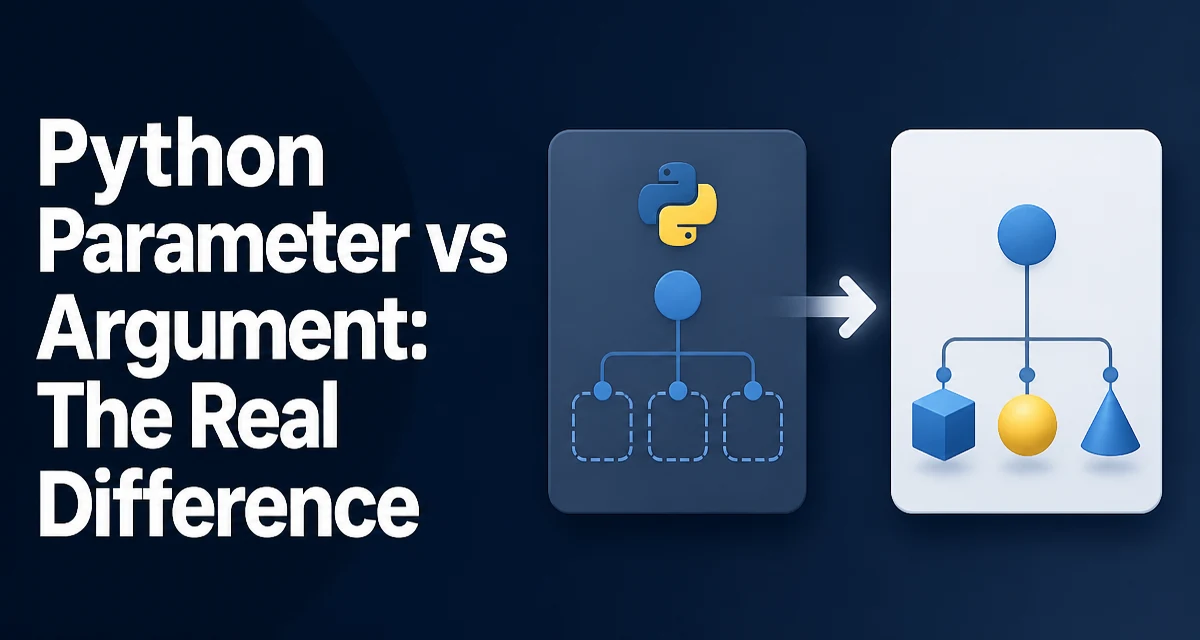
python parameter vs argument requires a clear understanding of the core syntax, runtime behavior, and practical implementation patterns demonstrated in the examples below.
In Python, the terms "parameter" and "argument" are often used interchangeably, but they refer to distinct parts of a function. Understanding the difference between a parameter and an argument is essential for writing clear code and communicating effectively with other developers. This article explains the exact roles of each, how they interact during a function call, and why the distinction matters in real-world codebases.
Parameters and Arguments: The Core Distinction
A parameter is a name in a function definition that stands for an input the function expects. An argument is the actual value you pass to the function when you call it. The function definition declares parameters; the function call supplies arguments. This is not a trivial semantic point—it affects how you reason about scope, defaults, and error messages.
def greet(name):  # name is a parameter
    return f"Hello, {name}"

greet("Alice")   # "Alice" is an argument
Here, name is a parameter because it exists only inside the function definition. "Alice" is an argument because it is the concrete value passed during the call. The parameter receives the argument's value when the function executes.
What a Parameter Is in a Python Function Definition
A parameter is a local variable in the function's signature. It defines the type and number of inputs the function can accept. Parameters can be positional, keyword-only, or variadic. The declaration determines how the function can be called.
def add(left, right=0):  # left and right are parameters
    return left + right
left is a required parameter; right has a default value and is optional. The default is evaluated once at definition time, which matters when the default is a mutable object—a common source of bugs.
Parameters are bound to arguments at call time. The binding follows Python's call-by-object-reference semantics: the parameter becomes a reference to the argument object. For immutable objects like integers, this behaves like call-by-value; for mutable objects like lists, changes inside the function affect the original object.
What an Argument Is When Calling a Function
An argument is an expression you pass in a function call. It can be a literal, a variable, or a more complex expression. Arguments are evaluated before the call, and their resulting objects are assigned to the corresponding parameters.
def multiply(a, b):
    return a * b

x = 3
multiply(x, x + 1)  # arguments are x and x+1, evaluated to 3 and 4
Arguments can be passed positionally, by keyword, or as a mix. Positional arguments are matched to parameters in order; keyword arguments are matched by name. This flexibility is part of Python's design but requires care to avoid confusion.
Positional, Keyword, and Default Arguments in Practice
Python supports several argument-passing styles. Understanding them helps you read and write function calls correctly.
def describe(name, age, city="Unknown"):
    return f"{name} ({age}) from {city}"

# Positional arguments
describe("Bob", 30)

# Keyword arguments
describe(name="Bob", age=30, city="Paris")

# Mixed: positional first, then keyword
describe("Bob", age=30, city="Paris")
The rules are simple: positional arguments must appear before keyword arguments, and each parameter can receive only one value. If you pass a keyword argument that was already filled positionally, Python raises TypeError: got multiple values for argument 'name'.
Default parameters allow a function to be called with fewer arguments than declared parameters. The default value is used when no argument is supplied. This is a powerful feature, but it also means the distinction between a missing argument and an explicit None can be meaningful.
*args and **kwargs: When Parameters and Arguments Get Confusing
The variadic parameters *args and **kwargs blur the line further. *args collects extra positional arguments into a tuple; **kwargs collects extra keyword arguments into a dictionary. These are still parameters in the definition, but they accept an arbitrary number of arguments at call time.
def log(message, *args, **kwargs):
    print(message)
    print("args:", args)
    print("kwargs:", kwargs)

log("start", 1, 2, level="debug")
In the call, 1 and 2 are positional arguments captured by *args, and level="debug" is a keyword argument captured by **kwargs. This pattern is common in decorators, wrappers, and framework code where the function must forward unknown arguments.
Confusion arises because people say "args" when they mean arguments, but *args is a parameter name. The asterisk is part of the syntax that tells Python to pack extra arguments into a tuple. Similarly, **kwargs is a parameter that receives a dictionary of keyword arguments.
Why the Distinction Matters for Readable and Maintainable Code
Using the terms precisely improves code review and debugging. When a function signature says def fetch_data(url, timeout=30), url and timeout are parameters. A reviewer can immediately see what the function expects. When a call site says fetch_data(api_url, timeout=10), the arguments are api_url and 10. Mixing these terms in discussion can lead to misunderstandings about what the function actually accepts.
In large codebases, functions with many parameters become hard to call correctly. The distinction helps you decide when to refactor: if a function has too many parameters, you might group them into a data class or use keyword-only arguments to force clarity. For example, using keyword-only parameters (after a *) makes the call site self-documenting:
def configure(*, host, port, ssl=True):
    pass

configure(host="localhost", port=443)
This forces callers to use keyword arguments, which reduces positional mistakes. The parameters are now explicit about their meaning.
Common Mistakes That Mix Up Parameters and Arguments
One frequent error is using a parameter name as if it were a global variable. Inside the function, the parameter is a local name; outside, it does not exist. Another mistake is assuming that default arguments are evaluated at call time. They are evaluated once at definition time, which can cause unexpected behavior with mutable defaults.
def append_to_list(item, lst=[]):
    lst.append(item)
    return lst

print(append_to_list(1))  # [1]
print(append_to_list(2))  # [1, 2]  # surprising!
The default list [] is created once and reused. The same parameter lst refers to the same object across calls. The fix is to use None as the default and create a new list inside the function:
def append_to_list(item, lst=None):
    if lst is None:
        lst = []
    lst.append(item)
    return lst
This is a classic pitfall that only makes sense when you understand that the default value is a parameter, not an argument. The argument is what you pass each call; the parameter's default is a static object.
Another common mistake is mixing positional and keyword arguments in the wrong order, which raises a syntax error. Python's grammar is strict: all positional arguments must precede keyword arguments. This rule exists to keep the mapping from arguments to parameters unambiguous.
Understanding the parameter-argument distinction also helps when reading tracebacks. A TypeError like missing 1 required positional argument: 'b' refers to a parameter b that was not supplied an argument. Knowing that the error is about the function definition, not the call site, speeds up debugging.
Finally, the distinction is crucial when using introspection tools like inspect.signature. It returns parameters, not arguments. If you are writing a decorator that inspects a function's signature, you are working with parameters. The actual values passed at runtime are arguments. This separation is fundamental to how Python's function model works.