Python Pika: Queues, Exchanges, Routing Keys, and Acknowledgements
python pika queues exchanges routing keys and acknowledgements: Learn how to use Python's pika library to work with RabbitMQ queues, exchanges, routing keys, and ackno...
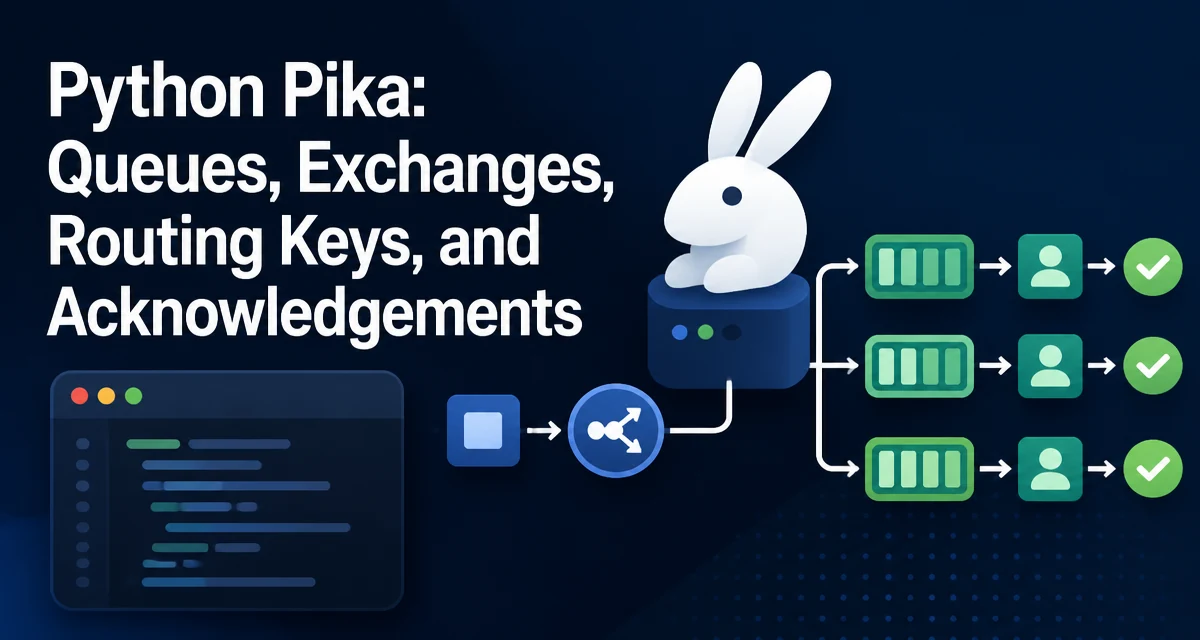
When you need reliable message delivery between services, RabbitMQ is a common choice, and pika is the Python client that most developers reach for. Understanding how python pika queues exchanges routing keys and acknowledgements fit together is essential for building a system that doesn't silently drop messages or stall on failures. This article walks through the core mechanics with practical code examples, focusing on the decisions that matter in real applications.
Setting Up a Pika Connection to RabbitMQ
Before any queue or exchange can be used, you need a connection to the broker. Pika provides two connection styles: BlockingConnection for simple, synchronous scripts, and SelectConnection for asynchronous, event-driven applications. Most services start with BlockingConnection because it's easier to reason about, and it's sufficient for the majority of use cases.
import pika

connection = pika.BlockingConnection(
    pika.ConnectionParameters(host='localhost')
)
channel = connection.channel()
The ConnectionParameters object accepts more than just the host. You can specify port, virtual host, credentials, and socket timeouts. For a production setup, you'll likely pass a PlainCredentials object:
credentials = pika.PlainCredentials('user', 'password')
parameters = pika.ConnectionParameters(
    host='rabbitmq.example.com',
    port=5672,
    virtual_host='/myvhost',
    credentials=credentials,
    heartbeat=600
)
connection = pika.BlockingConnection(parameters)
The heartbeat keeps the connection alive when there's no traffic. If you don't set it, the broker may drop idle connections. Also, note that BlockingConnection is not thread-safe; each thread that needs to communicate with RabbitMQ should have its own connection.
Declaring Queues and Exchanges
Queues hold messages until a consumer picks them up. Exchanges receive messages from producers and route them to queues based on routing keys and exchange type. Declaring both is idempotent—calling declare multiple times is safe and won't error if the object already exists.
channel.queue_declare(queue='task_queue', durable=True)
channel.exchange_declare(exchange='logs', exchange_type='fanout')
Setting durable=True on a queue means it survives a broker restart. However, durability also requires that messages be published with delivery_mode=2 to persist them. For a queue that must not lose messages, you need both.
Exchanges come in four types: direct, fanout, topic, and header. The routing key behavior differs by type. A fanout exchange ignores routing keys entirely and broadcasts to every bound queue. A direct exchange routes messages to queues whose binding key exactly matches the routing key. A topic exchange allows pattern matching with * and # wildcards. header exchanges use message headers instead of routing keys.
Publishing Messages with Routing Keys
To send a message, you publish to an exchange with a routing key. The broker decides which queues should receive it based on the exchange type and the bindings.
channel.basic_publish(
    exchange='logs',
    routing_key='',
    body='Hello World!',
    properties=pika.BasicProperties(delivery_mode=2)
)
For a fanout exchange, the routing key is often empty because it's ignored. For a direct exchange, the routing key must match a binding key exactly:
channel.exchange_declare(exchange='direct_logs', exchange_type='direct')
channel.queue_declare(queue='error_queue', durable=True)
channel.queue_bind(queue='error_queue', exchange='direct_logs', routing_key='error')

channel.basic_publish(
    exchange='direct_log',
    routing_key='error',
    body='Critical error message'
)
Notice that the queue is bound to the exchange with a specific routing key. When you publish with that routing_key='error', the message lands in error_queue. If you publish with a key that has no binding, the message is dropped unless the exchange is a topic with wildcard matches.
Consuming Messages with Callbacks
Consumers subscribe to a queue and receive messages asynchronously. Pika uses a callback function that gets invoked for each message. The callback receives three arguments: the channel, the method frame (which contains delivery information), and the message body.
def on_message(ch, method, properties, body):
    print(f"Received {body}")
    ch.basic_ack(delivery_tag=method.delivery_tag)

channel.basic_consume(queue='task_queue', on_message_callback=on_message)
print('Waiting for messages. To exit press Ctrl+C')
channel.start_consuming()
start_consuming() blocks and processes messages until you stop it. The callback must acknowledge the message (or reject it) to tell RabbitMQ it was handled. If you don't call basic_ack, the message will be redelivered after the consumer disconnects or times out.
Manual Acknowledgements and Prefetch
By default, pika uses automatic acknowledgement mode if you don't set auto_ack=True in basic_consume. That means the message is considered delivered as soon as it's sent to the consumer, even if the callback crashes before processing. For critical workloads, you should use manual acknowledgements and set auto_ack=False (which is the default).
channel.basic_consume(
    queue='task_queue',
    on_message_callback=on_message,
    auto_ack=False
)
Manual ack gives you control. You can basic_ack after successful processing, or basic_nack with requeue=True if you want the message to go back to the queue. This prevents message loss if your consumer crashes mid-processing.
Prefetch controls how many messages are sent to a consumer before it finishes acknowledging the previous ones. Without a prefetch limit, RabbitMQ can send a large backlog to a slow consumer, causing memory spikes. Set basic_qos to limit unacknowledged messages:
channel.basic_qos(prefetch_count=1)
This tells RabbitMQ to send at most one message at a time until the consumer ack's it. For tasks that take variable time, a prefetch of 1 ensures even distribution across workers.
Handling Connection Failures and Reconnection
Network issues happen. BlockingConnection will raise an exception when the connection drops, and your script will exit unless you catch it. For a long-running consumer, you need to handle reconnection gracefully.
A common pattern is to wrap the connection and channel setup in a function and retry on failure with a backoff delay:
import time
import pika

def connect_with_retry():
    while True:
        try:
            connection = pika.BlockingConnection(pika.ConnectionParameters(host='localhost'))
            return connection
        except pika.exceptions.AMQPConnectionError:
            print("Connection failed, retrying in 5 seconds...")
            time.sleep(5)
But this only handles the initial connection. If the connection drops during start_consuming(), you need to catch the exception and reconnect. A more robust approach is to use SelectConnection with an event loop, but that adds complexity. For many applications, a simple retry loop around the whole consume block is sufficient.
def run_consumer():
    connection = connect_with_retry()
    channel = connection.channel()
    channel.queue_declare(queue='task_queue', durable=True)
    channel.basic_qos(prefetch_count=1)
    channel.basic_consume(queue='task_queue', on_message_callback=on_message)
    try:
        channel.start_consuming()
    except pika.exceptions.ConnectionClosedByBroker:
        # reconnect
        run_consumer()
Be careful with recursive retries; a loop with a while is cleaner. Also, ensure you close the old connection before reconnecting to avoid leaking sockets.
Choosing Between Blocking and Select Connection
The BlockingConnection is synchronous and blocks the main thread while consuming. It is fine for scripts and simple workers. For high-throughput or event-driven applications, SelectConnection integrates with an I/O loop and allows you to run other tasks while waiting for messages. However, SelectConnection requires a more complex callback structure and manual management of the I/O loop.
If you're building a web service that also consumes messages, you might be better off using a separate worker process with BlockConnection rather than trying to multiplex with SelectConnection. The decision depends on your concurrency model. If you need to handle many channels or connections in one thread, SelectConnection is the way. If you can scale by running more processes, BlockingConnection is simpler and less error-prone.
A common production setup is to run a pool of worker processes, each with its own BlockingConnection and a prefetch count of 1. This gives you horizontal scaling without the complexity of async code. Only when you need to share a connection across many consumers in a single thread does SelectConnection become necessary.
Routing Key Patterns and Exchange Types in Practice
Routing keys are not just literal strings. With a topic exchange, you can use wildcards to match multiple queues. For example, a routing key logs.* matches logs.info and logs.error but not logs.error.detail. The # wildcard matches zero or more words.
channel.exchange_declare(exchange='topic_logs', exchange_type='topic')
channel.queue_declare(queue='info_queue')
channel.queue_bind(queue='info_queue', exchange='topic_logs', routing_key='logs.*')

channel.basic_publish(exchange='topic_logs', routing_key='logs.info', body='Info message')
This pattern is powerful for building flexible routing. But it also introduces a failure mode: if you publish with a routing key that doesn't match any binding, the message is silently dropped. For critical messages, you should either use a direct exchange with a guaranteed binding or check the return value of basic_publish (which is None in pika) and implement a publisher confirm mechanism.
Publisher confirms are the recommended way to ensure messages actually reach the broker. Enable them with channel.confirm_delivery(), then basic_publish will raise an exception if the broker rejects the message. This adds a small performance cost but is essential for financial or order-critical systems.
channel.confirm_delivery()
try:
    channel.basic_publish(exchange='', routing_key='task_queue', body='important')
except pika.exceptions.UnroutableError:
    print("Message could not be routed")
Without confirms, you can't be sure the message was accepted. For a production system, always enable confirms when you can tolerate the latency.
Final Considerations for Reliable Message Handling
A message is only truly processed when you acknowledge it. If your consumer crashes after receiving a message but before ack, the message will be redelivered to another consumer. This means your processing logic must be idempotent—handling the same message twice should not cause duplicate side effects. Design your handlers to be safe under redelivery.
Also, consider the tradeoff between basic_ack and basic_reject. If a message is malformed and can never be processed, repeatedly requeueing it will cause an infinite loop. Use basic_reject with requeue=False to dead-letter the message or send it to a separate error queue. This prevents poison messages from blocking your workers.
Finally, monitor your queue lengths and consumer health. A growing queue with no consumers is a sign of a bottleneck. Use RabbitMQ's management UI or API to track metrics. Pika itself doesn't provide observability, so integrate with your existing monitoring stack to alert on queue depth or unacked messages.
By understanding how queues, exchanges, routing keys, and acknowledgements interact, you can build a messaging layer that is both flexible and reliable. The key is to make deliberate choices about durability, prefetch, and acknowledgement strategy based on your workload's tolerance for loss and latency.