Python Positional-Only Slash Syntax Explained
python positional only slash syntax: Learn how the slash syntax defines positional-only parameters in Python, why it matters for API design, and how to combine it with...
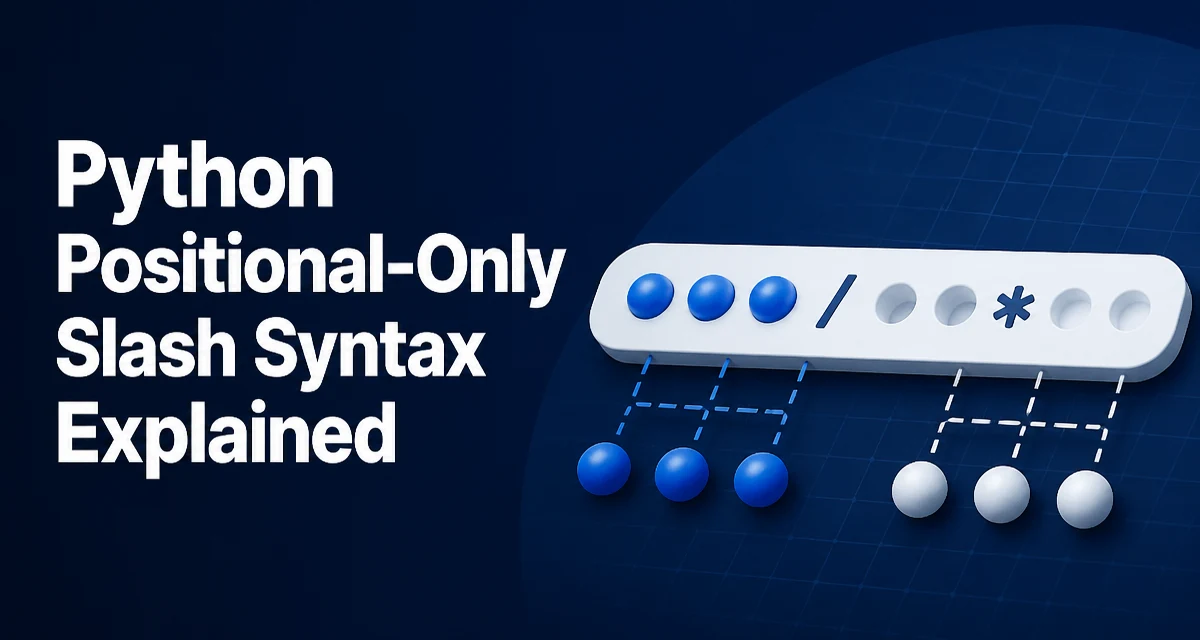
When you define a function in Python, you can control how callers pass arguments. The python positional only slash syntax lets you mark parameters that must be supplied by position, not by keyword. This is a small but powerful feature that improves API clarity and prevents subtle bugs.
Consider this function:
def greet(name, /, greeting="Hello"):
    print(f"{greeting}, {name}!")
The slash (/) after name means name is positional-only. You can call greet("Alice") or greet("Alice", "Hi"), but greet(name="Alice") raises a TypeError. The greeting parameter remains normal, so you can pass it by keyword or position.
The Slash Syntax for Positional-Only Parameters
The slash is placed after the last positional-only parameter. Everything to its left must be passed by position. The syntax is simple: add a / in the parameter list, after the parameters that should be positional-only. For example:
def divide(dividend, divisor, /):
    return dividend / divisor
Here both dividend and divisor are positional-only. Calls like divide(10, 2) work, but divide(dividend=10, divisor=2) fails. The slash is part of the function signature and is visible in help() and other introspection tools.
How Positional-Only Parameters Behave
Positional-only parameters cannot be passed using their names. This restriction is enforced at runtime. If you try, Python raises a TypeError with a clear message:
TypeError: divide() got some positional-only arguments passed as keyword arguments: 'dividend'
This behavior is intentional. It lets you decouple the internal parameter name from the public API. You can rename a positional-only parameter without breaking callers, because callers never use the name. It also prevents ambiguity when a function has many parameters and keyword names are not meaningful.
Combining Positional-Only and Keyword-Only Parameters
Python also supports keyword-only parameters, marked by a *. You can use both in the same function. The order is: positional-only parameters, then normal parameters, then keyword-only parameters. The slash and star delimit these groups.
def configure(host, port, /, timeout=30, *, retries=3):
    # host and port are positional-only
    # timeout is normal (can be positional or keyword)
    # retries is keyword-only
    pass
Here host and port must be positional, timeout can be passed either way, and retries must be passed by keyword. This gives you fine-grained control over how callers interact with your function.
Why Use Positional-Only Parameters in API Design
Positional-only parameters are useful when the parameter order is natural and the names are not part of the contract. For example, mathematical functions like pow(base, exp) or range(start, stop, step) are often clearer with positional-only arguments. If you later rename start to begin, existing code that uses range(start=0, stop=10) would break if start were a normal parameter. With positional-only, you can rename freely.
Another common use is when you want to reserve keyword names for future expansion. By making existing parameters positional-only, you allow new keyword-only parameters to be added without conflicting with existing positional names. This is a common pattern in libraries that want to evolve their API without breaking changes.
Common Mistakes and Pitfalls
One frequent mistake is placing the slash in the wrong position. The slash must appear after the last positional-only parameter. If you put it before a parameter that you want to be keyword-accessible, that parameter becomes positional-only unintentionally.
Another pitfall is using default values with positional-only parameters. You can give a positional-only parameter a default, but then it becomes optional. For example:
def log(message, level=1, /):
    pass
Here message and level are both positional-only, and level has a default. Calling log("error") works, but log("error", level=2) raises a TypeError. This is often surprising to developers who expect to override the default by name.
Also, remember that the slash and star must be used correctly together. You cannot have a keyword-only parameter before the slash. The order is fixed: positional-only, then normal, then keyword-only.
Compatibility and Python Version Requirements
The positional-only slash syntax was introduced in Python 3.8. If you are writing code that must run on Python 3.7 or earlier, you cannot use this syntax. However, many standard library functions have used positional-only parameters internally for years, and the syntax was added to let you do the same in your own code. When upgrading a codebase, check for any functions that might benefit from positional-only parameters and consider adding the slash to their signatures.
Practical Example: Building a Configurable Function
Let's put it together with a realistic example. Suppose you are writing a function that connects to a database. You want the host and port to be positional-only, the timeout to be normal, and the retry policy to be keyword-only.
def connect(host, port, /, timeout=5, *, retries=2):
    """Connect to a database."""
    # Implementation omitted
    return {"host": host, "port": port, "timeout": timeout, "retries": retries}
Callers can use connect("db.example.com", 5432) or connect("db.example.com", 5432, timeout=10, retries=5). They cannot use connect(host="db.example.com", port=5432), which prevents accidental misordering and keeps the API stable. If you later decide to rename host to server, existing calls still work because the parameter name was never part of the contract.
This pattern is especially valuable in libraries where the function signature is part of the public API. By using positional-only parameters, you give yourself room to evolve the implementation without breaking users.
Positional-only parameters also make code more readable when the parameter order is natural. Compare connect("db.example.com", 5432) with connect(host="db.example.com", port=5432). The former is shorter and just as clear when the parameter names are obvious from context. The slash syntax gives you the choice to enforce that style.
In summary, the python positional only slash syntax is a precise tool for controlling how arguments are passed. It is not needed everywhere, but when you want to enforce positional passing, it is the cleanest way to do so in Python 3.8 and later.