Python Process vs Thread: A Practical Comparison
python process vs thread: Compare Python processes and threads for concurrency. Learn how the GIL affects threading, when to use multiprocessing, and how to choose bas...
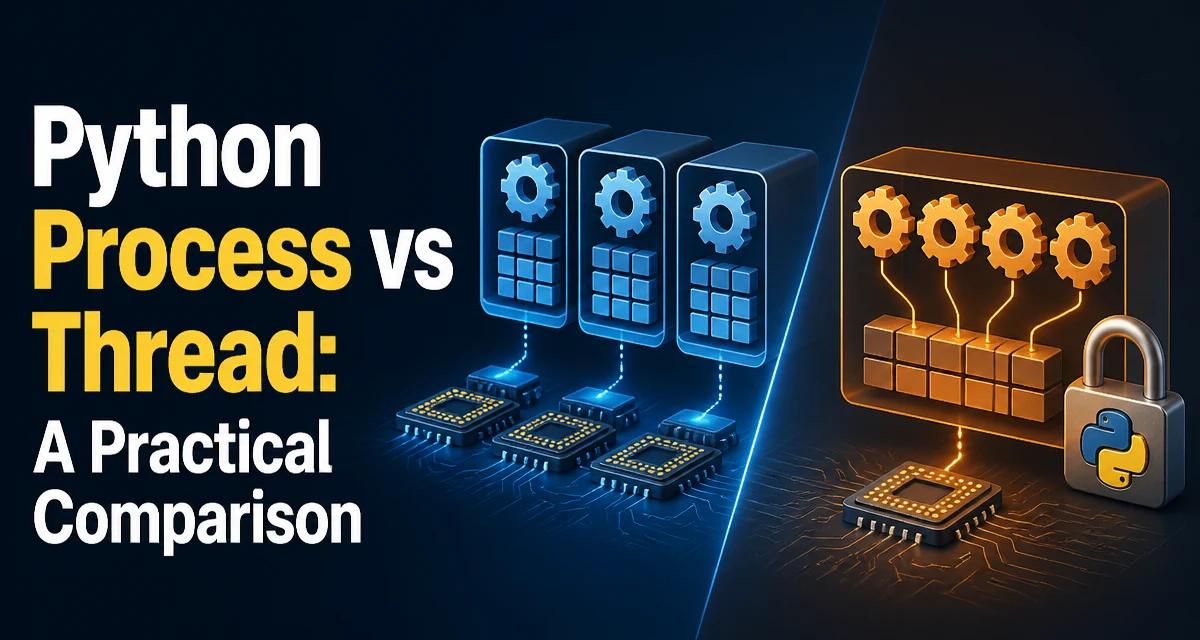
When Python developers face a concurrency problem, the first decision is usually between spawning a new process or creating a thread. The choice between python process vs thread is not about which is faster in the abstract; it is about matching the execution model to the nature of your workload. Processes run in separate memory spaces and can execute Python code in parallel across CPU cores. Threads run inside a single process, share memory, and are subject to the Global Interpreter Lock (GIL). Understanding these two constraints is the key to making the right call.
The Core Difference: Processes Have Separate Memory, Threads Share It
A process is an independent execution unit with its own memory space, file descriptors, and system resources. When you fork or spawn a new process in Python, that process gets its own Python interpreter and its own copy of the data. A thread, by contrast, lives inside a process and shares the same memory space with all other threads in that process. This distinction drives most of the tradeoffs you will encounter.
Shared memory means threads can communicate by reading and writing the same variables without explicit serialization mechanisms like pipes or queues. That sounds convenient, but it also introduces the risk of race conditions. When multiple threads mutate the same object without synchronization, the result depends on the interleaving of operations. Processes avoid this problem because they do not share memory by default; they must use inter-process communication (IPC) such as queues, pipes, or shared memory objects.
Consider a simple counter. With threads, you might write:
import threading

counter = 0

def increment():
    global counter
    for _ in range(100000):
        counter += 1

threads = [threading.Thread(target=increment) for _ in range(4)]
for t in threads:
    t.start()
for t in threads:
    t.join()

print(counter)  # often less than 400000
The += operation is not atomic; the GIL can switch threads between the read and write steps, causing lost updates. With processes, each process has its own counter variable, so you would need to use a multiprocessing.Value or a queue to aggregate results. That extra coordination is the price you pay for isolation.
How the GIL Shapes Threading in Python
The Global Interpreter Lock is a mutex that protects the CPython interpreter's internal state. It ensures that only one thread executes Python bytecode at a time, even on multi-core hardware. This means that pure Python code running in threads does not achieve true parallelism. The GIL is released during certain I/O operations and when executing C extensions that explicitly release it, which is why threads can still be useful for I/O-bound tasks.
The GIL does not affect processes. Each process has its own interpreter and its own GIL, so multiple processes can execute Python bytecode simultaneously on different cores. This is the fundamental reason why CPU-bound Python code rarely benefits from threading but can scale with multiprocessing.
The GIL is an implementation detail of CPython, not of the Python language itself. Other implementations like Jython or IronPython do not have a GIL, but for the vast majority of production systems running CPython, the GIL is the reality. When you are evaluating python process vs thread, you are implicitly evaluating how the GIL affects your specific workload.
CPU-Bound Work: Why Processes Usually Win
CPU-bound tasks spend most of their time performing computations, such as parsing large files, running numerical simulations, or processing images. In CPython, threads cannot execute Python bytecode in parallel, so adding threads to a CPU-bound task often makes it slower due to context switching and lock contention. Processes, on the other hand, can use multiple cores effectively.
A typical example is a function that performs a heavy calculation:
import time

def compute(n):
    total = 0
    for i in range(n):
        total += i ** 2
    return total
If you run this function across multiple inputs, threading will not speed it up because the GIL serializes execution. Using the multiprocessing module lets you distribute the work across processes:
from multiprocessing import Pool

with Pool(4) as pool:
    results = pool.map(compute, [1000000] * 8)
Each process runs compute on a separate core, and the results are collected when the pool finishes. The overhead of creating processes and transferring data is justified when the computation time is large relative to the communication cost.
I/O-Bound Work: When Threads Are the Right Tool
I/O-bound tasks spend most of their time waiting for external resources: network responses, disk reads, database queries, or API calls. During these waits, the GIL is released, allowing other threads to run. Threads are well suited for this scenario because they share memory and have lower creation overhead than processes.
For example, fetching multiple URLs concurrently with threads:
import threading
import requests

def fetch(url):
    response = requests.get(url)
    return response.status_code

urls = ["https://example.com"] * 10
threads = [threading.Thread(target=fetch, args=(url,)) for url in urls]
for t in threads:
    t.start()
for t in threads:
    t.join()
While one request waits for the network, the GIL is released and another thread can issue its own request. This allows many I/O operations to overlap. The same pattern with processes would incur the cost of spawning a new process per request, which is often heavier than the actual I/O wait.
For modern Python, asyncio provides an even more efficient single-threaded approach for I/O-bound work, but threads remain a straightforward option when you need to integrate with blocking libraries that do not support async.
Comparing Process and Thread Overheads
Processes are more expensive to create and manage than threads. Spawning a process involves initializing a new Python interpreter, allocating memory, and setting up IPC channels. Threads share the parent process's memory and start faster. The difference is significant enough that you should not create a new process for every small task; use a process pool instead.
Memory usage also differs. Each process has its own copy of the interpreter and its own data structures, which can lead to high memory consumption when you have many processes. Threads share the process's memory, so they are more memory-efficient when the workload requires many concurrent units of execution.
The following table summarizes the practical differences:
| Aspect | Process | Thread |
|---|---|---|
| Memory space | Separate per process | Shared within the process |
| GIL impact | No GIL contention across processes | GIL serializes Python bytecode |
| Creation cost | High | Low |
| Communication | Requires IPC (queues, pipes) | Direct shared memory |
| Best for | CPU-bound tasks | I/O-bound tasks |
| Failure isolation | Process crash does not affect others | Thread exception can crash the process |
Failure isolation is another practical concern. If a thread raises an unhandled exception, it can terminate the entire process. A child process that crashes will not bring down the parent, though you still need to handle the Process object's exit status. This makes processes more robust for long-running services that need to isolate faults.
Practical Code: ThreadPoolExecutor vs ProcessPoolExecutor
The concurrent.futures module provides a high-level interface for both threads and processes. ThreadPoolExecutor manages a pool of threads, while ProcessPoolExecutor manages a pool of processes. They share the same Executor API, so you can often switch between them with minimal code changes.
Here is a side-by-side example for a CPU-bound function:
from concurrent.futures import ThreadPoolExecutor, ProcessPoolExecutor

def square(n):
    return n * n

numbers = list(range(1000))

# Using threads
with ThreadPoolExecutor(max_workers=4) as executor:
    thread_results = list(executor.map(square, numbers))

# Using processes
with ProcessPoolExecutor(max_workers=4) as executor:
    process_results = list(executor.map(square, numbers))
For I/O-bound functions, the same pattern works, but ThreadPoolExecutor is usually the better choice because it avoids the overhead of serializing arguments and results. When you use ProcessPoolExecutor, arguments and return values must be pickled to be sent between processes. This serialization cost can dominate if the data is large or the function is trivial.
One important caveat: ProcessPoolExecutor on Windows uses spawn instead of fork, which means the target function must be importable from the main module. On Linux, fork is the default, but the code must still be written defensively to work across platforms.
Choosing Based on Your Workload
The decision between python process vs thread comes down to a few concrete questions. If your task is CPU-bound and you need to use multiple cores, choose processes. If your task is I/O-bound and you are using blocking libraries, threads are often sufficient and more efficient. If you are using an async framework, asyncio may eliminate the need for either.
For CPU-bound tasks that also require frequent communication between workers, the overhead of IPC can become a bottleneck. In that case, consider whether the computation can be restructured to reduce data transfer, or whether a library like numpy that releases the GIL during heavy operations could allow threads to work effectively.
For I/O-bound tasks with a very large number of concurrent connections, threads can become limited by memory and context switching. In that scenario, asyncio or an event-driven architecture is often a better fit than either threads or processes.
There is no universal answer, but the GIL and memory isolation give you a clear rule of thumb: use threads when you are waiting, use processes when you are computing. The concurrent.futures API lets you defer the final decision until you have measured your actual workload, and switching between ThreadPoolExecutor and ProcessPoolExecutor is often a one-line change when the task signature remains the same.