Python range Function: Syntax, Behavior, and Use Cases
python range function: Understand how Python's range function works, its parameters, memory efficiency, and common use cases for iteration and sequence generation.
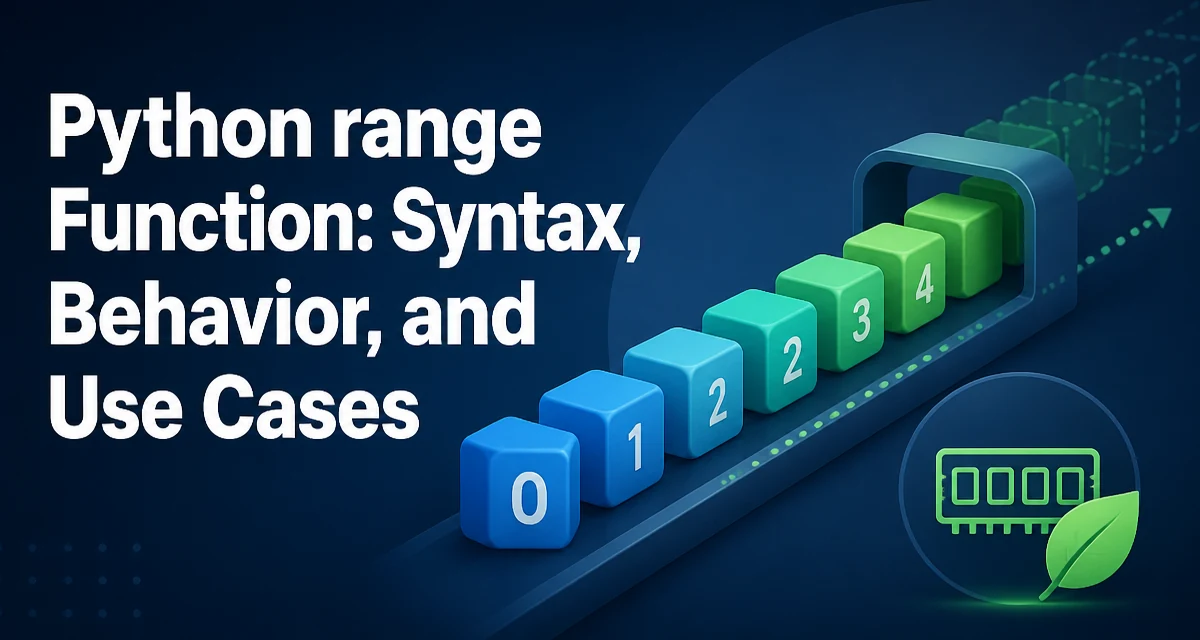
The python range function is a built-in that generates an immutable sequence of numbers. It is commonly used for looping a fixed number of times, but its behavior differs from a list in ways that matter for memory and performance.
How range Works in Python 3
In Python 3, range returns a range object, not a list. This object represents an arithmetic progression of integers and evaluates its elements lazily. That means the numbers are produced on demand during iteration rather than stored in memory all at once. A range object still supports common sequence operations: you can call len() on it, index into it, and iterate over it multiple times.
r = range(5)
print(len(r))   # 5
print(r[0])     # 0
print(r[4])     # 4
Because the sequence is computed from its start, stop, and step values, the memory footprint stays constant regardless of how many numbers the range represents.
Range Parameters: start, stop, and step
The range constructor accepts one, two, or three integer arguments.
range(stop)produces numbers from 0 tostop - 1.range(start, stop)produces numbers fromstarttostop - 1.range(start, stop, step)adds a fixed increment between numbers.
list(range(5))          # [0, 1, 2, 3, 4]
list(range(2, 6))       # [2, 3, 4, 5]
list(range(0, 10, 2))    # [0, 2, 4, 6, 8]
list(range(5, 0, -1))    # [5, 4, 3, 2, 1]
The step can be negative, but it cannot be zero. If step is positive, the sequence stops when the value reaches or exceeds stop. If step is negative, the sequence stops when the value falls below stop.
Iterating with range in for Loops
The most common use of range is in a for loop to repeat an action a specific number of times.
for i in range(3):
    print(f"iteration {i}")
This prints iteration 0, iteration 1, and iteration 2. When you need both the index and the value from an existing collection, enumerate is often clearer than combining range with indexing:
colors = ["red", "green", "blue"]
for index, color in enumerate(colors):
    print(index, color)
Using range(len(colors)) works, but it requires an extra lookup and is less readable.
Converting range to a List and Other Sequences
Although range is efficient for iteration, you may need an actual list, tuple, or set for certain operations. Converting is straightforward:
numbers = range(1, 6)
as_list = list(numbers)
as_tuple = tuple(numbers)
as_set = set(numbers)
Be aware that set does not preserve order, so use it only when order does not matter. Converting a large range to a list defeats the memory advantage of range, so consider whether you truly need all values stored at once.
Range Slicing and Indexing
range objects support both integer indexing and slicing. Slicing a range returns a new range object, not a list.
r = range(0, 10, 2)
print(r[1])        # 2
print(r[1:3])      # range(2, 6, 2)
print(list(r[1:3])) # [2, 4]
This behavior is useful when you need a subrange without materializing the entire sequence.
Performance and Memory Considerations
Because range computes values on demand, it uses a constant amount of memory. A range of one billion integers occupies the same space as a range of ten integers. Iterating over a range is also fast because the next value is computed with a simple arithmetic operation. In contrast, a list stores every integer as a separate Python object, which consumes significant memory for large sequences.
If you are iterating over a range and only need each value once, prefer range over a prebuilt list. If you need random access to arbitrary positions repeatedly, a list may be more convenient, but for most iteration patterns range is the better choice.
Common Pitfalls and Edge Cases
A few behaviors of range often surprise developers.
range(0)produces an empty sequence.range(5, 0)also produces an empty sequence because the default step is positive and the start is already above the stop.- A step of zero raises
ValueError: range() arg 3 must not be zero. - With a negative step, the start must be greater than the stop to produce values; otherwise you get an empty range.
rangeonly accepts integers; passing floats results in aTypeError.
list(range(0))       # []
list(range(5, 0))    # []
list(range(5, 0, -1)) # [5, 4, 3, 2, 1]
When Not to Use range
range is not always the right tool. When iterating directly over a collection, use the collection itself:
for item in items:
    print(item)
When you need both index and value, use enumerate. When you need to generate an infinite sequence, use itertools.count instead of trying to create a range with a huge stop value. And when you need to repeat an action without using the loop variable, a common convention is to use _ as the loop variable:
for _ in range(10):
    do_something()
These alternatives make the intent clearer and avoid unnecessary arithmetic.