Python range syntax: start, stop, step
Understand the python range syntax for start, stop, and step, including lazy evaluation, negative steps, and practical loop patterns.
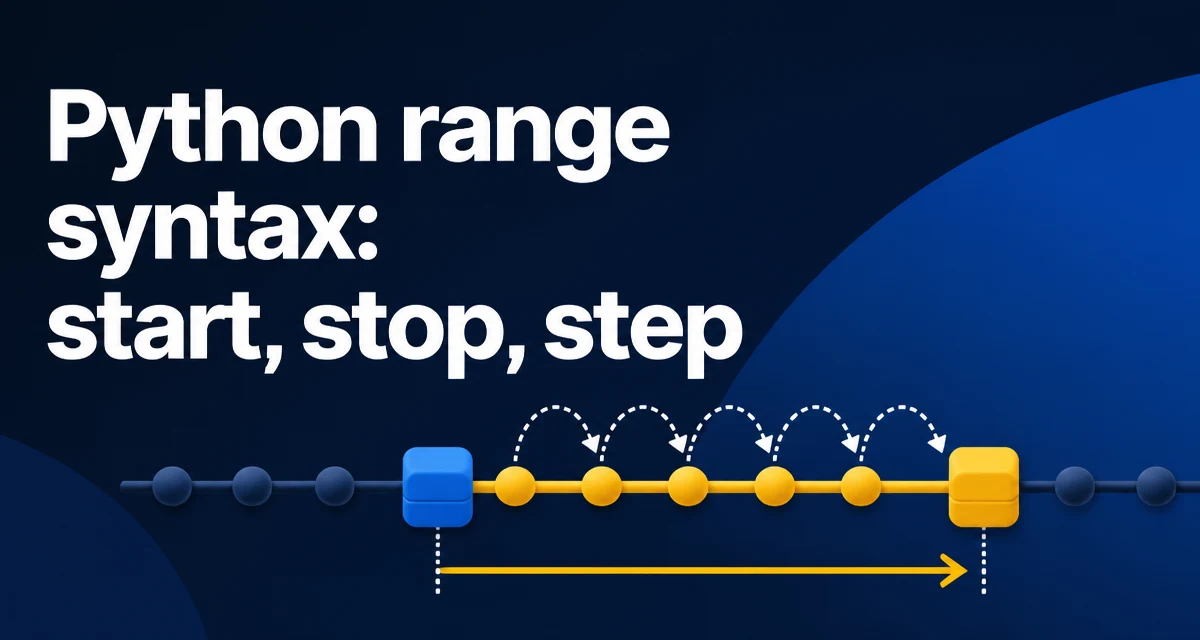
The python range syntax is straightforward: range(start, stop, step). The function returns an immutable sequence of numbers that is lazily evaluated, meaning it does not allocate all values in memory at once. This behavior makes range the default choice for iterating over numeric sequences in Python 3.
The Core Syntax and Default Behavior
range takes up to three integer arguments. The only required argument is stop. When called with one argument, range(stop) produces numbers from 0 up to but not including stop. With two arguments, range(start, stop) starts at start and stops before stop. The optional third argument, step, controls the increment between numbers and defaults to 1.
list(range(5))       # [0, 1, 2, 3, 4]
list(range(2, 6))    # [2, 3, 4, 5]
list(range(1, 10, 2)) # [1, 3, 5, 7, 9]
The stop value is always exclusive. This is a common source of confusion for developers coming from languages where the upper bound is inclusive. Remembering that range never includes its stop argument avoids off-by-one errors in loops.
How Lazy Evaluation Changes Memory Usage
In Python 3, range is a sequence type that computes each element on demand. It does not build a list of all numbers upfront. The memory footprint of a range object is constant regardless of its length because it stores only the start, stop, and step values.
r = range(10**9)
import sys
print(sys.getsizeof(r))  # 48 bytes on a 64-bit CPython build
This is fundamentally different from Python 2's range, which returned a list. Python 2 had xrange for lazy iteration, but Python 3 unified these into a single range that behaves like the old xrange. When you need an actual list, you can convert explicitly with list(range(...)), but that allocates memory proportional to the number of elements.
Common Loop Patterns with range
Most developers use range inside for loops to iterate a fixed number of times or to generate indices for sequence access.
for i in range(3):
    print(i)  # prints 0, 1, 2

for i in range(1, 4):
    print(i)  # prints 1, 2, 3

for i in range(0, 10, 3):
    print(i)  # prints 0, 3, 6, 9
A typical pattern is iterating over a list while also needing the index. Instead of manually tracking a counter, you can use enumerate, but range still appears when you need to modify the list in place or access adjacent elements.
items = ['a', 'b', 'c']
for idx in range(len(items)):
    items[idx] = items[idx].upper()
This works because range produces the exact indices needed. For read-only iteration, for item in items is more idiomatic, but range gives you the index when the position matters.
Negative Step and Reversing Sequences
A negative step makes range count downward. The start value must be greater than stop for the sequence to be non-empty. For example, range(5, 0, -1) yields 5, 4, 3, 2, 1.
list(range(5, 0, -1))  # [5, 4, 3, 2, 1]
list(range(10, 0, -2)) # [10, 8, 6, 4, 2]
You can also reverse a list without creating a copy by using range with a negative step in a loop:
def reverse_in_place(lst):
    for i in range(len(lst) - 1, -1, -1):
        print(lst[i])
Note that range(0, 5, -1) produces an empty sequence because the direction of the step does not match the relationship between start and stop. The rule is: if step is positive, start must be less than stop; if step is negative, start must be greater than stop. Otherwise, the sequence is empty.
Converting range to a List
Sometimes you need an actual list of numbers, for example when you want to index into it repeatedly or pass it to a function that expects a list. The conversion is simple:
numbers = list(range(10))
This materializes all values, so use it only when the range is small or when you genuinely need random access to the full sequence. For large ranges, keeping the range object is more memory-efficient. If you need to iterate multiple times, a range object is re-iterable without recreating it, so a list is rarely necessary.
r = range(5)
for i in r:
    print(i)
for i in r:  # works again
    print(i)
A range object supports len(), indexing, and membership tests, so it behaves like a tuple of integers in many contexts. For example, 5 in range(10) returns True without iterating through all values.
Off-by-One Errors and Other Pitfalls
The most common mistake with python range syntax is forgetting that stop is exclusive. A loop intended to run n times should use range(n), not range(n + 1). Another frequent error is using a non-integer argument. range requires integers; passing a float raises TypeError.
# TypeError: 'float' object cannot be interpreted as an integer
range(1.5)
If you need to iterate over a sequence of floats, you must generate them manually, for example with a list comprehension or a generator expression. range is strictly for integers.
Another subtle issue arises when step is zero. range(0, 5, 0) raises ValueError: range() arg 3 must not be zero. This is intentional because a zero step would produce an infinite sequence.
Performance and Memory Tradeoffs at Scale
Because range is lazy, iterating over a large range does not consume memory proportional to the number of iterations. The loop itself still runs in O(n) time, but the memory overhead is O(1). This makes range suitable for loops that run millions of times without exhausting memory.
In contrast, converting to a list with list(range(10**7)) allocates a list of 10 million integers, which on a 64-bit system consumes roughly 80 MB just for the pointers, plus the integer objects themselves. That is often wasteful when you only need sequential access.
For even more memory efficiency, consider a generator expression if you need to transform each value on the fly. However, range already avoids storing the full sequence, so a generator adds little benefit unless you need to filter or map values lazily.
Python 2 vs Python 3: xrange vs range
Developers maintaining legacy code may encounter Python 2, where range returns a list and xrange provides lazy iteration. In Python 3, range behaves like Python 2's xrange, and xrange no longer exists. The table below summarizes the differences:
| Version | range behavior | Lazy alternative |
|---|---|---|
| Python 2 | Returns a list | xrange |
| Python 3 | Lazy sequence | range (no separate xrange) |
When porting code from Python 2 to Python 3, replace xrange with range and remove any explicit list(range(...)) if the original code relied on the list behavior. Also be aware that Python 2's range on a large number could consume significant memory, which is why xrange was often preferred.
Practical Pattern: Iterating with Indices and Values
A common need is to iterate over a collection while also having the index. While enumerate is the idiomatic choice, range is still useful when you need to compare adjacent elements or modify the collection in place.
def has_duplicates_adjacent(lst):
    for i in range(1, len(lst)):
        if lst[i] == lst[i - 1]:
            return True
    return False
Here range gives you the exact indices needed to access both the current and previous element. Using enumerate would require manual index arithmetic. The python range syntax with a start value of 1 and a stop value of len(lst) correctly skips the first element.
For more complex index patterns, such as sliding windows, range with a custom step or start/stop combination is often clearer than manual while loops. Understanding the three parameters and their defaults allows you to write concise, readable loops that avoid off-by-one errors and unnecessary memory usage.