Python Reduce Usage: How to Use functools.reduce
python reduce usage: Learn how to use Python's reduce from functools: syntax, initializer, practical examples, common mistakes, and when to choose alternatives like lo...
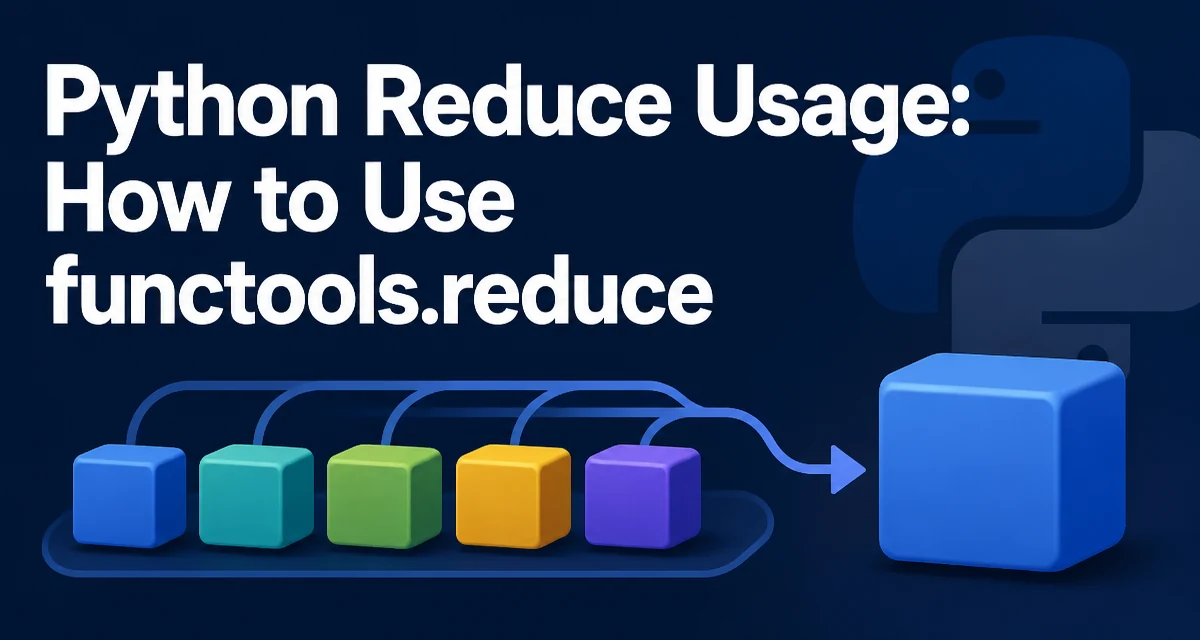
When you need to apply a binary function cumulatively to a sequence, Python's reduce from functools is the tool. This article covers python reduce usage, including its syntax, the initializer, and when to choose alternatives.
What reduce Does in Python
functools.reduce applies a binary function cumulatively to the items of an iterable, reducing the iterable to a single value. It is a core functional programming tool that appears in many languages, and Python exposes it through the functools module.
from functools import reduce

result = reduce(lambda x, y: x + y, [1, 2, 3, 4])
print(result)  # 10
Here, the lambda receives the accumulated value and the next item, and the result becomes the new accumulated value for the next call. The first call uses the first two elements of the iterable.
The Role of the Initializer
reduce accepts an optional third argument, the initializer. When provided, it is used as the starting accumulated value, and the first element of the iterable is treated as the first item to combine.
from functools import reduce

numbers = [1, 2, 3]
result = reduce(lambda acc, x: acc + x, numbers, 100)
print(result)  # 106
The initializer is also essential when the iterable might be empty. Without it, reduce raises TypeError on an empty sequence. With an initializer, the initializer itself is returned.
empty = []
result = reduce(lambda acc, x: acc + x, empty, 0)
print(result)  # 0
Practical Examples: Sum, Product, and Max
While sum() and max() are built-in, reduce can express the same logic when you need a custom binary operation. For example, to compute the product of a list:
from functools import reduce

numbers = [2, 3, 4]
product = reduce(lambda acc, x: acc * x, numbers, 1)
print(product)  # 24
To find the maximum, you can use max as the binary function:
from functools import reduce

values = [4, 7, 1, 9, 3]
max_value = reduce(max, values)
print(max_value)  # 9
Note that max works as a binary function when given two arguments, which is exactly what reduce supplies.
When to Prefer a Loop or Built-in Function
reduce is not always the most readable choice. Python's standard library already provides specialized functions for common reductions: sum, min, max, any, all. For these, using the built-in is clearer and often faster because it is implemented in C.
# Instead of reduce for sum
total = sum(numbers)

# Instead of reduce for max
largest = max(values)
For more complex reductions, a simple for loop may be more explicit:
def concatenate(strings):
    result = ""
    for s in strings:
        result += s
    return result
The loop makes the accumulation state visible and is easier to debug for developers unfamiliar with functional idioms.
Common Mistakes with reduce
A frequent error is forgetting that the function passed to reduce must be associative and commutative in the way you intend. For example, subtraction is not associative, so reduce(lambda a, b: a - b, [1, 2, 3]) yields (1 - 2) - 3 = -4, not 1 - (2 - 3) = 2. This can lead to surprising results if you assume a different order.
Another mistake is using reduce without an initializer when the iterable may be empty. This raises a TypeError at runtime. Always decide whether an empty sequence should produce a meaningful default value, and if so, pass it as the initializer.
Also, avoid using reduce for simple transformations that can be expressed with list comprehensions or generator expressions. For example, to sum the squares, sum(x*x for x in numbers) is more direct than reduce(lambda acc, x: acc + x*x, numbers, 0).
Performance and Readability Tradeoffs
reduce has a small overhead because it calls a Python function for each element. For large sequences, a built-in like sum is implemented in C and will be faster. However, if your binary operation is a built-in C function like operator.add or math.gcd, the overhead is lower.
from functools import reduce
import operator

result = reduce(operator.add, numbers, 0)
Using operator functions can make the intent clearer and avoids defining a lambda.
The main tradeoff is readability. Many Python developers prefer explicit loops or generator expressions because they are more familiar and easier to trace. reduce shines when you need to apply a genuinely generic reduction that has no built-in counterpart, such as combining dictionaries or building a custom aggregate.
Using reduce with Dictionaries and Custom Objects
reduce is not limited to numbers. It can combine dictionaries by merging them:
from functools import reduce

dicts = [{"a": 1}, {"b": 2}, {"c": 3}]
merged = reduce(lambda acc, d: {**acc, **d}, dicts, {})
print(merged)  # {'a': 1, 'b': 2, 'c': 3}
This pattern is useful when you need to merge a list of configuration dictionaries, but be aware that later keys overwrite earlier ones. For more complex merging logic, a loop might be more maintainable.
Another common use is building a single object from a sequence, such as accumulating a list of values into a custom result object. As long as the binary function returns the same type as its first argument, reduce works.
Compatibility and Version Notes
reduce was moved to functools in Python 3. In Python 2 it was a built-in. If you are maintaining code that supports both, you need to import it conditionally. In modern Python 3, always import from functools. There are no significant changes to reduce across Python 3.x versions, but be aware that the behavior with empty iterables and initializer is consistent: without an initializer, an empty iterable raises TypeError.
This final section covers compatibility, which is a relevant operational concern.