Python Relative Imports Explained
python relative import: Learn how Python relative imports work, when to use them, and how to avoid common errors like 'attempted relative import with no known parent p...
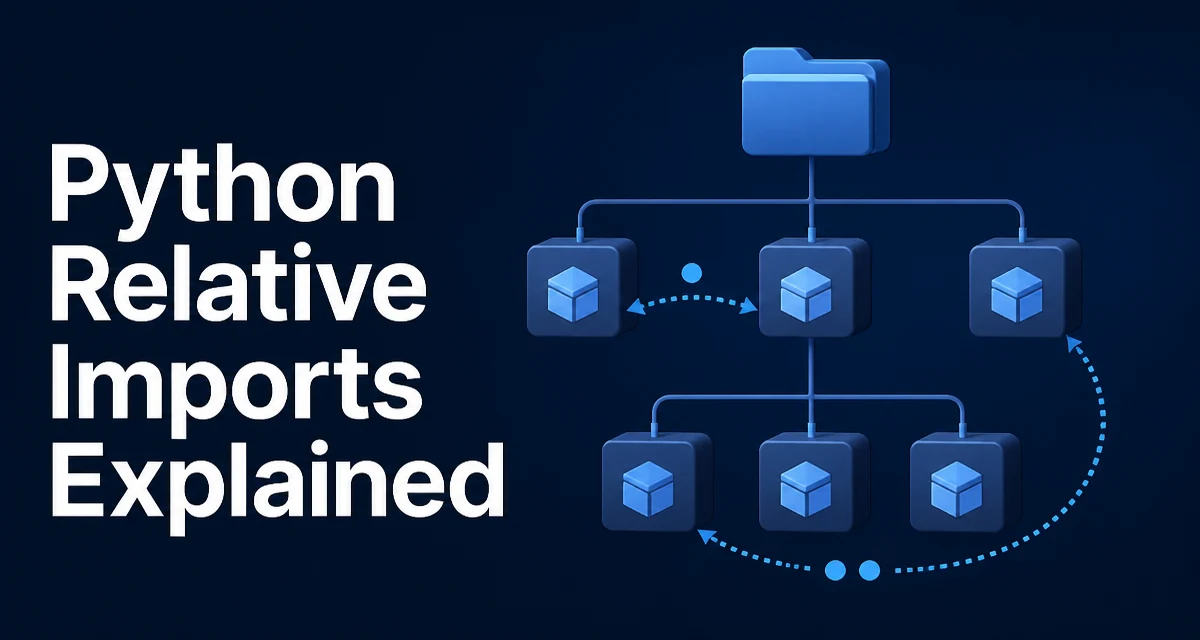
Python relative imports let a module import another module based on its location within a package. They use dot notation to refer to the current and parent packages. Understanding how they resolve is essential for building maintainable multi-module projects.
How Relative Import Syntax Works
Relative imports use leading dots to indicate the current package and its ancestors. A single dot (.) refers to the current package, two dots (..) refer to the parent package, and so on. The syntax is always from .module import name or from ..package import name.
# In package/subpackage/module_a.py
from . import sibling          # imports sibling in same subpackage
from .. import parent_module   # imports module in parent package
from ..subpackage import util  # imports util from sibling subpackage
The number of dots determines how many levels up the package hierarchy the import starts from. Unlike absolute imports, you never write the top-level package name in a relative import.
What Happens When Python Resolves a Relative Import
Relative imports depend on the module's __package__ attribute, which Python sets when the module is loaded as part of a package. The __package__ value is derived from the module's __name__ and the package structure. For example, if a module is loaded as mypackage.submodule, then __package__ is mypackage.
When you write from . import sibling, Python looks for a module named mypackage.sibling. The dot is replaced by the current package name. For from .. import parent_module, it strips one level from __package__ and then appends the module name.
This resolution happens at runtime, not at parse time. If __package__ is None or empty, the relative import fails with an ImportError.
The Most Common Error: Attempted Relative Import with No Known Parent Package
This error occurs when you run a module directly as a script, or when the module is not part of a package. For instance, if you have a file myproject/main.py that contains from .helper import func, and you run python main.py, Python sees __name__ == '__main__' and __package__ is None. The relative import has no package context to resolve against.
# myproject/main.py
from .helper import func  # ImportError if run as a script
To avoid this, you must run the module as part of a package, typically with python -m myproject.main from the directory that contains myproject. Alternatively, restructure the code so that the entry point uses absolute imports and only internal modules use relative imports.
Relative Imports Inside a Package vs. Running as a Script
A module that is intended to be executed directly should not use relative imports. The standard pattern is to keep the entry point at the top level of the package and have it use absolute imports, while the internal modules use relative imports for sibling or parent modules.
# myproject/__main__.py
from myproject.core import run  # absolute import

if __name__ == "__main__":
    run()
# myproject/core.py
from .helpers import setup  # relative import
from .config import settings
This separation ensures that the package can be run with python -m myproject and also imported from other code without breaking the relative import chain.
Absolute Imports vs. Relative Imports: Which One Should You Use?
Absolute imports specify the full path from the project root, such as from myproject.core import run. Relative imports are shorter and make it clear that the dependency is internal to the current package. The choice affects maintainability and refactoring.
| Criterion | Absolute imports | Relative imports |
|---|---|---|
| Readability | Clear where the module lives | Compact, but requires package context |
| Refactoring | Need to update all import paths if package name changes | Move a package and imports still work |
| Script execution | Work in standalone scripts | Fail if module run directly |
| Nesting | Can become verbose in deep packages | Scale naturally with dot count |
Use absolute imports in entry points and in modules that might be executed directly. Use relative imports inside a package to keep internal dependencies local and reduce the risk of name collisions with third-party packages.
A Practical Example: Structuring a Small Package
Consider a project with the following layout:
myproject/
    __init__.py
    main.py
    utils/
        __init__.py
        strings.py
        files.py
    models/
        __init__.py
        user.py
Inside utils/strings.py, you might import from a sibling module:
# myproject/utils/strings.py
from .files import read_text  # relative import within utils
Inside models/user.py, you might import from the parent package's utils:
# myproject/models/user.py
from ..utils.strings import normalize  # relative import across packages
The entry point main.py should use absolute imports:
# myproject/main.py
from myproject.models.user import User
from myproject.utils.files import save
This structure keeps internal dependencies explicit and makes the package self-contained. When you move myproject into a different parent directory, the relative imports continue to work as long as the package is imported properly.
Compatibility and Maintainability Considerations
Relative imports were introduced in Python 2.5 and are fully supported in Python 3. However, they behave differently in Python 2 if you use from __future__ import absolute_import. In Python 3, relative imports are always explicit with dots, and there is no implicit relative import. This means you cannot write import sibling to import from the same package; you must write from . import sibling.
When maintaining a codebase, relative imports reduce the chance of accidentally importing a top-level module with the same name as an internal module. They also make it easier to rename a package because you do not have to rewrite every internal import. The trade-off is that relative imports make it harder to run individual files as scripts, so you need a clear entry point strategy.
If you are building a library that will be installed and imported by other projects, relative imports are the standard choice for internal modules. They keep the package namespace clean and avoid conflicts with the importing application's own modules. Just remember that the package must be imported normally, not executed as a script, for relative imports to work.