Python Relative Imports Package: Syntax, Errors, and Fixes
python relative imports package: Understand how relative imports work inside Python packages, why they fail when run directly, and how to to structure modules for reli...
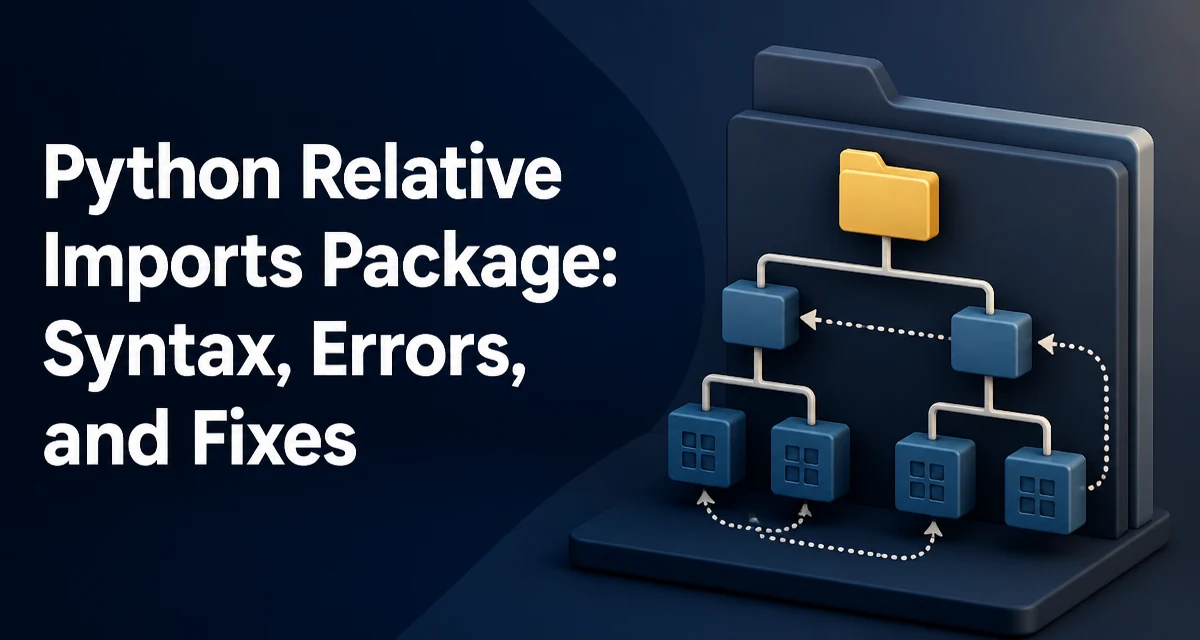
Relative imports in Python let a package import its own modules using a leading dot, but they often fail with confusing errors when the module is run directly. This article explains how python relative imports package work, why they break, and how to structure your code to use them reliably.
What Are Relative Imports in Python Packages?
Relative imports are imports that resolve relative to the current module's package. They use leading dots to indicate the current package (one dot) or parent packages (two or more dots). For example, inside a module in mypackage/submodule.py, from . import sibling imports mypackage.sibling. This works only when the module is part of a package and the package is loaded in a way that Python recognizes its parent.
Relative Import Syntax and How It Resolves
The syntax is straightforward: a single dot refers to the current package, two dots to the parent package, and so on. For example:
from . import module_in_same_package
from .. import module_in_parent_package
from .subpackage import module_in_subpackage
Python resolves these relative to the __package__ attribute of the module. When a module is imported as part of a package, __package__ is set to the package name, allowing relative imports to work. The resolution is based on the module's __name__ and __package__, not the filesystem path.
Why Relative Imports Fail: The "No Known Parent Package" Error
The most common error is ImportError: attempted relative import with no known parent package. This happens when you run a module directly as a script, like python mypackage/submodule.py. In that case, Python sets __package__ to None because the module is treated as the top-level script, not as part of a package. Relative imports have no package context to resolve against.
The same error occurs if you run a script inside a package without using the -m flag, or if you have a missing __init__.py file in older Python versions (though Python 3.3+ supports namespace packages, the behavior still depends on how the module is invoked).
Running Modules as Scripts vs. Using python -m
To run a module as part of its package, use the module path with -m:
python -m mypackage.submodule
This sets __package__ correctly and allows relative imports to resolve. The -m flag tells Python to import the module rather than execute the file as a script. This is the standard way to run a module that relies on relative imports.
If you need to run a file directly for debugging, you can temporarily use absolute imports or set the PYTHONPATH and adjust __package__, but that is fragile. The recommended approach is to always use python -m for modules inside packages.
Practical Package Structure for Reliable Relative Imports
A typical package layout that works well with relative imports:
project/
    mypackage/
        __init__.py
        main.py
        helpers.py
        subpackage/
            __init__.py
            utils.py
Inside main.py, you can write:
from . import helpers
from .subpackage import utils
To run main.py, use:
python -m mypackage.main
This works because the -m flag sets __package__ to mypackage, and the relative imports resolve accordingly.
When to Prefer Absolute Imports Over Relative Imports
Relative imports keep module references concise and make it clear that a module belongs to the same package. However, they can be confusing when the package is deeply nested, and they make it harder to move modules between packages. Absolute imports, such as from mypackage.subpackage import utils, are explicit and work regardless of how the module is invoked, as long as the package is on sys.path. Many projects adopt absolute imports for readability and to avoid the "no known parent package" trap.
The choice depends on your project's structure and team conventions. If you control the entry points and always run with -m, relative imports are safe. If your code may be executed as scripts or embedded in other contexts, absolute imports are more robust.
Compatibility and Maintainability Considerations
Relative imports are a Python 3 feature (and were backported to Python 2.5+ with from __future__ import absolute_import). In Python 3, they are the default and work as described. However, they rely on the module's __package__ being set correctly, which depends on how the module is loaded. This makes relative imports sensitive to execution context.
For maintainability, keep the package structure shallow and use python -m consistently in documentation and scripts. Avoid mixing relative and absolute imports in the same package, as that can confuse readers. Also be aware that renaming a package requires updating relative import paths, but absolute imports require updating the package name in every import statement.
When you need to run a module directly during development, consider adding a small entry-point script at the project root that imports and calls the package module, rather than executing the module file directly. This keeps the package context intact and avoids the common error.