Python Relative vs Absolute Import: Choosing the Right Approach
Understand the difference between python relative vs absolute import, when to use each, and how to avoid common import errors in packages.
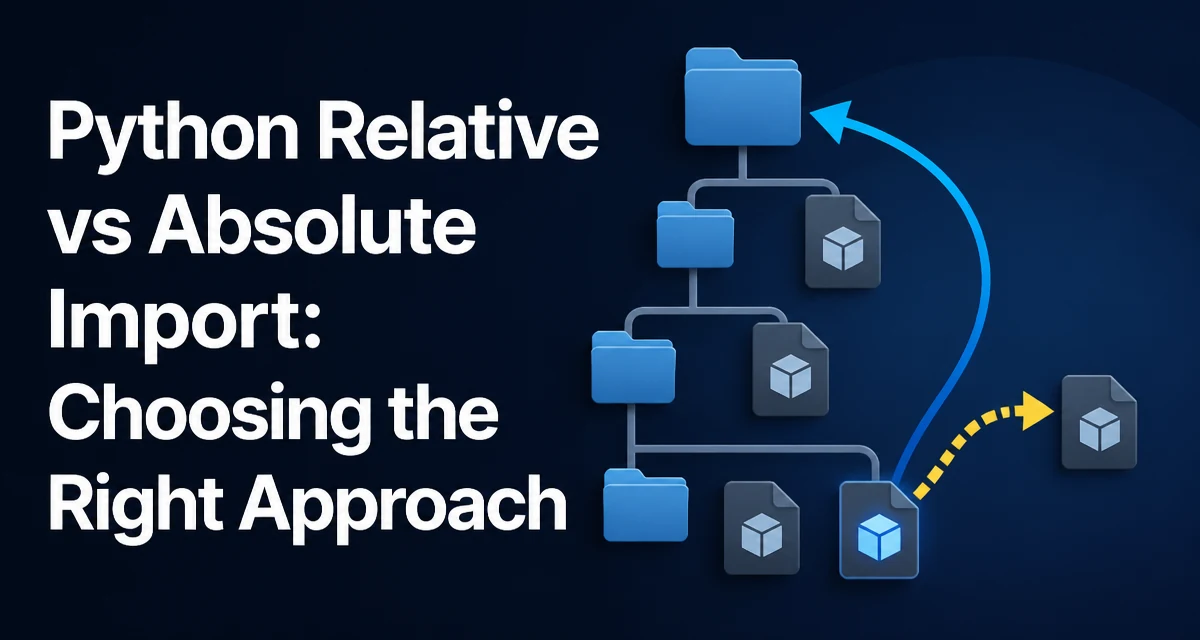
When you organize Python code into packages, the choice between python relative vs absolute import affects how you reference modules, how easily you can refactor, and whether your code runs as a script or as part of a package. Absolute imports use the full path from the project root, while relative imports use dots to navigate from the current module's location. Both are valid, but they serve different purposes and come with distinct tradeoffs.
How Absolute Imports Work
An absolute import specifies the full module path from the top-level package. For example, if you have a package structure like this:
project/
  package/
    __init__.py
    module_a.py
    subpackage/
      __init__.py
      module_b.py
Inside module_b.py, you can import module_a using:
from package import module_a
Or import a specific function:
from package.module_a import some_function
The path starts from the root of the project, which is the directory containing the top-level package. This works as long as the project root is in sys.path, which is typically the case when you run your code from the project root or install the package.
Absolute imports are explicit: you always know exactly which module you are referring to. This clarity becomes valuable in large codebases where multiple packages might have similar names.
How Relative Imports Work
Relative imports use dots to indicate the current and parent packages. A single dot (.) refers to the current package, two dots (..) refer to the parent package, and three dots (...) go up two levels, and so on.
Using the same structure, inside module_b.py you can import module_a from the parent package with:
from .. import module_a
Or import a function from a sibling module in the same subpackage:
from .module_c import another_function
Relative imports are concise and make it clear that the imported module is part of the same package hierarchy. They also avoid hardcoding the top-level package name, which can be useful if you rename the package later.
However, relative imports only work when the module is part of a package. If you try to run module_b.py directly as a script, you will get an ImportError with a message like attempted relative import with no known parent package. This is because the module's __package__ attribute is not set when run as a script, and Python cannot determine the parent package.
Syntax Comparison: Absolute vs Relative
The syntax differences are straightforward. Here is a side-by-side comparison using the same import target:
| Import target | Absolute import | Relative import |
|---|---|---|
| Sibling module in same package | from package.subpackage import module_c | from . import module_c |
| Module in parent package | from package import module_a | from .. import module_a |
| Function in a parent package module | from package.module_a import some_function | from ..module_a import some_function |
Both forms ultimately import the same object, but they express the path differently. The absolute version is independent of the importing module's location; the relative version is tied to it.
When to Use Absolute Imports
Absolute imports are the default recommendation in PEP 8 and most style guides. They are especially useful in the following situations:
- Large projects with many packages: The explicit path makes it easy to search for imports and understand dependencies without needing to know the current module's location.
- Code that may be moved: If you relocate a module within the package tree, absolute imports still work as long as the top-level package name remains unchanged. Relative imports would break because the number of dots would no longer match the new depth.
- Reusable libraries: When you distribute a package, external users may import your modules in their own code. Absolute imports ensure that your internal references are unambiguous and independent of how the package is installed.
For example, in a package named mypackage, an absolute import like from mypackage.utils import helper is clear even if the importing module moves from mypackage.core to mypackage.core.submodule.
When to Use Relative Imports
Relative imports are not wrong, but they are more appropriate in specific scenarios:
- Tightly coupled internal modules: If a module is only used within its own package and is unlikely to be moved, a relative import like
from . import siblingis shorter and makes the relationship explicit. - Avoiding long import paths: In deeply nested packages, absolute imports can become verbose. For instance,
from mypackage.core.submodule import helpercan be replaced withfrom . import helperif the current module is in the same subpackage. - Package renaming: If you plan to rename the top-level package, relative imports do not need to be updated because they do not reference the package name. This can simplify a large rename refactor.
However, relative imports have a significant limitation: they only work inside a package. If you ever need to run a module as a standalone script, relative imports will fail. This is a common source of confusion for developers who are used to running modules directly during development.
Common Pitfalls and Errors
The most frequent error with relative imports is ImportError: attempted relative import with no known parent package. This happens when you run a module as a script, for example:
python package/subpackage/module_b.py
Even if the module is part of a package, running it directly sets __name__ to __main__ and __package__ to an empty string, so Python cannot resolve the relative import. To use relative imports, you must run the module as part of a package, typically with the -m flag:
python -m package.subpackage.module_b
Another issue is mixing relative and absolute imports inconsistently. If you use relative imports inside a package but then import that package from outside, everything works as long as the package is properly installed or on sys.path. But if you try to import a module that uses relative imports from a script that is not part of the package, you will get the same error.
Impact on Maintainability and Refactoring
Absolute imports make dependencies explicit and are generally easier to maintain in large codebases. When you see from mypackage.utils import helper, you know exactly where helper lives. With relative imports like from ..utils import helper, you need to know the current module's location to resolve the path. This adds cognitive load, especially when reading code in a deeply nested package.
Refactoring is also affected. If you move a module from one subpackage to another, absolute imports remain valid as long as the target module's path does not change. Relative imports, on the other hand, will break because the number of dots must be adjusted. For example, moving module_b.py from package/subpackage to package/ changes a relative import from from .. import module_a to from . import module_a. This is a manual change that is easy to miss.
In practice, most professional Python projects prefer absolute imports for all but the most internal and stable references. This aligns with PEP 8 and reduces the risk of import errors when code is moved or reused.
Production Considerations and Tooling
When your code runs in production, the import mechanism affects how your package is installed and how your application is launched. Absolute imports work seamlessly with standard packaging tools like setuptools and pip, because the top-level package name is always available. Relative imports also work when the package is installed, but they can cause issues if you run modules directly from a source tree without installing the package.
For applications that use a mix of scripts and packages, it is common to use absolute imports for all cross-package references and reserve relative imports for very local, tightly coupled modules. This keeps the codebase predictable and avoids the no known parent package error during development.
If you are building a library that will be imported by external code, absolute imports are strongly preferred. They make your internal structure transparent and prevent subtle bugs when consumers use your library in different ways. Relative imports can still work, but they add an extra layer of indirection that is rarely worth the convenience.
Ultimately, the choice between python relative vs absolute import is not about one being universally better. It depends on your project structure, how you run your code, and how much you value explicitness over brevity. For most projects, starting with absolute imports and only using relative imports for tightly coupled internal modules is a balanced approach.