Python Scrapy Items, Pipelines, and Data Processing
python scrapy items pipelines and data processing: Learn how Scrapy items structure scraped data and how pipelines validate, clean, deduplicate, and persist it before...
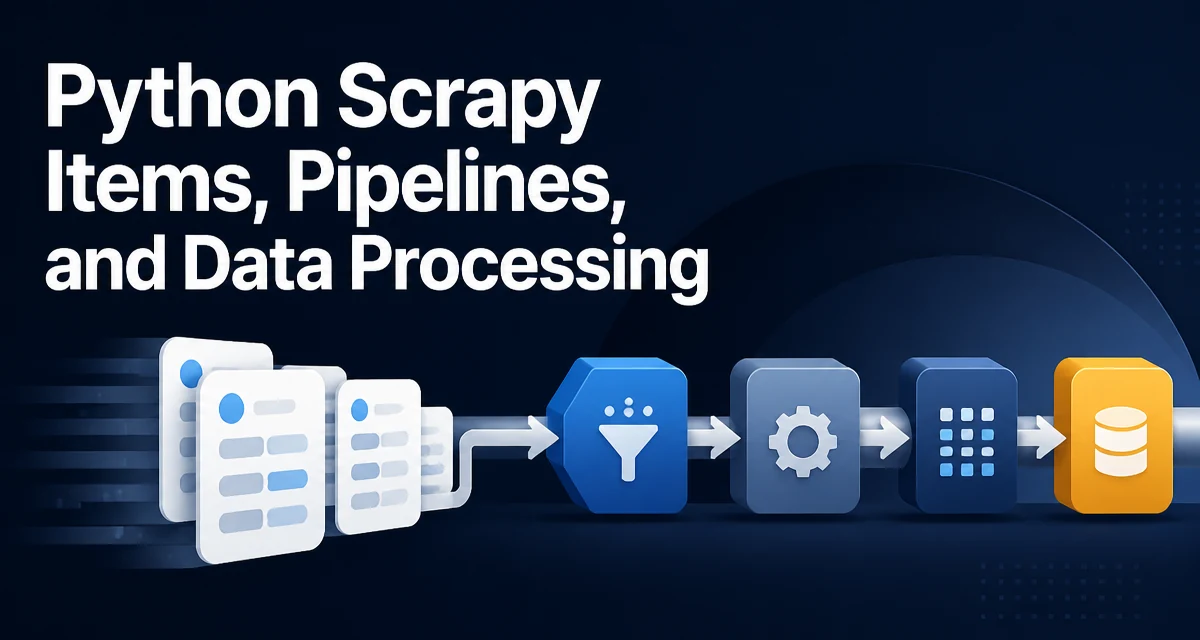
When a Scrapy spider finishes parsing a response, the data it produces is often messy: prices contain currency symbols, URLs appear as relative paths, and the same product can be scraped twice from different listing pages. Scrapy items define the shape of that data, and item pipelines process it in stages before anything is written to disk or a database. Understanding how these two pieces fit together is the core of python scrapy items pipelines and data processing.
What Scrapy Items Define and Why They Matter
An item is a container for the fields a spider extracts. In Scrapy, items are declared as classes that subclass scrapy.Item, with each field declared as a scrapy.Field(). The item itself is essentially a typed dictionary: it enforces which keys are allowed, but it does not enforce value types at assignment time.
import scrapy

class ProductItem(scrapy.Item):
    name = scrapy.Field()
    price = scrapy.Field()
    url = scrapy.Field()
    availability = scrapy.Field()
Using an item class instead of a plain dictionary gives you a stable contract between the spider, the pipeline, and the output format. If a spider accidentally assigns an undeclared key, Scrapy raises a KeyError immediately, which surfaces typos during development rather than silently producing malformed records. Pipelines can also rely on the item's declared fields without guessing what keys a spider might return.
Items are not required. A spider can yield plain dictionaries and Scrapy will process them through the same pipelines. The advantage of an item class is that it documents the data schema in one place and makes the contract explicit across multiple spiders that share the same output format.
Declaring Items with Field Metadata
Field() accepts arbitrary keyword arguments, which are stored as metadata on the field. Scrapy itself does not interpret most of this metadata; it is available to your own code, including item loaders and pipelines.
import scrapy

class ProductItem(scrapy.Item):
    name = scrapy.Field(output_processor=TakeFirst())
    price = scrapy.Field(input_processor=MapCompose(parse_price))
    url = scrapy.Field()
This metadata is commonly used with item loaders, but pipelines can read it too. For example, a pipeline that serializes items to JSON can inspect item.fields to determine field order or to skip fields marked with a custom flag. Keeping field-level configuration in the item class avoids scattering that logic across spiders.
One practical point: field metadata is class-level, so it is shared by all instances of that item class. Do not store per-item state in Field() metadata. If a pipeline needs per-item state, store it on the item instance or in the pipeline instance.
Populating Items with Item Loaders
Item loaders centralize the logic that converts raw extracted values into the values that should end up in the item. Instead of writing the same cleaning code in every spider, you define input and output processors once on the loader.
from scrapy.loader import ItemLoader
from itemloaders.processors import TakeFirst, MapCompose, Identity

def strip_currency(value):
    if isinstance(value, str):
        return value.replace('$', '').strip()
    return value

def to_float(value):
    try:
        return float(value)
    except (TypeError, ValueError):
        return None

class ProductLoader(ItemLoader):
    default_item_class = ProductItem
    default_output_processor = TakeFirst()

    price_in = MapCompose(strip_currency, to_float)
    name_in = MapCompose(str.strip)
In the spider, the loader collects values from CSS or XPath selectors and applies the processors as values are added:
def parse(self, response):
    loader = ProductLoader(item=ProductItem(), selector=response)
    loader.add_css('name', 'h1.product-title::text')
    loader.add_css('price', '.price::text')
    loader.add_value('url', response.url)
    yield loader.load_item()
add_css and add_xpath extract text from the matched nodes and pass each value through the _in processors. add_value does the same for values already in Python. When load_item() is called, the collected values for each field are passed through the _out processors, and the resulting item is returned.
Using a loader keeps spiders short and keeps cleaning rules in one place. If the same product data is scraped from multiple site layouts, each spider can use the same loader and only differ in the selectors it passes to add_css.
How Pipelines Process Items
An item pipeline is a class with a process_item(self, item, spider) method. Scrapy calls this method for every item yielded by any spider, in the order defined by the ITEM_PIPELINES setting. The method must return the item (possibly modified) or raise DropItem to discard it.
from scrapy.exceptions import DropItem

class PriceValidatorPipeline:
    def process_item(self, item, spider):
        if item.get('price') is None or item['price'] < 0:
            raise DropItem(f"Invalid price for {item.get('name')!r}")
        return item
Pipelines can also define lifecycle hooks. open_spider(self, spider) runs when a spider starts, and close_spider(self, spider) runs when it finishes. These are the natural places to open and close files, database connections, or message queue clients.
import json

class JsonLinesWriterPipeline:
    def open_spider(self, spider):
        self.file = open('output.jsonl', 'w')

    def close_spider(self, spider):
        self.file.close()

    def process_item(self, item, spider):
        self.file.write(json.dumps(dict(item)) + '\n')
        return item
The dict(item) conversion is necessary because Item is not directly JSON-serializable. If an item contains nested items or other non-serializable values, you need a custom encoder or a recursive conversion step.
Common Pipeline Use Cases
Pipelines are the right place for operations that apply to every item regardless of which spider produced it. The most common uses are validation, cleaning, deduplication, and persistence.
Validation
A validation pipeline checks required fields and value ranges, raising DropItem when an item is unusable. This keeps bad records out of the output before they reach storage.
class RequiredFieldsPipeline:
    required = ('name', 'url')

    def process_item(self, item, spider):
        for field in self.required:
            if not item.get(field):
                raise DropItem(f"Missing required field: {field}")
        return item
Deduplication
Scrapy's built-in duplicate filter works on requests, not on items. Two different URLs can return the same product, or the same product can appear under multiple category pages. An item-level deduplication pipeline tracks a unique key and drops repeats.
class DuplicatesPipeline:
    def __init__(self):
        self.seen = set()

    def process_item(self, item, spider):
        key = item.get('url')
        if key in self.seen:
            raise DropItem(f"Duplicate item: {key}")
        self.seen.add(key)
        return item
For large crawls, a Python set held in memory can grow large. If the crawl produces millions of items, consider using a disk-backed store or a database unique constraint instead.
Persistence
Storing items in a database is a common final pipeline stage. Because pipelines run synchronously in the crawler process, a slow database write blocks the crawl. Batching inserts or pushing items to a queue for a separate worker process keeps the crawler responsive.
Pipeline Ordering and Configuration
The ITEM_PIPELINES setting in settings.py maps pipeline classes to integer priorities. Lower numbers run first.
ITEM_PIPELINES = {
    'myproject.pipelines.RequiredFieldsPipeline': 100,
    'myproject.pipelines.DuplicatesPipeline': 200,
    'myproject.pipelines.JsonLinesWriterPipeline': 300,
}
Order matters because each pipeline receives the output of the previous one. Validation and cleaning should run before deduplication so that malformed items do not occupy the deduplication set. Persistence should run last, after the item is final.
Pipelines are global to the project unless you override them per spider. If different spiders need different processing, you can check spider.name inside process_item, or you can define separate pipeline sets and assign them via each spider's custom_settings. The latter is cleaner when the processing needs differ substantially.
Handling Errors in Pipelines
DropItem is the intended mechanism for discarding an item. When raised, Scrapy logs the message and continues with the next item; the item does not reach any later pipeline in the chain. This is different from an exception inside process_item, which propagates up and can abort the crawl depending on how the engine handles it.
If a pipeline performs an operation that can fail transiently, such as a network call or a database write, catch the exception and decide explicitly whether to drop the item, retry it, or let it fail the crawl.
class DatabasePipeline:
    def process_item(self, item, spider):
        try:
            self.insert(item)
        except ConnectionError:
            spider.logger.warning("DB unavailable, dropping item %s", item.get('url'))
            raise DropItem(f"DB unavailable for {item.get('url')}")
        return item
Silently swallowing an exception and returning the item is usually a mistake: the item appears to have been processed when it was not. If persistence is the final stage and the write failed, the item should be dropped or the crawl should fail so the operator notices.
Performance and Operational Considerations
Pipelines execute synchronously in the crawler's reactor thread. A slow pipeline directly reduces crawl throughput because the engine waits for process_item to return before fetching the next response. This is the most important operational constraint to understand.
For CPU-light work such as string cleaning and validation, the overhead is negligible. For I/O-bound work such as inserting into a remote database or uploading files, the latency per item can dominate the crawl. Common mitigations include:
- Batching database writes and flushing periodically instead of writing one row per item.
- Using a message queue or a local file as an intermediate buffer, with a separate consumer process doing the heavy persistence.
- Running multiple spiders with
CONCURRENT_REQUESTStuned so that pipeline latency does not starve the downloader.
Memory usage is another concern. Pipelines that accumulate state, such as the deduplication set, grow with the number of items. For long-running crawls, bound the size of in-memory structures or move them to disk.
Finally, remember that process_item receives the item by reference. Mutating it in place affects what later pipelines see. If a pipeline needs to produce a modified copy without changing the original, build a new item instance and return that instead.