How to Normalize Embeddings with Python Sentence Transformers
python sentence transformers normalize embeddings: Learn how to normalize embeddings from Python sentence-transformers for cosine similarity, including the normalize_e...
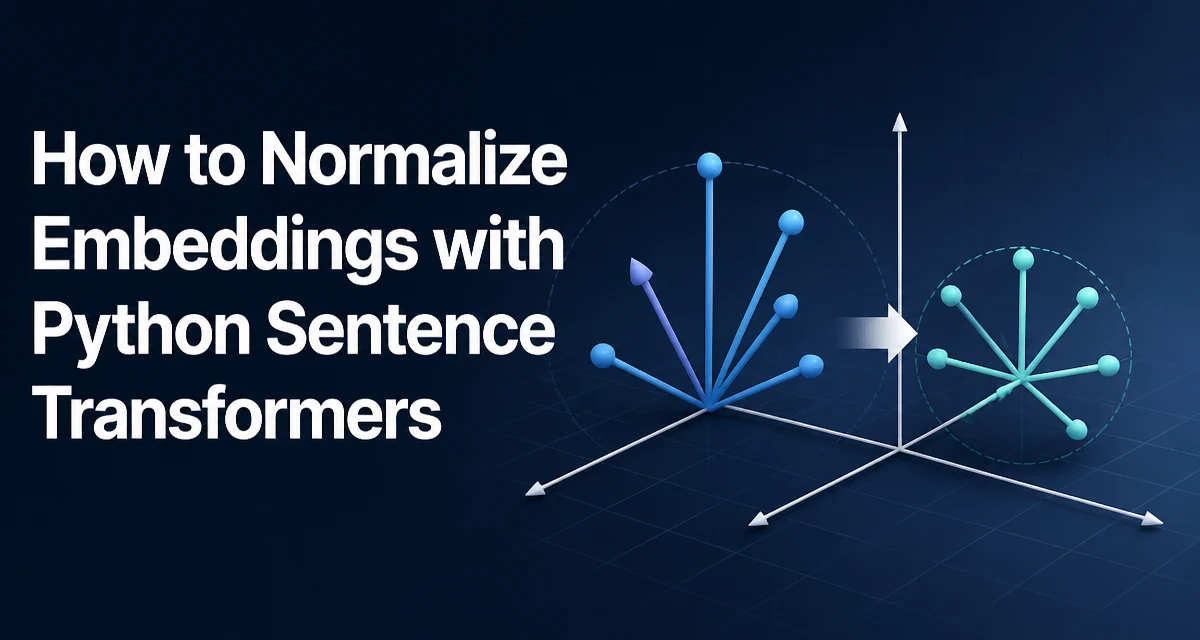
python sentence transformers normalize embeddings requires a clear understanding of the core syntax, runtime behavior, and practical implementation patterns demonstrated in the examples below.
When you generate embeddings with the Python sentence-transformers library, the raw vectors are not normalized by default. For many downstream tasks, especially cosine similarity, you need to normalize them so that the dot product equals the cosine similarity. This article explains why normalization matters, how to do it correctly with the library, and what to watch out for in production.
Why Normalize Embeddings for Cosine Similarity
Cosine similarity measures the angle between two vectors, ignoring their magnitude. Mathematically, it is the dot product of the two vectors divided by the product of their L2 norms. If you already have unit vectors (L2 norm = 1), the cosine similarity simplifies to the dot product. This is why normalization is a standard preprocessing step before computing similarity scores.
Without normalization, the dot product of two embeddings also depends on their magnitudes, which can be influenced by sentence length, token frequency, or the model's internal scaling. Normalizing removes this magnitude effect, making the similarity purely directional. In practice, most semantic search and clustering pipelines use cosine similarity, so normalizing embeddings is a common requirement.
Using the normalize_embeddings Parameter in encode()
The sentence-transformers library provides a built-in way to normalize embeddings during encoding. The encode() method accepts a normalize_embeddings boolean parameter. When set to True, the returned vectors are L2-normalized before being returned.
from sentence_transformers import SentenceTransformer

model = SentenceTransformer('all-MiniLM-L6-v2')
sentences = ["The cat sits on the mat.", "A dog runs in the park."]

embeddings = model.encode(sentences, normalize_embeddings=True)
print(embeddings.shape)  # (2, 384)
print(embeddings[0] @ embeddings[1])  # cosine similarity directly
This is the simplest and most efficient approach because the normalization is applied within the model's forward pass, avoiding an extra Python-level loop. The parameter works with both single strings and lists, and it applies to the entire batch uniformly.
Manual Normalization with NumPy and PyTorch
Sometimes you may need to normalize embeddings after they are already generated, or you might be using a custom pipeline that doesn't go through encode(). In that case, you can normalize manually using NumPy or PyTorch.
NumPy
import numpy as np

embeddings = model.encode(sentences)  # shape (n, dim)
norms = np.linalg.norm(embeddings, axis=1, keepdims=True)
normalized = embeddings / norms
PyTorch
import torch
import torch.nn.functional as F

embeddings = model.encode(sentences, convert_to_tensor=True)
normalized = F.normalize(embeddings, p=2, dim=1)
Both approaches produce the same result as normalize_embeddings=True. Manual normalization is useful when you need to apply additional transformations, such as mean-centering or whitening, before normalization, or when you want to keep the raw embeddings for other purposes.
Batch Processing and Memory Considerations
When working with large corpora, you often encode documents in batches to avoid loading everything into memory at once. The normalize_embeddings parameter works per batch, so you can safely use it with a DataLoader or a simple loop.
from sentence_transformers import SentenceTransformer
import numpy as np

model = SentenceTransformer('all-MiniLM-L6-v2')
corpus = ["doc1", "doc2", ...]  # large list
batch_size = 64

all_embeddings = []
for i in range(0, len(corpus), batch_size):
    batch = corpus[i:i+batch_size]
    embeddings = model.encode(batch, normalize_embeddings=True)
    all_embeddings.append(embeddings)

all_embeddings = np.vstack(all_embeddings)
Normalization is a cheap operation compared to the transformer inference itself, so it adds negligible overhead. However, if you are normalizing manually, avoid computing the norm separately for each vector in a Python loop; use vectorized operations as shown above to keep memory and CPU usage low.
Handling Edge Cases: Zero Vectors and Numerical Stability
A zero vector (all components equal to zero) has an undefined L2 norm, and dividing by zero produces inf or NaN. This can happen if the model outputs an all-zero embedding for a very unusual input, or if you apply aggressive truncation. The normalize_embeddings=True parameter in sentence-transformers uses a safe normalization that avoids division by zero by adding a small epsilon, but manual normalization does not.
To handle this in your own code, you can check for near-zero norms and replace them with a zero vector or a random unit vector, depending on your use case.
norms = np.linalg.norm(embeddings, axis=1, keepdims=True)
norms[norms < 1e-12] = 1.0  # avoid division by zero
normalized = embeddings / norms
This ensures that zero vectors remain zero after normalization, which is often the desired behavior in retrieval systems where they should not match anything.
When Not to Normalize: Dot Product and Other Similarity Measures
Normalization is not always required. If you are using dot product similarity and you intentionally want to preserve magnitude information, you should keep the raw embeddings. Some models, such as those trained with a contrastive objective, may produce embeddings that are already normalized or where magnitude carries meaning. Check the model card or documentation to understand the expected similarity metric.
Also, if you are using a similarity measure that is not based on angles, such as Euclidean distance, normalization changes the distance distribution and may not be desirable. In those cases, keep the raw embeddings and apply the appropriate metric.
The decision to normalize should be driven by the downstream task. For semantic search, clustering, and classification with cosine similarity, normalization is almost always beneficial. For tasks that rely on magnitude, such as certain regression models, it can hurt performance.
Performance Implications of Normalization
Normalization itself is a vectorized operation that runs in O(n) per embedding, where n is the dimension (typically 384 or 768). For a batch of 64 embeddings, this is microseconds. The main performance consideration is whether you normalize during encoding or after. Using normalize_embeddings=True avoids an extra pass over the data and reduces memory bandwidth because the normalized vectors are returned directly. If you normalize manually, you need to hold the raw embeddings and the normalized copy in memory simultaneously, which can matter for very large batches.
In production, you often store embeddings in a vector database. Storing normalized vectors is recommended when you plan to use cosine similarity, because many vector databases (e.g., FAISS, Milvus) can then use inner product instead of computing cosine on the fly, which is faster. Normalizing once at write time saves computation during every query.
Conclusion
Normalizing embeddings from Python sentence-transformers is a straightforward but important step for many NLP applications. Whether you use the built-in normalize_embeddings=True parameter or normalize manually with NumPy or PyTorch, the key is to understand why normalization matters and when it is appropriate. Always consider the downstream metric and the numerical stability of your pipeline.