Python Set Intersection: A Practical Guide
python set intersection: Learn how to use Python set intersection with the & operator and intersection() method, including multi-set operations, iterable handling, and...
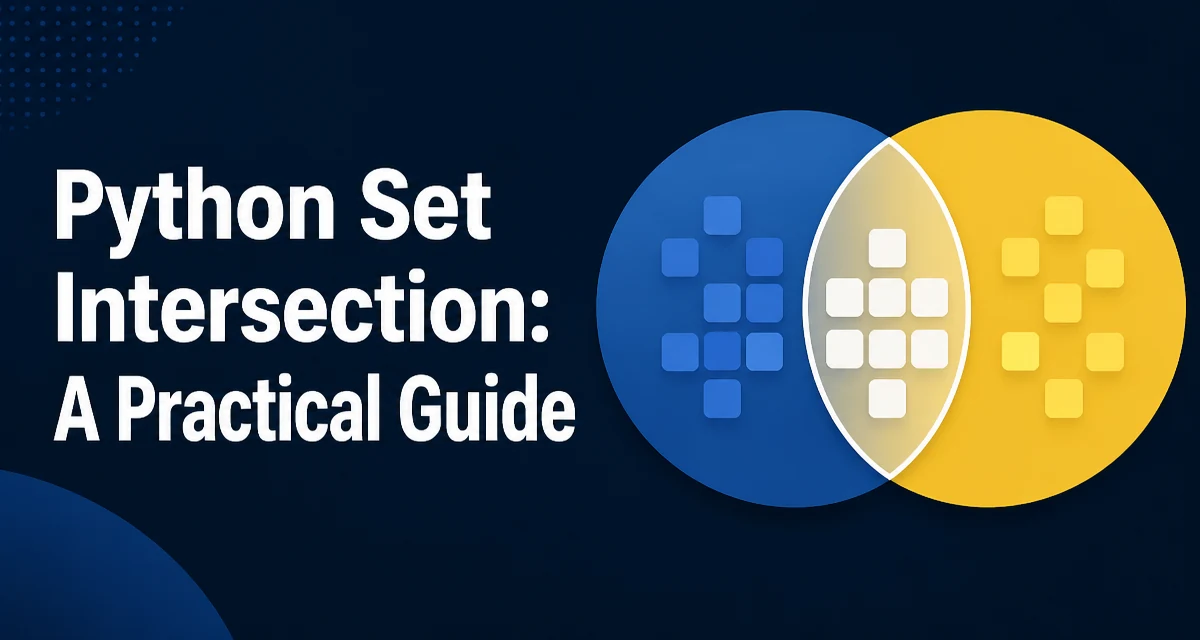
Set intersection is one of the most useful operations in Python for finding common elements between collections. The python set intersection can be performed with the & operator or the intersection() method, and understanding the differences matters for correctness and performance.
The Two Ways to Compute Set Intersection
Python provides two primary ways to compute the intersection of sets: the & operator and the intersection() method. Both return a new set containing only the elements that are present in all the sets involved. The choice between them often comes down to readability and whether you are working with non-set iterables.
set_a = {1, 2, 3, 4}
set_b = {3, 4, 5, 6}

# Using the & operator
result_operator = set_a & set_b

# Using the intersection() method
result_method = set_a.intersection(set_b)

print(result_operator)  # {3, 4}
print(result_method)     # {3, 4}
Both produce the same result. The & operator is concise and reads naturally when you are working exclusively with sets. The intersection() method is more flexible because it accepts any iterable as an argument, not just sets.
How the & Operator Works
The & operator is defined for the set type and requires both operands to be sets. If you try to use it with a list or a tuple, Python raises a TypeError because the operator does not perform implicit conversion.
set_a = {1, 2, 3}
list_b = [2, 3, 4]

# This raises TypeError: unsupported operand type(s) for &: 'set' and 'list'
# result = set_a & list_b
The operator is implemented directly in C for sets, so it is slightly faster than the method when both operands are already sets. However, the difference is negligible for typical workloads. Use & when you are certain that both sides are sets and you want the most compact syntax.
How the intersection() Method Works
The intersection() method is more flexible. It can be called on a set and accepts one or more arguments. Each argument can be any iterable, such as a list, tuple, or dictionary (iterating over its keys). The method converts each iterable to a set internally before performing the intersection.
set_a = {1, 2, 3, 4}
list_b = [3, 4, 5]
tuple_c = (4, 5, 6)

result = set_a.intersection(list_b, tuple_c)
print(result)  # {4}
This is particularly useful when you have data in different collection types and want to avoid manual conversion. The method also works with an empty argument list, returning a copy of the original set.
Intersecting More Than Two Sets
Both the & operator and the intersection() method support multiple sets. With the operator, you chain them directly. With the method, you pass all sets as arguments.
set_a = {1, 2, 3, 4}
set_b = {2, 3, 4, 5}
set_c = {3, 4, 5, 6}

# Using & operator
result_op = set_a & set_b & set_c

# Using intersection() method
result_meth = set_a.intersection(set_b, set_c)

print(result_op)   # {3, 4}
print(result_meth)  # {3, 4}
There is no practical difference in the result. The method form is often easier to read when the number of sets grows, because it avoids a long chain of & symbols. For a dynamic list of sets, you can unpack them into the method call using the * operator.
sets = [{1, 2}, {2, 3}, {2, 4}]
common = sets[0].intersection(*sets[1:])
print(common)  # {2}
Handling Non-Set Iterables
The intersection() method accepts any iterable, but the & operator does not. This distinction is important when you are mixing data types. For example, you might have a set of user IDs and a list of active IDs. Using intersection() avoids an explicit conversion.
active_ids = {101, 102, 103}
selected_ids = [102, 104, 106]

active_selected = active_ids.intersection(selected_ids)
print(active_selected)  # {102}
If you prefer the & operator, you must convert the iterable to a set first. This adds a step and can be less readable when the conversion is only needed for the operation.
active_ids = {101, 102, 103}
selected_ids = [102, 104, 106]

active_selected = active_ids & set(selected_ids)
print(active_selected)  # {102}
Performance and Memory Behavior
Set intersection in Python has an average time complexity of O(min(len(s), len(t))) because the smaller set is iterated and each element is checked for membership in the larger set. The actual implementation iterates over the smaller set, which minimizes the number of membership tests. This behavior makes intersection efficient even with large sets.
Memory usage is also predictable: a new set is created to hold the result, so the memory footprint is proportional to the size of the intersection, not the input sets. If you are working with very large sets and want to avoid creating a new object, you can use intersection_update(), which modifies the original set in place.
set_a = {1, 2, 3, 4}
set_b = {3, 4, 5}
set_a.intersection_update(set_b)
print(set_a)  # {3, 4}
intersection_update() is useful when you no longer need the original set and want to reduce memory churn. However, it changes the original object, so you must be sure that the data is not needed elsewhere.
Common Mistakes and Edge Cases
One common mistake is assuming that the & operator works with any iterable. That assumption leads to a TypeError at runtime. Another mistake is forgetting that intersection() returns a new set and does not modify the original. If you need in-place behavior, use intersection_update().
Empty sets behave as expected: the intersection of any set with an empty set is an empty set. This is consistent with the mathematical definition. Also, sets are mutable, so if you store a set in a variable and later modify it, any references to that set see the change. This can cause subtle bugs if you use a set as a default argument or in a cache.
def get_common(default=None):
    if default is None:
        default = set()
    # ...
Using a mutable default like set() is a classic Python pitfall because the default is evaluated once at function definition time, not per call.
Practical Applications of Set Intersection
Set intersection is widely used in data processing and algorithm design. A common scenario is finding common tags between two blog posts, or identifying users who belong to multiple groups. Another typical use is in data cleaning, where you need to keep only records that appear in both a primary list and a secondary filter.
# Find common elements between two lists
def common_elements(list1, list2):
    return list(set(list1) & set(list2))

# Find tags shared by multiple posts
post1_tags = {"python", "web", "api"}
post2_tags = {"python", "database", "api"}
shared_tags = post1_tags & post2_tags
print(shared_tags)  # {"python", "api"}
When you need to compare multiple sets and the number of sets is dynamic, the intersection() method with unpacking is the cleanest approach. For performance-critical code, the & operator is marginally faster when all operands are sets, but the difference is rarely the bottleneck. The real performance gain comes from choosing the right data structure for the task. Sets provide O(1) membership tests, which is what makes intersection efficient in the first place.
In production code, prefer the & operator when you are certain that both operands are sets and you want concise, idiomatic Python. Use intersection() when you need to mix iterable types or when you are passing multiple collections. Always be explicit about whether you want a new set or an in-place update to avoid unintended mutation.