python slots vs dict: Attribute Storage Compared
python slots vs dict: Understand how Python stores object attributes in a dict versus __slots__, and learn when to use each for memory and performance.
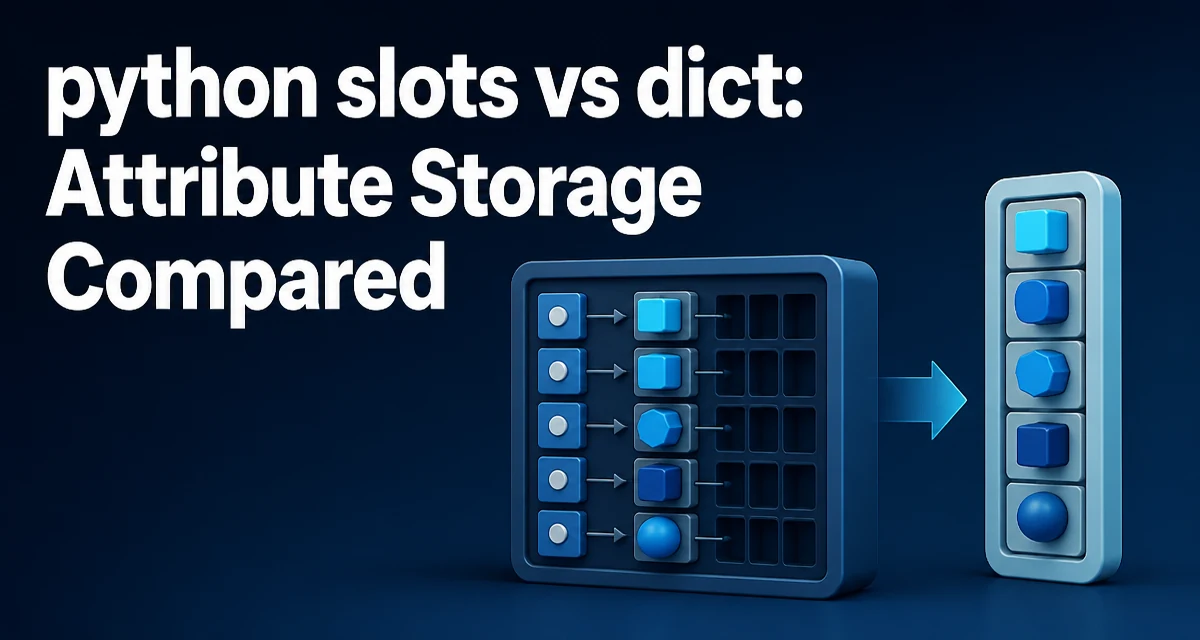
When you define a Python class, each instance normally carries a dictionary that maps attribute names to values. That dictionary gives you flexibility, but it also costs memory and lookup time. The __slots__ class attribute changes this storage model entirely. This article compares python slots vs dict from a practical engineering perspective: how each mechanism works, what it costs, and when you should choose one over the other.
How Python Stores Attributes by Default
A standard Python class without __slots__ stores instance attributes in a per-object dictionary accessible as __dict__. This dictionary allows you to add, remove, or modify attributes at runtime, which is a core part of Python's dynamic nature.
class Point:
    def __init__(self, x, y):
        self.x = x
        self.y = y

p = Point(1, 2)
print(p.__dict__)  # {'x': 1, 'y': 2}
Because each instance holds its own dictionary, the memory footprint is significant. A dictionary is a hash table with overhead for buckets, entry ordering, and capacity. For a small number of attributes, that overhead can be larger than the actual data. Additionally, attribute access goes through a dictionary lookup, which involves hashing the attribute name and probing the table.
What __slots__ Changes
Declaring __slots__ in a class tells Python to use a fixed, compact storage layout for instance attributes. Instead of a dictionary, each instance gets a small internal structure that stores attribute values in a contiguous block, with descriptors handling access.
class Point:
    __slots__ = ('x', 'y')

    def __init__(self, x, y):
        self.x = x
        self.y = y

p = Point(1, 2)
print(p.__dict__)  # AttributeError: 'Point' object has no attribute '__dict__'
The class no longer has a __dict__ per instance. The attribute names are defined once on the class, and each instance only stores the values. This reduces memory usage because no hash table is created for each object.
Memory Footprint: Why Slots Win
A dictionary in CPython has a baseline overhead of roughly 64 bytes for an empty dict, plus additional memory per entry. For a class with two attributes, the __dict__ might consume several hundred bytes per instance, depending on the runtime and hash table resizing. With __slots__, each instance stores only the raw values and a pointer to the class-level descriptor, which is typically much smaller.
The exact numbers depend on the Python implementation (CPython, PyPy, etc.) and the number of attributes. The key point is that the per-instance overhead is reduced from a full dictionary to a small array of pointers. In applications that create millions of objects, this difference can be the deciding factor between fitting in memory and exhausting it.
Attribute Access Speed
Dictionary lookups are fast, but they still require hashing and probing. __slots__ uses a descriptor protocol that resolves the attribute to a fixed offset at class creation time. Access then becomes a simple pointer dereference, similar to a C struct member. This can be measurably faster in tight loops, though the difference is often small in real-world code.
Consider a simulation that updates coordinates frequently:
class PointSlots:
    __slots__ = ('x', 'y')
    def __init__(self, x, y):
        self.x = x
        self.y = y

class PointDict:
    def __init__(self, x, y):
        self.x = x
        self.y = y
If you run millions of attribute reads and writes, the slots version typically shows lower overhead because it avoids the dictionary lookup machinery. However, the performance gain is not guaranteed to be dramatic in every Python implementation. It is most noticeable when attribute access dominates the workload.
When to Use __slots__
Use __slots__ when you have a class that:
- Creates a large number of instances (e.g., data records, entities in a game, parsed log lines).
- Has a fixed set of attributes known at class definition time.
- Does not need dynamic attribute assignment.
- Benefits from reduced memory usage and faster access.
A typical example is a point in a 2D or 3D space, a vector, a configuration value object, or a row in a large dataset.
class Vector3D:
    __slots__ = ('x', 'y', 'z')
    def __init__(self, x, y, z):
        self.x = x
        self.y = y
        self.z = z
If you are building a data pipeline that holds millions of such objects in memory, __slots__ can reduce memory usage by a substantial factor.
When a Dictionary Is Better
Regular classes with __dict__ remain the right choice when:
- You need to add attributes dynamically, such as when deserializing JSON or attaching metadata.
- You rely on tools that inspect
__dict__, like some serialization libraries or debuggers. - The class hierarchy is complex and you want to avoid the restrictions
__slots__imposes on inheritance. - The number of instances is small, making memory savings negligible.
For example, a class that represents an arbitrary configuration loaded from an external source may benefit from a dictionary, because you cannot know all keys ahead of time.
Limitations and Edge Cases
__slots__ is not a drop-in replacement for every class. Several constraints apply:
- A class with
__slots__cannot have a__dict__unless you explicitly include'__dict__'in the slots tuple, which defeats the memory savings. - Inheritance requires careful handling. If a base class uses
__slots__, a subclass that does not declare__slots__will still get a__dict__, reintroducing per-instance dictionaries. - Slots classes do not support weak references unless you add
'__weakref__'to the slots. - You cannot add new attributes to an instance of a slots class; attempting to do so raises
AttributeError.
class Base:
    __slots__ = ('a',)

class Child(Base):
    pass

c = Child()
c.b = 1  # Works because Child has a __dict__
If you want the child to also use slots, you must declare them explicitly:
class Child(Base):
    __slots__ = ('b',)
Practical Recommendation
Choose __slots__ when you have a well-defined, fixed attribute set and you are creating many instances. The memory savings are real and can be critical in memory-bound applications. Choose a regular dictionary-backed class when you need dynamic attributes or when the class is part of a flexible framework that expects __dict__ to exist.
Before adopting __slots__ across a codebase, profile your application to see where memory and time are actually spent. The mechanism is not a universal optimization; it is a targeted tool for specific patterns. When used appropriately, it reduces memory overhead and can improve attribute access speed without changing the external behavior of your class.