Python String isnumeric: Checking Numeric Characters
python string isnumeric: Understand Python's str.isnumeric() method, its Unicode handling, and how to use it for numeric validation in real-world code.
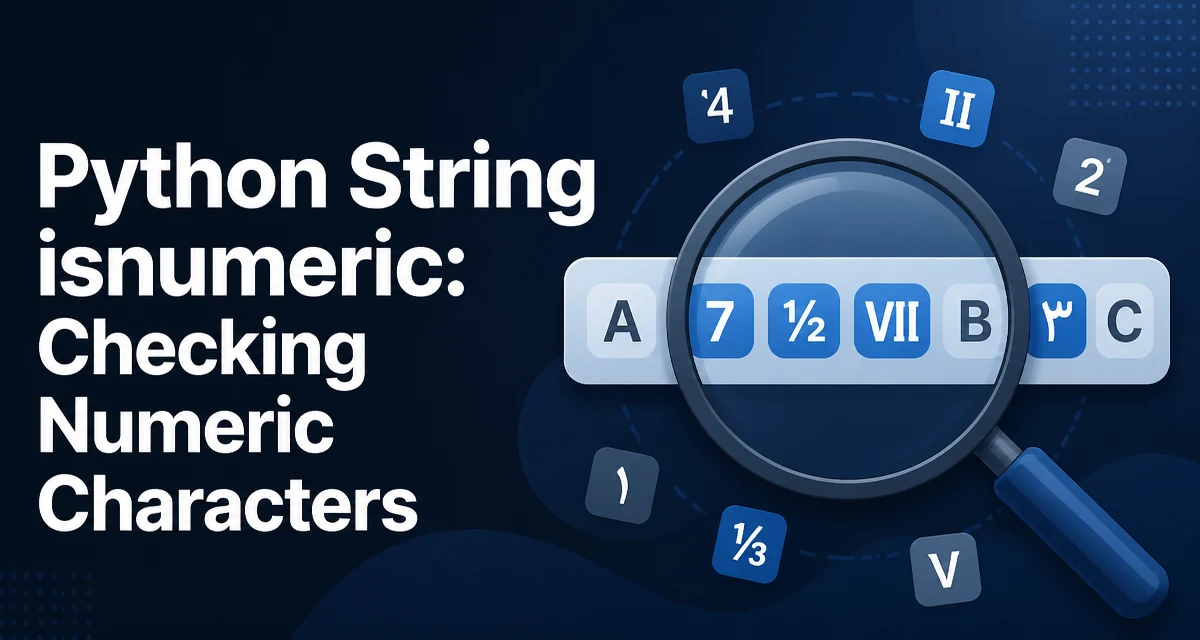
python string isnumeric requires a clear understanding of the core syntax, runtime behavior, and practical implementation patterns demonstrated in the examples below.
The str.isnumeric() method in Python returns True if every character in a string is a numeric character and the string contains at least one character. It is one of the three character classification methods provided by Python strings, alongside isdecimal() and isdigit(). While they sound similar, they behave differently for Unicode characters, and choosing the wrong one can lead to subtle validation bugs.
What isnumeric() Actually Checks
isnumeric() tests each character in the string against the Unicode numeric property. A character is considered numeric if it has the Unicode property Numeric_Type=Digit, Decimal, or Numeric. This includes characters that represent numbers but are not digits in the traditional 0–9 sense.
print("123".isnumeric())       # True
print("²³".isnumeric())        # True (superscript two and three)
print("½".isnumeric())         # True (vulgar fraction one-half)
print("五".isnumeric())        # True (Chinese numeral five)
print("Ⅻ".isnumeric())         # True (Roman numeral twelve)
print("12.5".isnumeric())      # False (dot is not numeric)
print("-5".isnumeric())        # False (minus sign is not numeric)
print(" 5".isnumeric())        # False (space is not numeric)
Notice that isnumeric() does not accept decimal points, signs, or whitespace. It only considers the characters themselves, not the string as a representation of a number. This is an important distinction when you use it for input validation.
The method returns False for an empty string, because the requirement is that every character is numeric and there is at least one character.
Unicode Numeric Characters Beyond Digits
The key strength of isnumeric() is its Unicode awareness. Python strings are sequences of Unicode code points, and the method consults the Unicode database to decide whether a character is numeric. This means it recognizes:
- Superscript and subscript digits:
²,³,₁,₂ - Vulgar fractions:
½,¾,⅓ - Roman numerals:
Ⅰ,Ⅴ,Ⅹ - Circled numbers:
①,②,⑩ - Ideographic numbers:
一,二,十,百 - Mathematical digits from other scripts:
٠(Arabic-Indic),०(Devanagari)
This behavior is defined by the Unicode standard, not by Python itself. If your application accepts user input in multiple languages, isnumeric() can be a useful first check for whether a string contains only numeric characters.
However, this broadness can also be a problem. A string like "½" passes isnumeric(), but if you later try to convert it to an integer with int(), it will raise a ValueError. The method does not guarantee that the string can be parsed by Python's numeric conversion functions.
Comparing isdecimal(), isdigit(), and isnumeric()
These three methods form a hierarchy based on how restrictive they are. The following table summarizes the differences:
| Method | Accepts 0–9 | Accepts superscripts | Accepts fractions | Accepts Roman numerals |
|---|---|---|---|---|
isdecimal() | Yes | No | No | No |
isdigit() | Yes | Yes | No | No |
isnumeric() | Yes | Yes | Yes | Yes |
isdecimal() is the most restrictive: it only returns True for characters that are decimal digits, which are the ten digits used in base-10 positional notation. isdigit() adds digits that are not decimal, such as superscripts, but still excludes fractions and Roman numerals. isnumeric() is the broadest, including all characters with a numeric value.
In practice, most validation tasks want isdecimal() or isdigit(), not isnumeric(). If you are expecting a plain integer input from a user, isnumeric() will accept strings like "½" that you cannot convert to an integer. For example:
def parse_int(s):
    if s.isnumeric():
        return int(s)
    raise ValueError("Not a valid integer")

parse_int("123")   # Works
parse_int("½")     # Raises ValueError because int("½") fails
This is a common pitfall: isnumeric() is not a safe pre-check for int() or float(). Use isdecimal() when you intend to parse an integer, or isdigit() if you are willing to accept superscript digits (though int() still rejects them).
Practical Use Cases for isnumeric()
Despite the caveats, isnumeric() has legitimate uses. It is valuable when you need to classify text that may contain numbers from various scripts without converting them to a Python numeric type. For example:
- Text processing: Determine whether a token represents a number in a natural language processing pipeline.
- Data cleaning: Identify rows where a field contains only numeric characters, even if they are not ASCII digits.
- Formatting checks: Verify that a string does not contain letters or symbols before applying locale-specific formatting.
Consider a function that extracts numeric tokens from a list of strings:
def extract_numeric_tokens(words):
    return [w for w in words if w.isnumeric()]

words = ["2024", "½", "XII", "abc", "123.4"]
print(extract_numeric_tokens(words))
# Output: ['2024', '½', 'XII']
Here, isnumeric() correctly identifies Roman numerals and fractions as numeric tokens, which might be exactly what you need for a language-aware search or analysis.
Common Edge Cases and Misconceptions
Several edge cases trip up developers new to isnumeric().
Empty string: "".isnumeric() returns False. This is consistent with the requirement that every character must be numeric; with zero characters, the condition is vacuously true, but Python explicitly returns False to avoid treating an empty string as a valid number.
Whitespace: Any whitespace character, including spaces, tabs, and newlines, makes the method return False. If you need to allow leading or trailing whitespace, you must strip the string first.
Signs and decimal points: "-5" and "5.5" both return False. The minus sign and the dot are not numeric characters. If you are validating user input for a number, you need a more comprehensive check, such as a regular expression or catching a ValueError from float().
Boolean values: True and False are not strings, so they are not relevant here. But note that "True" is not numeric, and "1" is numeric.
Mixed scripts: A string like "١٢٣" (Arabic-Indic digits) returns True for all three methods because those are decimal digits. But "١٢٣٤" with a different script may still be decimal. The Unicode standard defines which characters are decimal, so you can rely on the method to be consistent.
Performance and Maintainability Considerations
isnumeric() is a simple O(n) operation where n is the length of the string. It iterates over each character and checks its Unicode properties. For most strings, this is fast enough that you do not need to worry about micro-optimizations. However, if you are processing millions of short strings, the method call overhead is negligible compared to the Unicode lookup cost.
From a maintainability perspective, using isnumeric() directly in validation code can be misleading. A future reader may assume that a string passing isnumeric() can be converted to a number. To avoid this, wrap the check in a function with a descriptive name:
def contains_only_numeric_characters(value: str) -> bool:
    """Return True if the string consists solely of Unicode numeric characters."""
    return value.isnumeric()
This makes the intent clear and prevents misuse. If you need to parse the string later, add a separate conversion step that handles the actual parsing and raises appropriate errors.
Choosing the Right Method for Your Validation Logic
The choice between isdecimal(), isdigit(), and isnumeric() should be driven by the domain of your input data and what you plan to do with the result.
Use isdecimal() when you are validating a string that should represent a base-10 integer and you intend to pass it to int(). This is the safest choice for typical user input forms where only ASCII digits are expected.
Use isdigit() when you want to accept superscript digits as valid numeric characters, but you still need to reject fractions and Roman numerals. This is rare; most applications do not need this distinction.
Use isnumeric() when you are performing classification or analysis on text that may come from multiple languages or contain Unicode numeric symbols. It is not appropriate for direct numeric conversion, but it is excellent for determining whether a token is numeric in a broad sense.
For example, a function that validates a phone number or a ZIP code should use isdecimal() because those are strictly decimal digits. A function that scans a document for numeric mentions might use isnumeric() to catch all numeric forms.
In all cases, remember that these methods only check character properties. They do not validate the format of a number (such as grouping separators, exponents, or signs). For complete numeric validation, combine them with a parsing function or a regular expression that matches the exact format you expect.
A robust validation pattern for a non-negative integer might look like this:
def is_non_negative_integer(s):
    return s.isdecimal()

# Or, if you need to allow leading zeros:
def is_non_negative_integer_strict(s):
    return s.isdecimal() and not (len(s) > 1 and s[0] == '0')
The second version adds a check to reject strings like "007" if that matters for your use case. The point is that isnumeric() is just one tool in your validation toolkit, and you should choose the one that matches the semantics of the data you are handling.