Python String swapcase(): How to Swap Case in Strings
python string swapcase: Learn how Python's swapcase() method swaps letter case in strings, its Unicode behavior, edge cases, and practical usage with examples.
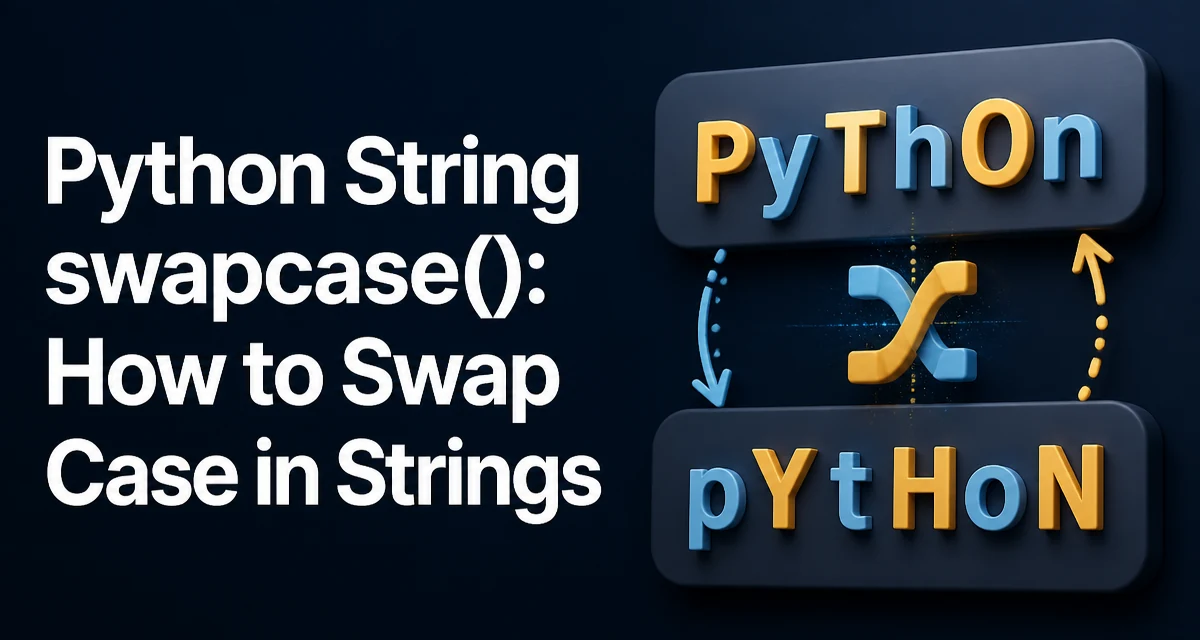
What Does swapcase() Do?
The python string swapcase method returns a new string where every uppercase letter is converted to lowercase and every lowercase letter is converted to uppercase. It does not modify the original string; strings in Python are immutable.
text = "Hello World"
swapped = text.swapcase()
print(swapped)  # hELLO wORLD
print(text)     # Hello World
The method takes no arguments and always returns a new string. Non-alphabetic characters such as digits, spaces, and punctuation are left unchanged.
Syntax and Return Value
swapcase() is called directly on a string instance. It has no parameters and returns a new string. The original string remains unchanged, which is consistent with Python's immutable string design.
s = "Python 3.12"
result = s.swapcase()
print(result)  # pYTHON 3.12
Because the method returns a new string, you can chain it with other string methods if needed, though this is rarely necessary.
How swapcase() Handles Unicode
Python strings are sequences of Unicode code points. The swapcase() method uses the Unicode character database to determine the case mapping for each character. This means it handles characters beyond the ASCII range correctly.
For example, accented characters and letters from other scripts are swapped:
text = "Äpfel Straße"
print(text.swapcase())  # äPFEL sTRAßE
Note that the German "ß" (sharp s) is a lowercase letter with no uppercase equivalent, so it remains unchanged. Similarly, characters like "İ" (Latin capital I with dot above) have special mappings. The method follows the Unicode standard, so behavior is consistent across platforms that support full Unicode.
Edge Cases and Non-Alphabetic Characters
swapcase() only affects characters that have both an uppercase and lowercase mapping in Unicode. Digits, symbols, and whitespace are left untouched.
print("123 abc!".swapcase()) # 123 ABC!
Characters that are already uppercase become lowercase, and vice versa. Characters with no case mapping remain as they are. This includes most punctuation, emojis, and control characters.
One subtle edge case: some characters have a case mapping that results in a different number of code points. For example, the German "ß" when uppercased becomes "SS" (two characters). However, swapcase() does not expand "ß" because it only swaps case, and "ß" is already lowercase. If you call swapcase() on "SS", it becomes "ss", not "ß". The method does not perform full case folding or normalization; it simply reverses the case of each character.
Practical Usage Examples
swapcase() is occasionally useful in text processing, though it is less common than lower() or upper(). It can be used to normalize input in a way that preserves the original case pattern, or for specific formatting tasks.
For example, you might use it to create a "toggle case" effect in a CLI tool:
def toggle_case(text):
    return text.swapcase()
Or to reverse the case of a filename extension:
filename = "REPORT.PDF"
print(filename.swapcase())  # report.pdf
However, for most case conversion needs, lower() or upper() are more predictable because they convert everything to one case. swapcase() is best used when you intentionally want to invert the case of every letter.
Common Pitfalls and Misconceptions
A common mistake is assuming swapcase() modifies the string in place. Since strings are immutable, the method returns a new string, and the original is unchanged. If you forget to assign the result, the swap has no effect.
Another pitfall is using swapcase() on strings that contain non-ASCII characters without understanding the Unicode behavior. For example, the Turkish dotted capital "İ" has a special mapping that might produce unexpected results in some locales, but Python's swapcase() follows the Unicode standard, so it is consistent.
Also, note that swapcase() does not handle case folding or locale-specific rules. For example, the Greek final sigma (ς) and regular sigma (σ) are both lowercase, but they have different uppercase mappings. swapcase() will convert them to their respective uppercase forms, which may not be what you expect if you are trying to normalize text.
Performance and Memory Considerations
swapcase() creates a new string, which means it allocates memory for the result. For large strings, this can be a consideration, but it is generally efficient because Python's string implementation is optimized. The method iterates over each character and applies the case mapping, so its time complexity is O(n), where n is the length of the string.
There is no in-place version of swapcase() because strings are immutable. If you need to swap case frequently on large data, consider whether you can process the data in chunks or use a different approach, but for typical use cases, the method is fast enough.
Alternatives to swapcase()
If your goal is to convert all text to lowercase or uppercase, use lower() or upper() instead. These are more predictable and often what you actually need. swapcase() is specifically for inverting case, which is a rarer requirement.
For more complex case transformations, such as title case, you can use title() or the str.capitalize() method. If you need to handle locale-specific case rules, you might need to use the casefold() method for case-insensitive comparisons, or the unicodedata module for advanced Unicode handling.
When to Use swapcase() in Real Projects
In practice, swapcase() is not a method you reach for every day. It appears in code that deals with case-insensitive matching in a reversible way, or in text-based games and puzzles. For example, you might use it to implement a "case swap" feature in a text editor or a code obfuscation tool.
If you are working with user input and need to preserve the original case pattern while inverting it, swapcase() is the correct tool. Otherwise, prefer lower() or upper() for consistency.
Final Technical Note: Chaining and Composition
Because swapcase() returns a new string, you can chain it with other string methods. However, be careful about order: swapcase() affects all letters, so chaining it with lower() will result in all lowercase, effectively negating the swap. For example:
text = "Hello"
print(text.swapcase().lower())  # hello
This is not a bug but a consequence of method chaining. Understand the order of operations to avoid unexpected results.