Python Subpackage Structure and Imports
python subpackage: Learn how to structure Python subpackages, use relative imports, and avoid common import errors in larger projects.
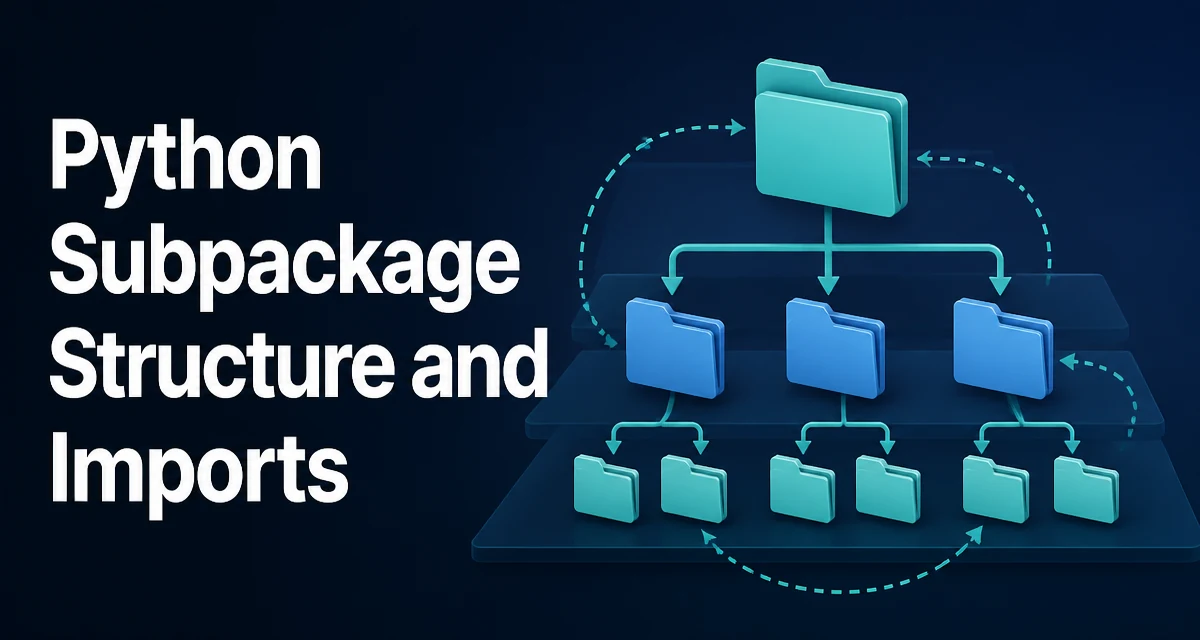
python subpackage requires a clear understanding of the core syntax, runtime behavior, and practical implementation patterns demonstrated in the examples below.
Python's import system treats any directory containing an __init__.py file as a package. When that package lives inside another package, it becomes a subpackage. This nesting is not just a cosmetic arrangement; it affects how imports resolve, how relative imports behave, and how tools like pip and setuptools discover your code. Understanding these mechanics is essential when you structure a project that grows beyond a single module.
Defining a Subpackage in Python
A subpackage is created by placing an __init__.py file in a directory that is itself inside a package directory. Consider this project layout:
project/
├── main.py
└── app/
    ├── __init__.py
    ├── services/
    │   ├── __init__.py
    │   └── auth.py
    └── models/
        ├── __init__.py
        └── user.py
Here, app is a package, and app.services and app.models are subpackages. The __init__.py files can be empty, or they can contain initialization code and re-exports. The presence of these files tells Python that the directory is a package, enabling both absolute imports like from app.services import auth and relative imports within the hierarchy.
How Import Resolution Works Across Subpackages
When you run a script, Python adds the script's directory to sys.path. For a package installed in site-packages, the path points to the parent of the top-level package. Imports are resolved by searching sys.path for a module or package matching the first component of the dotted name. For from app.services.auth import login, Python looks for app in sys.path, then app/services, then app/services/auth.py.
This means the top-level package name must be unique in the environment. If two different projects define an app package, they will collide. Subpackages do not create their own namespace; they are always accessed through the top-level package. This is why you should choose a distinctive top-level name for your project's package.
Using Relative Imports Inside a Subpackage
Inside a subpackage, you can use relative imports to reference sibling modules or parent packages. The syntax uses leading dots: one dot for the current package, two for the parent, and so on.
For example, inside app/services/auth.py, you might import the user model from a sibling subpackage:
from ..models.user import User
The double dot refers to the parent package app. A single dot would refer to app.services itself. Relative imports keep your code decoupled from the top-level package name, which is useful if you rename the package or reuse the subpackage in another project.
However, relative imports only work inside a package. If you run a module directly with python app/services/auth.py, Python treats it as a top-level script and the relative import fails with ImportError: attempted relative import with no known parent package. To test code inside a subpackage, run it as a module from the project root: python -m app.services.auth.
The Role of init.py Files
__init__.py serves two main purposes. First, it marks the directory as a package, which is required in Python versions before 3.3. Second, it can control what is exposed when the package is imported. For example, you can re-export classes to provide a cleaner public API:
# app/services/__init__.py
from .auth import AuthService
from .token import TokenService
Then a consumer can write from app.services import AuthService instead of reaching into the submodule. This is a common pattern for reducing import depth and hiding internal implementation details.
In Python 3.3 and later, namespace packages allow directories without __init__.py to be treated as packages. This is useful for splitting a package across multiple directories, but it can also hide errors if you accidentally omit __init__.py from a subpackage. For most projects, keeping __init__.py files is the safer choice because it makes the package structure explicit and avoids subtle import resolution issues.
Common Import Errors and Their Causes
Two errors dominate when working with subpackages: ModuleNotFoundError and ImportError. ModuleNotFoundError typically means Python cannot find the top-level package. This happens when the project root is not on sys.path, or when the package name is misspelled. For example, if you run a script from inside the app directory, app itself is not on the path, and import app.services fails. Running from the project root solves this.
ImportError with a message about relative imports usually indicates that a module was executed as a script. For instance, running python app/services/auth.py directly will cause ImportError: attempted relative import with no known parent package. The fix is to use python -m from the parent directory.
Another common issue is circular imports. If app.services.auth imports from app.models.user, and app.models.user imports back from app.services.auth, you get a partial initialization error. This often surfaces as ImportError: cannot import name 'X' from partially initialized module. To avoid this, move shared code to a lower-level subpackage or import within function bodies instead of at module level.
Subpackage Layout for Maintainability
Subpackages are most useful when they mirror a clear separation of concerns. A common pattern is to group by domain or by layer, such as models, services, repositories, and api. This makes it easy to locate code and reduces the chance of accidental circular dependencies.
When designing subpackages, keep the dependency direction acyclic. A subpackage should depend on its siblings or parents, not the other way around. If you find that two subpackages need each other, extract the shared logic into a third subpackage. This keeps the import graph clean and makes the codebase easier to test.
Also consider the depth of your hierarchy. Deeply nested subpackages (e.g., app.services.auth.handlers.v1) create long import statements and can become confusing. Two or three levels of nesting are usually sufficient for most projects. If you need deeper separation, it may be a sign that the top-level package is trying to do too much.
Compatibility Notes Across Python Versions
The behavior of subpackages is stable across Python 3.x, but there are a few version-sensitive points. Python 3.3 introduced namespace packages, which allow a directory without __init__.py to be a package. This is useful for distributing a single package across multiple directories, but it also means that a missing __init__.py will not raise an error until you try to import a submodule. If you are targeting Python 3.2 or earlier, every package directory must contain an __init__.py.
Relative imports have been supported since Python 2.5, but the syntax and behavior are consistent in Python 3. The python -m invocation is the reliable way to run a module that uses relative imports. In Python 3.11 and later, the import system is generally faster, but the resolution rules remain unchanged.
When packaging a project with subpackages, tools like setuptools automatically include all subpackages if you use find_packages() or find_namespace_packages(). The latter is needed for namespace packages. If you rely on __init__.py files, find_packages() is sufficient. Always verify that the package data includes all subpackages by inspecting the built wheel or running a clean install in a virtual environment.