Python Threading vs asyncio: How to Choose
python threading vs asyncio: Understand the practical differences between Python threading and asyncio, and how to choose the right model for I/O-bound and CPU-bound w...
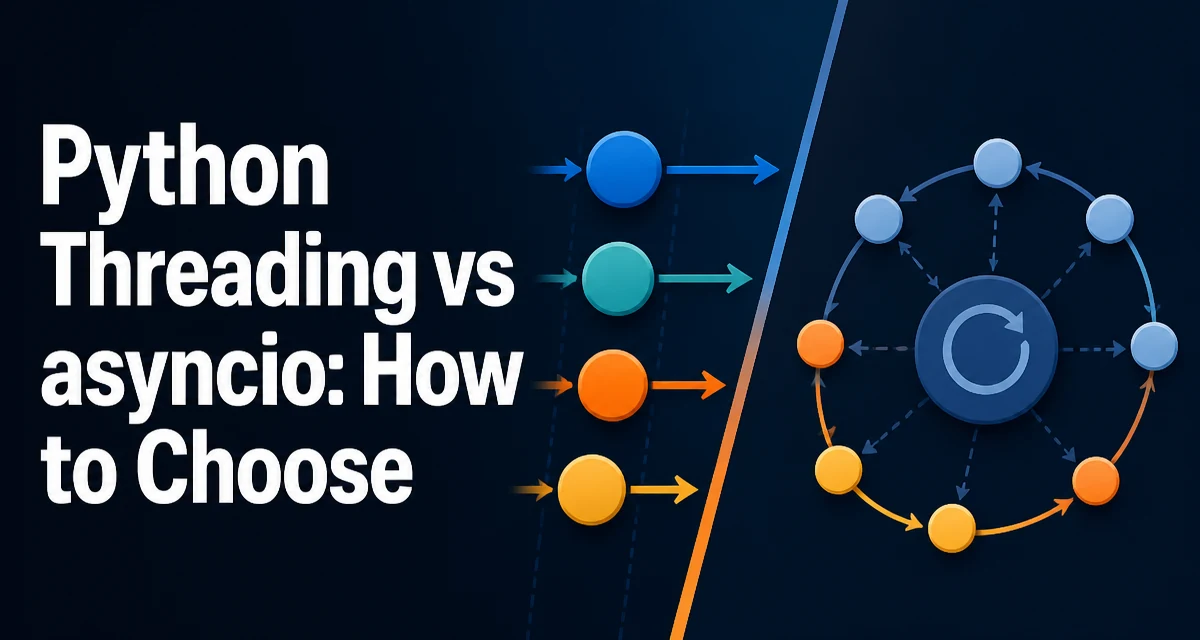
When you need to run multiple tasks concurrently in Python, the two standard approaches are threading and asyncio. The choice between python threading vs asyncio often comes down to the nature of the work you're doing and how the Python runtime handles each model.
The Core Difference: Threads and Event Loops
Threading uses operating system threads. Each thread runs Python code independently, and the OS scheduler decides when each thread gets CPU time. Threads are preemptive: the interpreter can switch between them at any bytecode boundary.
asyncio uses a single thread and an event loop. You write coroutines with async def and await points. The event loop runs one coroutine until it hits an await that suspends it, then moves to the next ready coroutine. This is cooperative multitasking: a coroutine only yields control when it explicitly awaits.
The practical consequence is that threading can run multiple pieces of code simultaneously on multiple CPU cores, while asyncio runs everything on one core. But because of the Global Interpreter Lock (GIL), pure Python threads rarely achieve true parallelism for CPU-bound code.
How the GIL Affects Threading
The GIL is a mutex that protects the Python interpreter's internal state. It ensures only one thread executes Python bytecode at a time. For CPU-bound Python code, threads do not speed up execution because the GIL prevents parallel bytecode execution. The threads will contend for the lock, and you may even see slower performance due to context switching overhead.
The GIL does not prevent threads from being useful for I/O-bound work. When a thread performs a blocking I/O call, such as reading a file or waiting for a network response, it releases the GIL. Another thread can then acquire the GIL and run. This is why threading can still improve throughput for I/O-bound programs, even with the GIL.
asyncio avoids the GIL issue entirely because it runs in a single thread. There is no lock contention between coroutines. The event loop uses non-blocking I/O, so a coroutine that awaits a socket read yields control to the loop, which can run other coroutines while the I/O completes.
Matching the Model to the Workload
The most important decision criterion is whether your tasks are I/O-bound or CPU-bound.
I/O-bound tasks spend most of their time waiting for external resources: network requests, database queries, file reads, or HTTP calls. Both threading and asyncio can handle these efficiently, but asyncio typically uses fewer system resources because it doesn't create a thread per task.
CPU-bound tasks spend most of their time performing computations: parsing large data, image processing, or heavy math. Threading will not help due to the GIL. For CPU-bound work, you need multiprocessing or a native extension that releases the GIL. asyncio also does not help here, because it runs on a single core.
A practical rule of thumb: if your program is waiting on many external operations, asyncio is usually the better fit. If you have a small number of blocking calls that cannot be rewritten as async, threading may be simpler.
Writing Concurrent Code with Threads
The threading module provides a familiar API. You create a Thread and give it a target function.
import threading
import time

def fetch_url(url):
    # simulate network request
    time.sleep(1)
    print(f"Fetched {url}")

threads = []
for url in ["https://example.com/a", "https://example.com/b"]:
    t = threading.Thread(target=fetch_url, args=(url,))
    t.start()
    threads.append(t)

for t in threads:
    t.join()
This code starts two threads that run concurrently. The time.sleep(1) simulates a blocking I/O call. During that sleep, the thread releases the GIL, allowing the other thread to run. The join() calls ensure the main program waits for both threads to finish.
Threading is straightforward when you have a few blocking operations that you can't easily convert to async. However, managing shared state between threads requires locks or other synchronization primitives, which adds complexity and risk of deadlocks.
Writing Concurrent Code with asyncio
asyncio uses coroutines and an event loop. You define an async function and use await to yield control.
import asyncio

async def fetch_url(url):
    # simulate network request with non-blocking sleep
    await asyncio.sleep(1)
    print(f"Fetched {url}")

async def main():
    await asyncio.gather(
        fetch_url("https://example.com/a"),
        fetch_url("https://example.com/b"),
    )

asyncio.run(main())
The asyncio.sleep(1) is a non-blocking coroutine that suspends the current task and lets the event loop run other tasks. asyncio.gather schedules multiple coroutines and waits for all of them to complete.
asyncio shines when you have many concurrent I/O operations. Creating thousands of coroutines is cheap, whereas creating thousands of threads would exhaust system resources. The event loop also gives you fine-grained control over scheduling, and you can easily cancel tasks or set timeouts.
The main downside is that all code in the call chain must be async. If you call a blocking library function inside a coroutine, it blocks the entire event loop. You need to use async-compatible libraries or offload blocking calls to a thread pool.
Combining Threads and asyncio
In real applications, you often need both. asyncio provides loop.run_in_executor to run a blocking function in a thread pool without blocking the event loop.
import asyncio
import time

def blocking_read(file_path):
    time.sleep(1)
    return open(file_path).read()

async def main():
    loop = asyncio.get_running_loop()
    content = await loop.run_in_executor(None, blocking_read, "data.txt")
    print(content)

asyncio.run(main())
Here, blocking_read is a regular synchronous function. run_in_executor schedules it in a default thread pool and returns a coroutine that resolves when the function completes. This pattern lets you keep the simplicity of async code while still using libraries that only offer blocking APIs.
You can also use asyncio.to_thread in Python 3.9+ for a shorter syntax:
content = await asyncio.to_thread(blocking_read, "data.txt")
Both approaches are useful when you migrate an existing synchronous codebase to asyncio incrementally.
Choosing Between Threading and asyncio
The decision depends on the structure of your program and the libraries you use.
| Criterion | Threading | asyncio |
|---|---|---|
| Concurrency model | Preemptive OS threads | Cooperative event loop |
| GIL impact | Limits CPU-bound parallelism | Runs in one thread, no GIL contention |
| Best for | Blocking I/O, few tasks | Many I/O-bound tasks, high concurrency |
| Resource usage | One OS thread per task | One thread, coroutines are lightweight |
| Code style | Synchronous, with locks | Async/await, requires async libraries |
| Learning curve | Lower for simple cases | Steeper, but manageable |
Use threading when you have a handful of blocking operations and you don't want to rewrite them as async. Use asyncio when you need to handle thousands of connections or you're already using async libraries like aiohttp or httpx.
A common mistake is to use asyncio for CPU-bound work. It will not speed up computation. For CPU-bound tasks, consider multiprocessing or a compiled extension.
Performance and Operational Considerations
Threading and asyncio have different performance profiles. Threads have higher memory overhead because each thread has its own stack and kernel resources. asyncio coroutines are just objects on the heap, so you can create tens of thousands without exhausting memory.
Context switching in threads is done by the OS, which can be expensive. The event loop switches only at await points, which are explicit and cheaper. However, if a coroutine performs a long CPU-bound section without awaiting, it blocks the entire loop, affecting all other tasks.
In production, asyncio requires careful handling of blocking calls. A single time.sleep() or a synchronous database driver will stall the loop. You must either use async drivers or offload blocking work to a thread pool. Threading is more forgiving in that respect, because the OS can preempt a thread that is running too long.
Observability is another factor. asyncio tasks are easier to monitor with tools like asyncio debug mode or structured logging that includes task IDs. Threads are harder to trace because they are managed by the OS and the interpreter.
Both models can be used together, and many modern Python services use asyncio as the main framework with threads for legacy components. The key is to understand the tradeoff and match the model to the workload.