Python Transformers Pipeline for Sentiment and Generation
python transformers pipeline text classification sentiment and generation: Use the Transformers pipeline API for sentiment analysis and text generation in Python: mode...
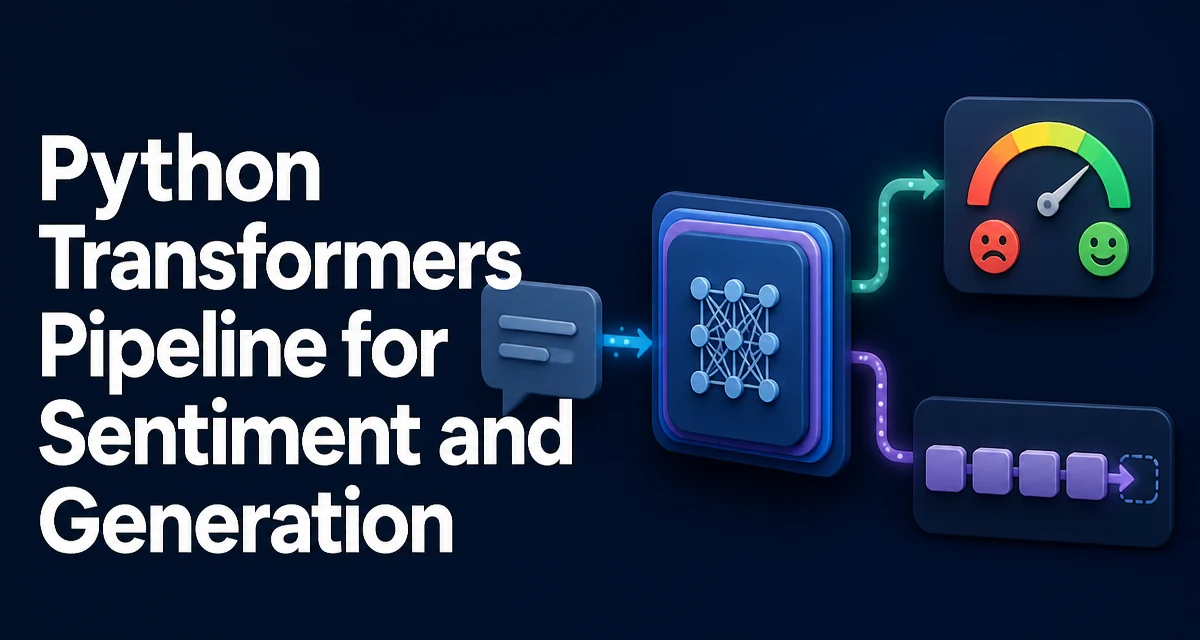
The pipeline() Entry Point
The pipeline() function in the transformers library is the fastest way to run a pretrained model without wiring together a tokenizer, model, and post-processing step manually. You pass a task identifier, and the function returns a callable object that accepts raw text and returns structured results. For python transformers pipeline text classification sentiment and generation, the same entry point serves both tasks: pipeline("sentiment-analysis") and pipeline("text-generation").
The returned object hides the internal sequence: tokenization, tensor conversion, model forward pass, and output decoding. That makes it useful for scripts, prototypes, and services where you want a stable interface and do not need to customize the model internals.
How the Pipeline Handles Text Classification
Sentiment analysis is a text classification task. The default sentiment pipeline uses a model fine-tuned on a sentiment dataset and returns a label plus a confidence score.
from transformers import pipeline

classifier = pipeline("sentiment-analysis")
result = classifier("The deployment completed without errors.")
The result is a list of dictionaries, one per input string. Each dictionary contains a label key and a score key. The score is the softmax probability of the predicted class, so for a single input the scores across all classes sum to roughly 1.0.
When you need the full probability distribution, pass return_all_scores=True:
classifier = pipeline("sentiment-analysis", return_all_scores=True)
result = classifier("The new endpoint is slower than before.")
The output then contains one dictionary per class, each with its own label and score. This is useful when a downstream system needs a threshold decision rather than the single best label.
The pipeline also accepts a list of strings, which lets you classify many documents in one call. The library batches them internally, so you do not need to write your own batching loop.
Generating Text Through the Same Interface
Text generation uses the same pipeline constructor with a different task identifier. The default generation model is smaller than the classification default, so you may want to pass an explicit model ID.
from transformers import pipeline

generator = pipeline("text-generation", model="gpt2")
output = generator("The error log shows", max_length=40, num_return_sequences=1)
print(output[0]["generated_text"])
The output is a list of dictionaries with a generated_text key. The number of returned sequences is controlled by num_return_sequences. The max_length parameter caps the combined length of the prompt and the generated continuation, so a short prompt with a large max_length produces a longer continuation.
Generation is autoregressive: the model predicts the next token, appends it to the input, and repeats. Because of this, the runtime cost grows with the number of generated tokens, not just the input length. That is the main practical difference from classification, where the forward pass runs once per input.
Choosing a Model for Each Task
The default models are chosen for broad compatibility, not for a specific domain. For sentiment analysis, a model trained on product reviews will behave differently on technical support tickets. For generation, a small model like gpt2 produces coherent but shallow text, while larger models produce better results at a higher memory and latency cost.
You can pass any model ID that the library can resolve:
classifier = pipeline("sentiment-analysis", model="cardiffnlp/twitter-roberta-base-sentiment-latest")
generator = pipeline("text-generation", model="distilgpt2")
The model ID determines the tokenizer as well, because the pipeline loads both from the same repository. If you pass a custom tokenizer, it must be compatible with the model's vocabulary; mismatched tokenizers produce garbage output or runtime errors.
Model choice is a tradeoff between quality, download size, memory footprint, and inference speed. A smaller distilled model is often the right choice for a service that handles high request volume, while a larger model makes sense when output quality is the bottleneck.
Parameters That Change Output Behavior
The classification pipeline accepts truncation and max_length to control how long inputs are handled. Models have a fixed maximum sequence length, usually 512 tokens. Inputs longer than that are truncated by default, which can cut off the sentiment-bearing part of a document. Setting truncation=False raises an error instead of silently dropping content, which is useful during debugging.
For generation, the sampling parameters matter more:
output = generator(
    "The function returns",
    max_length=50,
    do_sample=True,
    temperature=0.8,
    top_p=0.9,
)
do_sample=True enables random sampling instead of greedy decoding. temperature flattens or sharpens the probability distribution; lower values produce more repetitive output, higher values produce more varied output. top_p limits sampling to the smallest set of tokens whose cumulative probability exceeds the threshold, which reduces the chance of unlikely tokens.
These parameters are specific to generation and have no equivalent in the classification pipeline. If you are switching between the two tasks, the parameter sets do not carry over.
Performance and Production Considerations
The most important performance factor is model size. A classification model and a generation model with the same parameter count have very different inference costs because generation runs the forward pass once per token.
The pipeline can place the model on a GPU with the device argument:
classifier = pipeline("sentiment-analysis", device=0)
The exact argument name has changed across library versions; newer releases support device_map and torch_dtype for more control. If you run on CPU, the same code works, but latency scales with model size and input length.
Reuse the pipeline object instead of constructing it inside a request handler. Construction downloads or loads the model weights and compiles the graph; doing that per request adds avoidable latency and memory churn. A module-level pipeline instance shared across requests is the standard pattern.
For batch classification, pass a list of strings in one call. The pipeline batches internally, which reduces per-sample overhead. For generation, batching is less straightforward because each sequence has a different length; the library pads internally, but the benefit is smaller than for classification.
Error Handling and Edge Cases
The most common failure is a model ID that does not exist or is not accessible. The pipeline raises an error during construction, not during inference, so you can catch it at startup rather than per request.
Input length is the other common edge case. Classification models truncate long inputs by default. If the truncation cuts off the decisive part of the text, the label can flip. For sentiment analysis of long documents, consider splitting the text into segments and aggregating the scores rather than relying on a single truncated pass.
Generation can produce empty or repeated output when max_length is too small or when do_sample=False with a very repetitive prompt. Setting num_return_sequences higher than 1 increases output size proportionally, which matters when the result is passed to another system with a size limit.
Device mismatches also surface at construction time. If you request device=0 on a machine without a GPU, the pipeline raises an error. Wrapping construction in a try/except and falling back to CPU is a simple way to keep the service running across environments.