Python Tuple Initialization: Syntax and Common Patterns
python tuple initialization: Learn how to initialize tuples in Python, including empty, single-element, and from iterables, with practical examples and common pitfalls.
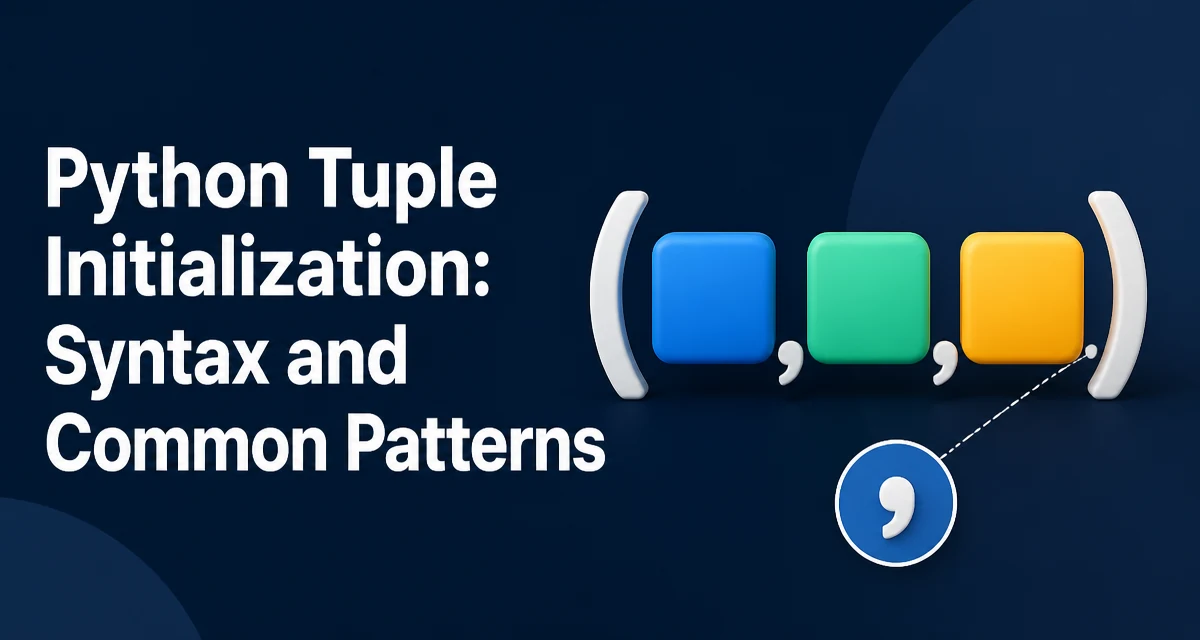
python tuple initialization requires a clear understanding of the core syntax, runtime behavior, and practical implementation patterns demonstrated in the examples below.
In Python, tuple initialization looks deceptively simple, but the comma rule and the tuple() constructor have subtleties that affect correctness. This article explains the core syntax, edge cases, and practical choices for initializing tuples in real code.
The Two Core Ways to Create a Tuple
Python provides two primary mechanisms for tuple initialization: the literal syntax using parentheses and the tuple() constructor. The literal syntax is the most common and readable for fixed, known values:
coordinates = (10, 20)
colors = ('red', 'green', 'blue')
The tuple() constructor is useful when you need to convert an existing iterable, such as a list or a string, into a tuple:
list_data = [1, 2, 3]
converted_tuple = tuple(list_data)

string_tuple = tuple('abc')  # ('a', 'b', 'c')
Both approaches produce the same immutable sequence type. The choice depends on whether you have the values at hand or need to derive them from another object.
Initializing an Empty Tuple
An empty tuple is a valid and occasionally necessary structure, for example when a function must return a fixed empty sequence. You can initialize it with empty parentheses or with the constructor:
empty_literal = ()
empty_constructor = tuple()
Both produce an identical empty tuple. The literal form is more concise and is the conventional choice in most codebases. There is no performance difference that matters in practice; the constructor adds a function call but the overhead is negligible unless you are creating millions of empty tuples in a tight loop.
Single-Element Tuples and the Comma Rule
The most common initialization mistake is forgetting the trailing comma for a single-element tuple. Parentheses alone do not create a tuple; the comma is the tuple operator:
not_a_tuple = (5)          # int, not a tuple
single_tuple = (5,)        # tuple with one element
The same rule applies when using the constructor, though the constructor always produces a tuple from an iterable:
single_from_list = tuple([5]) # (5,)
If you need a tuple with one element and you already have a scalar value, you must wrap it in a list or use the literal comma form. This behavior is not a quirk; it is consistent with how Python parses expressions.
Creating Tuples from Iterables with tuple()
The tuple() constructor accepts any iterable. This includes lists, strings, ranges, and even generator expressions. A common pattern is to materialize a generator into a tuple for later reuse:
squares = tuple(x * x for x in range(5))
# (0, 1, 4, 9, 16)
Using tuple() with a generator is often more memory-efficient than building a list first, because the generator yields items one at a time. However, if you need to inspect the values before converting, a list comprehension may be clearer.
Another common use is converting a dictionary's keys or values into a tuple for a stable snapshot:
config = {'host': 'localhost', 'port': 8080}
keys_tuple = tuple(config.keys())
Tuple Unpacking and Initialization
Tuple initialization often goes hand in hand with unpacking. You can initialize multiple variables from a tuple in one line:
point = (3, 4)
x, y = point
This works with any iterable, but tuples are the canonical example because their length is fixed. When you initialize a tuple and immediately unpack it, you can skip the intermediate variable:
x, y = (3, 4)
For nested structures, unpacking can be combined with tuple literals to swap values cleanly:
a, b = b, a
Here the right side b, a creates a temporary tuple, which is then unpacked. This is a standard idiom that relies on tuple initialization behavior.
When Tuple Initialization Choices Matter
The choice between literal and constructor affects readability and performance in specific scenarios. The literal form is faster because it avoids a function call and an iteration, but the difference is only measurable when you create millions of tuples. More important is clarity:
- Use the literal form when the values are known at write time.
- Use
tuple()when converting an existing iterable or when the values come from a dynamic source.
There is also a maintainability angle. If you later change the initial values to come from a list, switching from a literal to tuple() is a small diff. Conversely, if you always use literals, the code remains explicit about the exact elements.
Immutability is the key property that distinguishes tuples from lists. Once initialized, a tuple cannot be modified. This makes tuples suitable for fixed configuration data, dictionary keys, and function arguments that must not change. If you need a mutable sequence, initialize a list instead.
Common Mistakes and Their Corrections
One recurring error is attempting to modify a tuple after initialization, which raises TypeError. This is not a mistake in initialization itself but in the choice of data structure. If you need to append or remove items, use a list.
Another mistake is confusing parentheses with tuple creation in return statements. For example:
def get_point():
    return (3, 4)
This works because the comma inside the parentheses creates a tuple. But if you write return 3, 4, Python also returns a tuple because the comma defines the tuple. The parentheses are optional in many contexts. Knowing this helps you read code that omits them.
Finally, when initializing a tuple from a list, be aware that the tuple holds references to the same objects. If those objects are mutable, changes to the objects will be visible through the tuple. This is a subtle behavior that matters when you store lists inside a tuple:
pair = ([1], [2])
pair[0].append(3)
# pair is now ([1, 3], [2])
The tuple itself is immutable, but its contents may not be. If you need a deeply immutable structure, you must ensure the contained objects are also immutable, such as nested tuples instead of lists.
Compatibility and Python Versions
Tuple initialization syntax has been stable since Python 2 and remains unchanged in Python 3. The tuple() constructor and the comma rule are part of the language specification, so code written today will work across all supported Python versions. There are no version-specific differences that affect the patterns described here.
One modern improvement is the use of type hints to document the expected tuple shape:
from typing import Tuple

def get_point() -> Tuple[int, int]:
    return (3, 4)
This does not change initialization behavior but improves maintainability by making the tuple's structure explicit to readers and type checkers.
For production code, the practical takeaway is to prefer the literal syntax for fixed values and reserve tuple() for conversions. The comma rule for single-element tuples is the only initialization detail that regularly causes bugs, so it deserves attention in code reviews. Understanding these patterns ensures that tuple initialization remains a predictable part of your Python codebase.