Python XOR Operator: Syntax, Use Cases, and Pitfalls
Learn how the python xor operator (^) works for booleans and integers, with practical use cases, performance notes, and common mistakes.
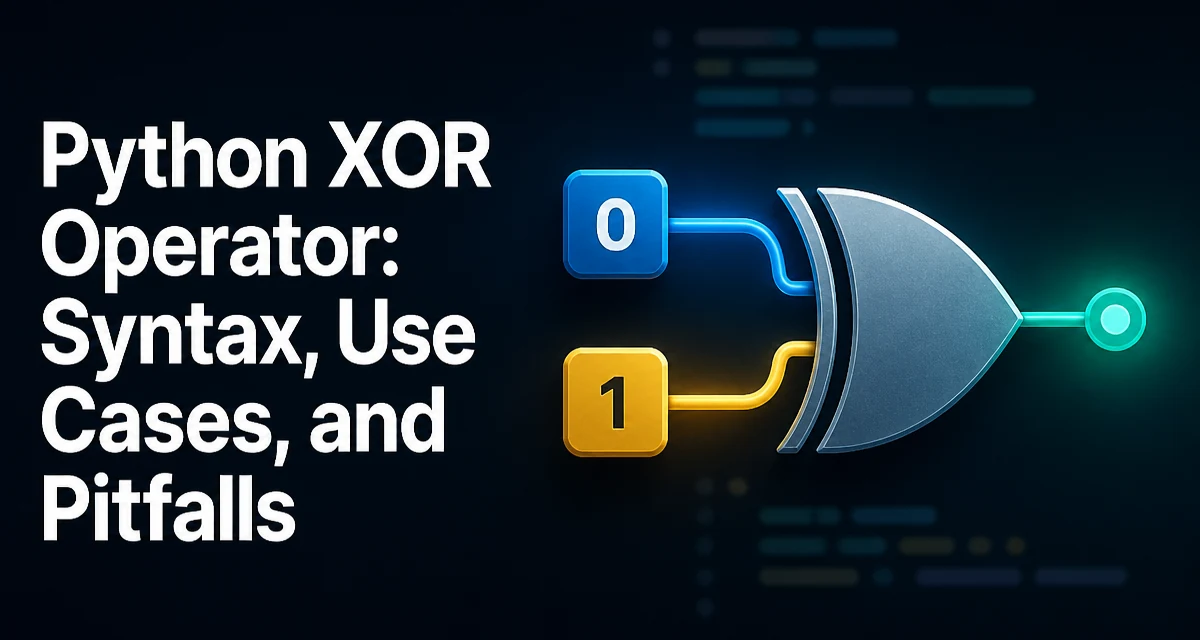
The python xor operator, written as ^, is a bitwise operator that also works on booleans. Its behavior depends on the operand types, and understanding that distinction is key to using it correctly. In this article, we'll cover the syntax, the underlying logic, common use cases, and the pitfalls that trip up developers who treat it like a logical OR.
XOR on Booleans: The Logical Exclusive OR
When both operands are booleans, ^ performs a logical exclusive OR. The result is True only when exactly one operand is True; if both are True or both are False, the result is False.
print(True ^ True)   # False
print(True ^ False)  # True
print(False ^ True)  # True
print(False ^ False) # False
This is different from the logical or operator, which returns True when at least one operand is True. The exclusive OR is often used in decision logic where you need to enforce that exactly one condition holds.
For example, consider a function that validates that a user has provided either an email or a phone number, but not both:
def contact_info(email, phone):
    if bool(email) ^ bool(phone):
        return "Valid contact"
    return "Provide exactly one of email or phone"
Here, bool() converts the strings to booleans, and the XOR ensures the exclusivity. Note that the ^ operator has lower precedence than and and or, so parentheses are often necessary when mixing logical operators.
Bitwise XOR on Integers: How It Works
For integers, ^ performs a bitwise exclusive OR. Each bit of the result is 1 if the corresponding bits of the operands differ, and 0 if they are the same. This is a standard bitwise operation available in most programming languages.
a = 0b1100  # 12
b = 0b1010  # 10
result = a ^ b  # 0b0110 = 6
To see the bit-by-bit behavior, you can use Python's bin() function:
print(bin(a))  # 0b1100
print(bin(b))  # 0b1010
print(bin(result))  # 0b110
Bitwise XOR is useful in low-level programming, cryptography, checksums, and graphics. It is also the basis for many simple encryption schemes, though those should not be used for real security.
Common Use Cases for XOR in Python
XOR appears in several practical scenarios beyond simple logic. One common use is toggling a flag or a bit. If you XOR a value with a mask, bits that are set in the mask will flip, while others remain unchanged.
flags = 0b1010
mask = 0b1100
flags ^= mask  # flips bits 2 and 3
Another use is finding the unique element in a list where every other element appears twice. XORing all elements together cancels out duplicates because x ^ x == 0 and x ^ 0 == x.
def find_unique(numbers):
    result = 0
    for n in numbers:
        result ^= n
    return result

print(find_unique([1, 2, 3, 2, 1]))  # 3
This technique is elegant but only works when the list contains an odd number of duplicates and exactly one unique value. It also relies on the associative and commutative properties of XOR, which hold for integers.
XOR for Swapping Variables Without a Temporary Variable
A classic trick is swapping two integer variables using XOR without a temporary variable:
a = 5
b = 3
a ^= b
b ^= a
a ^= b
print(a, b)  # 3 5
This works because XOR is its own inverse: (a ^ b) ^ b == a. However, this trick is rarely recommended in Python. The idiomatic way to swap is a, b = b, a, which is clearer and does not rely on integer-specific behavior. The XOR swap can also fail if a and b refer to the same object, because the first operation sets that object to zero, corrupting both variables.
Performance and Memory Considerations
Bitwise XOR on integers is a primitive operation, so it is fast and does not allocate new objects beyond the result. In tight loops, using ^ can be more efficient than using conditional logic or function calls. However, the performance difference is usually negligible unless you are processing millions of values.
When XORing large integers, Python handles arbitrary precision, so there is no overflow. But be aware that the operation creates a new integer object, which may have memory implications in memory-constrained environments. For most applications, the clarity of the code matters more than micro-optimizations.
Common Mistakes and Pitfalls with XOR
One frequent mistake is using ^ when you meant logical or or and. Because ^ has higher precedence than or but lower than and, expressions like a or b ^ c are parsed as a or (b ^ c), which may not be what you expect. Always use parentheses to make the intent explicit.
Another pitfall is applying ^ to non-integer, non-boolean types. For example, using ^ on strings raises a TypeError because strings do not support bitwise operations. If you need to XOR bytes, you must convert them to integers first, or use the bytes type's methods.
# This raises TypeError
# 'a' ^ 'b'
Also, remember that ^ on booleans returns a boolean, but on integers it returns an integer. Mixing types, like True ^ 1, works because True is treated as 1, but the result is an integer, which can lead to subtle bugs if you expect a boolean.
XOR with Other Types: Limitations and Type Errors
Python's ^ operator is defined for int and bool out of the box. For other types, you can define __xor__ and __rxor__ methods to support custom XOR behavior. This is sometimes used in libraries for set-like operations or for implementing symmetric difference.
For example, Python's set type has a symmetric difference method, but it is not exposed via the ^ operator. If you try set1 ^ set2, you get a TypeError. Instead, you use set1.symmetric_difference(set2). This is a common point of confusion for developers coming from languages where ^ works on sets.
When working with byte arrays, you can XOR them element-wise using a loop or zip. There is no built-in vectorized XOR for bytes, so you need to handle it manually. For large binary data, consider using the bitarray library, but be aware that it is not part of the standard library.
Understanding these limitations helps you avoid errors and choose the right tool for the job. The python xor operator is versatile, but it is not a universal XOR for every data type. Always check the operand types and the expected result type before using it in production code.