Python zip strict: Enforcing Equal-Length Iterables
python zip strict: Learn how Python's zip(strict=True) raises errors when iterables differ in length, with practical examples and edge cases.
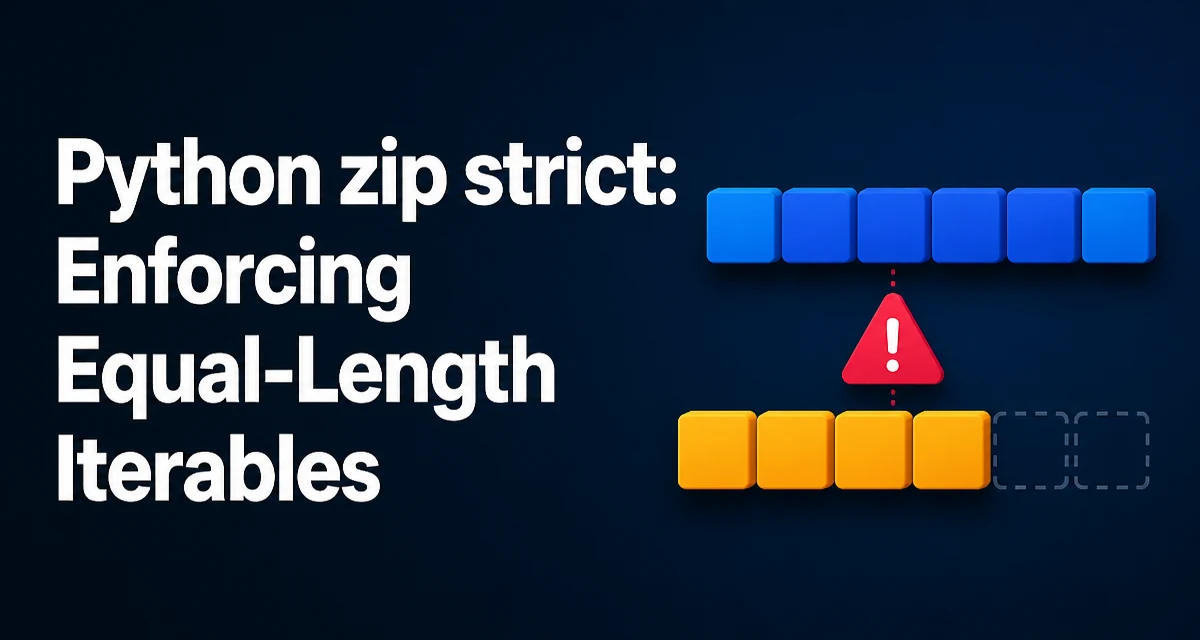
When you call zip() on two or more iterables in Python, the default behavior silently stops at the shortest input. That is often what you want, but sometimes it hides a data mismatch. The strict=True parameter, added in Python 3.10, changes this behavior: it raises a ValueError if the iterables do not have the same length. This article explains how python zip strict works, when to use it, and what to watch out for.
What strict=True Changes in zip()
Without strict, zip() pairs elements until the shortest iterable is exhausted. For example:
names = ["Alice", "Bob", "Charlie"]
scores = [85, 92]

for name, score in zip(names, scores):
    print(name, score)
This prints only Alice 85 and Bob 92. The third name is silently ignored, which can lead to bugs if you expected every name to have a score. With strict=True, the same call raises a ValueError immediately:
for name, score in zip(names, scores, strict=True):
    print(name, score)
The error message is clear: ValueError: zip() argument 2 is shorter than argument 1. This makes mismatched lengths visible during development rather than causing subtle data loss downstream.
Using zip(strict=True) in Practice
The most common use case is when you are combining data that must be aligned by position. For instance, you might have a list of column names and a list of row values from a CSV parser, or a list of keys and a list of values for building a dictionary. In such cases, a length mismatch indicates malformed input.
def build_config(keys, values):
    return dict(zip(keys, values, strict=True))
If keys and values have different lengths, this function raises a ValueError instead of silently dropping entries. That is usually the right behavior for configuration data where every key must have a corresponding value.
You can also use strict=True with more than two iterables. The rule applies to all of them: if any iterable is shorter or longer than the others, a ValueError is raised.
ids = [1, 2, 3]
names = ["a", "b", "c"]
ages = [20, 25]

list(zip(ids, names, ages, strict=True))  # raises ValueError
Handling the ValueError Raised by Strict Zip
Because zip(strict=True) raises a standard ValueError, you can catch it and handle it gracefully. For example, you might want to log a warning and skip the problematic batch, or raise a more domain-specific exception.
try:
    pairs = list(zip(keys, values, strict=True))
except ValueError as exc:
    raise ValueError("Keys and values must have the same length") from exc
The from exc chaining preserves the original traceback, which helps debugging. If you are processing data from an external source, you might want to include the actual lengths in the error message:
if len(keys) != len(values):
    raise ValueError(f"Length mismatch: keys={len(keys)}, values={len(values)}")
But note that zip(strict=True) already gives you a specific message about which argument is shorter or longer. Catching it is only necessary if you need custom handling.
Comparing Strict Zip with Manual Length Checks
Before strict=True was introduced, developers often wrote explicit length checks before calling zip(). For example:
if len(list_a) != len(list_b):
    raise ValueError("Lists must have equal length")

for a, b in zip(list_a, list_b):
    ...
This works, but it has a few drawbacks. First, it requires extra code that can be forgotten. Second, it only works for objects that support len(); for arbitrary iterables like generators, you cannot know the length in advance. zip(strict=True) handles all iterable types uniformly, including generators, because it checks lengths during iteration.
Here is a generator example:
def gen():
    yield 1
    yield 2

try:
    list(zip(gen(), [1, 2, 3], strict=True))
except ValueError as exc:
    print(exc)  # zip() argument 2 is longer than argument 1
This is a clear advantage over manual length checks, which would require converting the generator to a list first.
When Not to Use Strict Zip
Strict mode is not always the right choice. If you intentionally want to stop at the shortest iterable, or if you are combining data where trailing elements are optional, keep the default behavior. For example, when zipping a list of timestamps with a list of sensor readings that may have missing entries, you might want to ignore the extra timestamps.
Another case is when you are using zip() to iterate over multiple sequences in parallel for a side effect, and you do not care if one sequence ends early. In that situation, forcing strictness would raise an error where the previous code worked fine.
Also consider that strict=True is a keyword-only argument. You cannot pass it positionally, so zip(a, b, True) is invalid. This is a deliberate design choice to avoid breaking existing code that might have used a third positional argument for something else.
Compatibility and Runtime Considerations
zip(strict=True) was introduced in Python 3.10. If your code must run on older Python versions, you cannot use this parameter directly. In that case, you can either use a manual length check or implement a helper function that mimics the behavior:
def strict_zip(*iterables):
    iterators = [iter(it) for it in iterables]
    while True:
        items = []
        for it in iterators:
            try:
                items.append(next(it))
            except StopIteration:
                break
        else:
            yield tuple(items)
            continue
        break
This helper raises a StopIteration rather than a ValueError, so it is not a perfect replacement. For production code, upgrading to Python 3.10+ is the cleaner path.
From a performance perspective, strict=True adds a small overhead because it checks the length of each iterable after each iteration. In most applications this is negligible compared to the work done inside the loop. The main benefit is correctness: you avoid silent data loss, which can be far more expensive to debug later.
Common Misconceptions About zip(strict=True)
One misconception is that strict=True checks the lengths before iterating. It does not. It raises the error only when the shortest iterable is exhausted and the longer one still has elements. This means the error is raised after some pairs have already been produced. If you are consuming the zip object lazily, you might have already processed some items before the error occurs. For example:
z = zip([1, 2, 3], [4, 5], strict=True)
print(next(z))  # (1, 4)
print(next(z))  # (2, 5)
print(next(z))  # raises ValueError
This is important to remember if you are using zip(strict=True) in a generator or with itertools.islice. The error may appear later than you expect.
Another misconception is that strict=True works with zip_longest from itertools. It does not. zip_longest has its own fillvalue parameter to handle unequal lengths. If you need to pad shorter iterables, use itertools.zip_longest instead of trying to combine zip with strict mode.
Finally, some developers assume that strict=True is the default in Python 3.10+. It is not. The default remains strict=False for backward compatibility. You must explicitly opt in to the stricter behavior.