Using C# Partial Class in Real Projects
c# partial class: Learn how and when to use C# partial class to split type definitions across files, improve code organization, and support source-generated code.
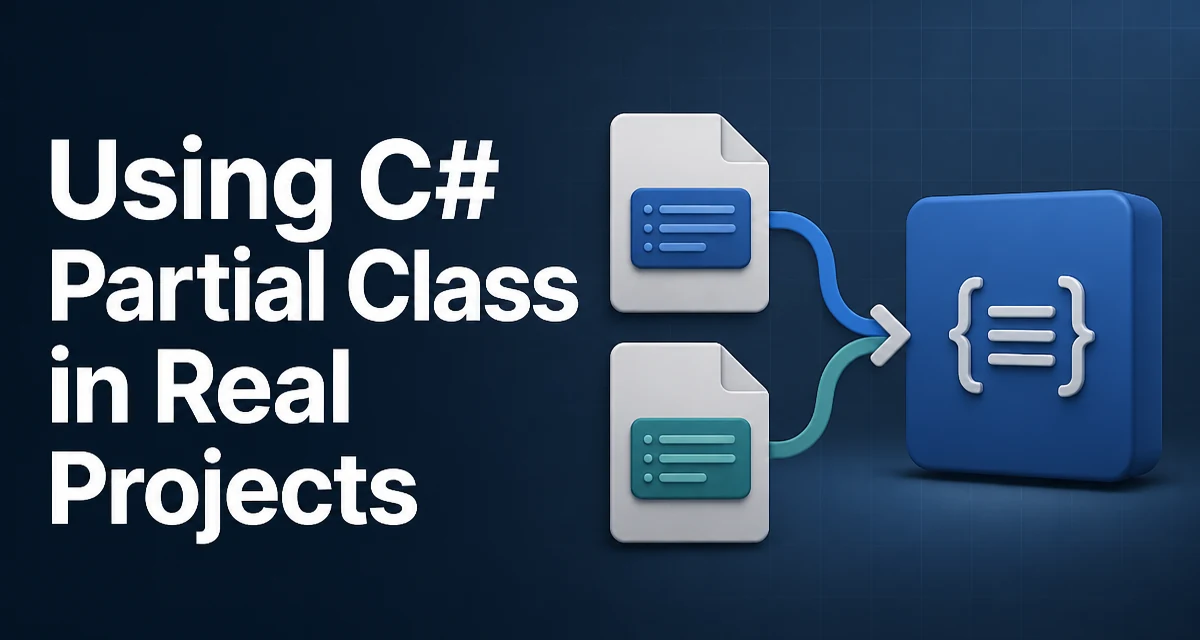
When a C# type grows larger than a single source file can comfortably hold, the c# partial class feature allows the type definition to be split across multiple files. The compiler treats all parts as a single type, so fields, methods, properties, and events can be defined in different files but belong to the same class. This is useful not just for keeping hand-written code separate from designer-generated code, but also for organizing large domain models or for working with source generators.
What Exactly Makes a Class Partial
A partial class is declared by adding the partial keyword to the class declaration in every file that contributes to the type. All parts must use the same accessibility (such as public or internal) and the same class name. The compiler merges them into one type during compilation.
// File: Order.cs
public partial class Order
{
    public int Id { get; set; }
}

// File: Order.Validation.cs
public partial class Order
{
    public bool IsValid()
    {
        return Id > 0;
    }
}
The above code is exactly equivalent to a single Order class containing both the Id property and the IsValid() method. The purpose is not to change runtime behavior, but to allow code to be physically separated while still being logically unified.
Where Partial Classes Appear in Practice
The most common place you have already seen partial classes is the Windows Forms, WPF, and ASP.NET designer files. When you add a new form or page, the IDE generates a .Designer.cs file that holds the control declarations and initialization logic, and marks the class as partial. Your hand-written event handlers and business logic go in the main .cs file. This separation keeps designer-generated code from being overwritten when you edit the visual layout.
Modern .NET source generators also rely on partial classes. For example, a source generator can inspect partial class declarations and generate additional members, such as mapped DTOs, serialization stubs, or strongly typed configuration accessors. If the class is not declared partial, the generator cannot add code to it in a way that compiles cleanly.
Splitting Large Classes by Logical Concern
One practical use is to split a large class into multiple files based on a single responsibility. Consider a Customer class that manages data and also exposes validation and formatting. You might keep the core data in Customer.cs, validation in Customer.Validation.cs, and formatting in Customer.Formatting.cs. Each file can be reviewed and maintained independently, and because the compiler merges them, there is no runtime penalty.
// Customer.cs
public partial class Customer
{
    public string? Name { get; set; }
    public string? Email { get; set; }
}
// Customer.Validation.cs
public partial class Customer
{
    public bool HasValidEmail()
    {
        return !string.IsNullOrWhiteSpace(Email) && Email.Contains('@');
    }
}
// Customer.Formatting.cs
public partial class Customer
{
    public string DisplayName()
    {
        return string.IsNullOrWhiteSpace(Name) ? "Unknown" : Name;
    }
}
This pattern helps when a class has a clear split but you do not want to extract separate classes because the members are tightly coupled and share a lot of state.
Constraints and Rules You Must Respect
Even though partial classes look convenient, there are rules that must be followed:
- All partial parts must have the same accessibility. You cannot make one part
publicand anotherinternal. - If any part declares a base class, the base class must be the same across all parts. You cannot use different base classes in different files.
- If any part declares an interface, that interface is added to the list for the combined type. It is fine to declare different interfaces in different parts.
- Attributes applied to the class in any part are combined. For example, applying
[Obsolete]in one part marks the whole class obsolete. partialis only allowed on classes, structs, interfaces, and records. You cannot make a normal method partial; use partial methods instead, as described below.- All parts must be in the same assembly. You cannot split a class across assemblies.
Failing to follow these rules results in compile errors. For instance, if you accidentally give one part a different base class, the compiler reports that the base class differs from another partial declaration.
Partial Methods: A Companion Feature
Partial classes are often paired with partial methods. A partial method has its signature in one part and, optionally, its implementation in another. When no implementation is provided, the compiler removes the method call entirely. This is used by designers and source generators to give you a hook without forcing an implementation.
// Order.cs
public partial class Order
{
    partial void OnBeforeSave();

    public void Save()
    {
        OnBeforeSave();
        // Save logic
    }
}

// Order.Validation.cs
public partial class Order
{
    partial void OnBeforeSave()
    {
        // Custom logic before saving
        if (!IsValid())
        {
            throw new InvalidOperationException("Order is invalid.");
        }
    }
}
If the implementation part is never written, the compiler drops the OnBeforeSave() call from Save(), so you do not pay any overhead. This is a useful way to make generated code customizable without creating virtual method overhead or requiring empty implementations.
Maintainability Tradeoffs of Splitting Classes
Partial classes are not automatically good practice. Splitting a large class across many files can make it harder to understand the complete picture of the type, because the reader must open several files to see all members. If you split a class simply because it is long, you might be better off extracting smaller, cohesive classes that follow the Single Responsibility Principle. For example, if a ReportGenerator class accumulates lots of formatting helpers, extracting a ReportFormatter class is clearer than having five partial files all named ReportGenerator.cs.
A reasonable rule is to use partial classes when you have a real external reason: generated code, source generators, or designer integration. For hand-written code, keep the class in one file unless the file becomes genuinely unwieldy and the split is aligned with a logical grouping (like data vs. validation) that a teammate can quickly grasp.
Partial Classes and Source Generators
Source generators in .NET almost require the target class to be partial. Because generators add code to your class, the generator needs to know that the type can be extended. If you want a generator to produce additional methods based on your partial class, you must declare the class as partial. For example, a mapper generator might look at your User model and generate a ToDto() method.
[GenerateMapper]
public partial class User
{
    public string Name { get; set; }
    public string Email { get; set; }
}
The generator sees the partial keyword and knows it is allowed to emit additional members into the same type. Without partial, the generator would have to create a separate class, which would not be an extension of the original type.
Runtime and Compilation Behavior
The partial keyword has no effect at runtime. The compiled IL contains one type with all members merged; there is no separate type or wrapper. This means partial classes do not introduce any performance overhead, memory overhead, or reflection differences compared to a single-file class. What matters is how the source is organized and how the compiler resolves the parts.
One operational concern is that debugging can be slightly more involved because breakpoints may sit in a different file than where the method is called, but modern debuggers handle this adequately. Source control also sees the split, so a change to one part affects only that file's history, which can help with code review granularity.
Applying Partial Classes Judiciously
The decision to use a partial class should be driven by a concrete need. If the split is designer-generated code or source generator integration, the feature is necessary. If the split is for organizational purposes, evaluate whether a separate class would be a better structure. In practice, partial classes are a tool, not a model to apply broadly. When you do use them, follow a consistent naming convention for the files (for example, Class.Validation.cs), and document the reason for the split so that future maintainers understand why the type is not in one file.